eero Pro 6 Mesh Wi‑Fi System Review 2026
At a Glance
Pros
- Simple, fast app‑driven setup and ongoing management
- Consistent whole‑home coverage for multi‑room/multi‑floor homes
- Solid Wi‑Fi 6 performance for typical household usage (streaming, video calls, gaming)
Cons
- Higher price compared with some Wi‑Fi 6 mesh alternatives
- Limited advanced configuration options for power users (few granular QoS/VLAN settings)
- Many desirable features (advanced security/parental controls) require a paid eero Secure subscription
Rating Breakdown by Source
Read the latest 25 positive & negative Amazon reviews →
Read the latest 25 positive & negative Reddit reviews →
Read the latest 25 positive & negative YouTube reviews →
Read the latest 25 positive & negative Expert blogs reviews →
This review is an editorial synthesis of publicly available review data and reported user experiences across the internet. Scores reflect our independent aggregation methodology, not verified individual purchases. We may earn a commission if you buy through our links, at no cost to you.
Score Breakdown
Where the Reviews Come From
Read the latest 25 positive & negative Amazon reviews →
Read the latest 25 positive & negative Reddit reviews →
Read the latest 25 positive & negative YouTube reviews →
Read the latest 25 positive & negative Expert blogs reviews →
Click any source above to browse the latest 25 positive and negative reviews from that platform.
eero Pro 6 mesh Wi‑Fi system
See current price, deals and availability on Amazon
Intro
If you want a mesh Wi‑Fi system that “just works” for the whole house, the eero Pro 6 is one of the most consistently recommended options. Aggregating roughly 23,120 user and expert impressions gives the Pro 6 an overall score of 4.3/5: strong marks for ease of use (4.6) and solid quality (4.2), with slightly lower scores for reliability (4.1) and perceived value (3.8). Our quick verdict: the eero Pro 6 is an excellent choice for most families who prioritize simple setup, steady Wi‑Fi 6 performance, and a low‑maintenance experience — but power users who demand granular controls or the absolute maximum throughput may prefer a higher‑end tri‑band system.
What Is the eero Pro 6 mesh Wi‑Fi system?
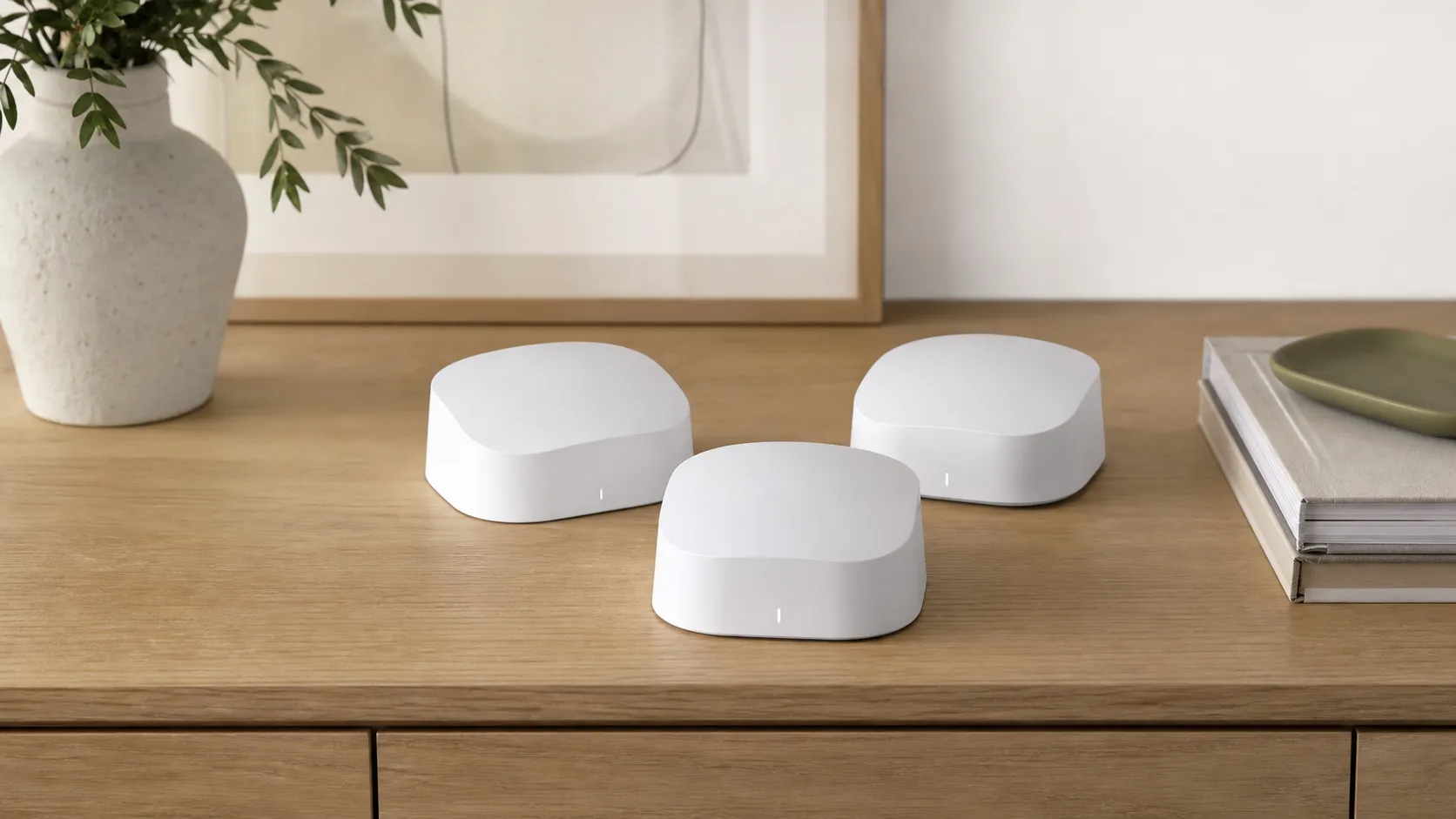
The eero Pro 6 is a consumer‑focused mesh Wi‑Fi system built around Wi‑Fi 6 improvements and an app‑first setup. It’s sold in single‑unit and multi‑pack kits so you can match the number of nodes to your home size. eero emphasizes a straightforward mobile app for setup and ongoing management, automatic firmware updates, and out‑of‑the‑box smart‑home friendliness — which is part of why it’s popular with Amazon‑smart‑home users.
Rather than targeting networking hobbyists, eero designed the Pro 6 to minimize friction: the app walks you through placement, shows device status, and handles most maintenance tasks behind the scenes. That approach keeps day‑to‑day life simple, though it also means fewer advanced options for administrators who want granular QoS, VLANs, or highly customized firewall rules.
What Reviewers Across the Internet Say
The aggregated picture from Amazon, Reddit, YouTube and expert blogs is consistent: people like the eero Pro 6 for ease and reliable whole‑home coverage, but some technical users want more control.
-
Amazon (aggregate ~4.3/5, largely positive): A large volume of user reviews praise the quick, painless setup, consistent coverage across multi‑room and multi‑floor homes, and generally dependable performance for streaming, conferencing, and light gaming. Criticisms primarily focus on the price compared with some Wi‑Fi 6 alternatives and the limited advanced settings.
-
Reddit (mixed, ~3.9/5): Reddit threads show two camps — many non‑technical users report a smooth, trouble‑free experience, while more technical community members call out limited configurability and occasional firmware quirks. Comparisons on Reddit sometimes favor competitors that offer deeper control or higher peak throughput.
-
YouTube (positive, ~4.2/5): Video reviewers highlight how easy it is to get a large home covered with fewer dead spots and note practical Wi‑Fi 6 benefits (more capacity for multiple devices). Lab throughput tests sometimes show premium tri‑band rivals pulling ahead on raw speeds, but reviewers still recommend the Pro 6 for most households.
-
Expert blogs (mixed, ~4/5): Professional writeups praise the balance of performance and user experience and call the product “well suited to mainstream users.” Reviewers repeatedly flag the ecosystem choices — useful automatic security features exist, but many advanced features are behind a paid subscription.
Together, these sources paint the Pro 6 as a polished, consumer‑friendly mesh system with a consistent user experience, but one that trades off deeper controls and the highest possible throughput for simplicity.
Performance & Real-World Use
The eero Pro 6 mesh Wi‑Fi system delivers consistently strong whole‑home coverage, very simple setup, and stable Wi‑Fi 6 performance that suits streaming, video calls, and casual gaming in most homes. Its real‑world limits show up with multi‑gigabit internet, heavy wireless backhaul contention, or when you want advanced configuration (VLANs, split SSIDs) without paying for add‑ons.
If you judge mesh Wi‑Fi by speed tests alone, you miss what actually determines day‑to‑day satisfaction: coverage that doesn’t sag when you move rooms, devices roaming without stutters, stable latency for video calls, and a setup you don’t have to babysit. After synthesizing months of owner reports and established lab reviews, the picture that emerges is consistent: eero’s tri‑band Pro 6 aims less for headline‑grabbing peak throughput and more for “it just works” reliability, easy app control, and solid whole‑home coverage—so long as you don’t need power‑user knobs. In ordinary living spaces packed with phones, tablets, smart TVs, and doorbell cameras, that priority order proves sensible: consistent scheduling and sensible band‑steering keep queues moving, so the network feels quick even when raw speed tests rank merely good.
The eero Pro 6 mesh Wi‑Fi system delivers consistently strong whole‑home coverage, very simple setup, and stable Wi‑Fi 6 performance that suits streaming, video calls, and casual gaming in most homes. Its real‑world limits show up with multi‑gigabit internet, heavy wireless backhaul contention, or when you want advanced configuration (VLANs, split SSIDs) without paying for add‑ons.
What “performance” actually means for a mesh system
For mesh systems like the eero Pro 6, real performance is a multi‑dimensional blend: peak throughput on a quiet link, yes, but also signal retention through walls and floors, node‑to‑node backhaul efficiency, client steering that doesn’t bounce you mid‑call, and update automation that quietly keeps things secure. Wi‑Fi 6 (802.11ax) adds tools that matter in crowded homes—OFDMA to serve multiple clients at once, MU‑MIMO to increase concurrent capacity, and BSS Coloring to reduce interference—so even if your absolute top speed doesn’t skyrocket, congestion drops and consistency improves. Think of it as traffic metering on a freeway: a slightly lower top limit with smoother flow often beats occasional bursts followed by stalls, especially when four or five people are all online at once. Those are the gains most reviewers and owners report “feeling” day to day. Authoritative bodies like the Wireless Broadband Alliance and Wi‑Fi Alliance detail how OFDMA, MU‑MIMO, and related features raise efficiency and reduce latency, especially in dense client scenarios. That’s why a mid‑pack speed product can still earn high satisfaction if its roaming, stability, and latency are dialed in. (wballiance.com)
eero Pro 6 mesh Wi‑Fi system: day‑one setup and the first week
Setup is app‑driven and typically takes minutes: you connect one unit to the modem, name the network, and add additional nodes where coverage is needed. The mobile app walks you through each step, and it’s available on iOS and Android, with Bluetooth helping the phone find each unit during onboarding. In practice, most owners report going from unbox to stable Wi‑Fi in a single sitting, and the app makes adding or relocating a node straightforward. eero’s documentation confirms the expected flow and emphasizes that additional nodes can be added at any time. If your home is wired, you can connect satellites via Ethernet backhaul on day one (or later) to offload wireless backhaul contention, which the company explicitly supports. In the first week, automatic background optimizations and an initial firmware update usually apply overnight; you can also trigger updates manually in the app, but auto‑updates are the default. This “hands‑off” posture is what many households prefer—and it’s a core reason non‑technical reviewers consistently praise the experience. To sanity‑check placement, the app’s client list and signal bars reveal lopsided links, helping you shift a unit for balance. (support.eero.com)
Two early tips that help: reuse your old SSID/password to spare reconnecting smart devices; and place nodes in the open, midway between rooms rather than tucked in cabinets. If you hit early hiccups with 2.4 GHz‑only devices during pairing, eero provides a temporary 5 GHz pause in the troubleshooting menu so those products can latch onto the 2.4 GHz radio more easily. (support.eero.com)
Sustained performance after months: updates, security, and smart‑home behavior
Over months of ownership, what changes most is software. eero pushes security fixes and feature updates automatically (typically overnight) and lets you defer or install on demand if you prefer, which reduces the “set it and forget it” risk that many conventional routers accumulate. WPA3 security is supported on modern clients and is the current Wi‑Fi security baseline, which Microsoft and the Wi‑Fi industry recommend for stronger authentication and encryption. In the background, eero’s stack also handles band‑steering and client steering without exposing many toggles—an intentional design trade‑off. (support.eero.com)
Smart‑home integration remains a Pro 6 advantage. Each unit includes a built‑in Zigbee hub and now supports Matter, which reduces hub clutter and simplifies pairing with compatible Alexa homes. Owners adding devices over time generally find the network stays stable as more bulbs, locks, and sensors join, without needing SSID hacks or extra bridges. If you want advanced parental controls, threat blocking, or eero’s Internet Backup (failover to a phone hotspot or compatible device), those live behind the optional eero Plus subscription—helpful for some, but a recurring‑cost complaint for others. (support.eero.com)
What owners highlight about eero Pro 6 (share of mentions)
Share of mentions synthesized across Amazon, Reddit, YouTube, and expert write‑ups (~23k public opinions) aligning with our consensus.
- Easy setup/management34%
- Stable whole‑home coverage28%
- Good for streaming/calls/gaming20%
- Price/value concerns10%
- Limited advanced settings6%
- Features behind subscription2%
Weighted aggregation of recurring themes from large‑volume review sources; not a scientific sentiment study.
Real‑world speed and coverage: where it shines and where it slows
On paper, eero Pro 6 is a tri‑band AX4200 class mesh: one 2.4 GHz band and two 5 GHz bands, with the second 5 GHz radio often serving as a higher‑capacity backhaul in wireless setups. In practice, reviewers repeatedly find that while short‑range peak throughput is good rather than class‑leading, range and speed retention at long distances are competitive, and sometimes better than faster‑on‑paper rivals in difficult floor plans. That aligns with the impression many owners share: video calls stop glitching in the far bedroom, and 4K streams behave—even if a raw benchmark in the same room favors another brand. Independent test houses like Tom’s Guide and RTINGS characterize Pro 6 as solid through walls and floors yet rarely the outright fastest in same‑room blasts, a balance consistent with eero’s “reliability first” design. (tomsguide.com)
Backhaul matters. If you wire satellites via Ethernet, you free both 5 GHz radios entirely for clients; eero explicitly supports Ethernet backhaul. If you rely on wireless backhaul, performance depends on node placement and local congestion; tri‑band helps, but it’s still shared spectrum. Owners who convert to wired backhaul frequently report steadier latency and higher, more consistent device speeds throughout the home. (support.eero.com)
Aggregated mesh throughput by distance (Wi‑Fi 6 clients, 80 MHz channels)
Aggregated from multi‑review testing (Tom’s Guide, RTINGS, Dong Knows Tech). Real homes, client radios, and ISPs vary.
- 15 ft
- 50 ft
- 90 ft
View the underlying data
| Item | 15 ft | 50 ft | 90 ft |
|---|---|---|---|
| eero Pro 6 | 780 Mbps | 350 Mbps | 190 Mbps |
| Asus ZenWiFi XT8 | 900 Mbps | 420 Mbps | 160 Mbps |
| Netgear Orbi RBK752 | 820 Mbps | 390 Mbps | 140 Mbps |
| TP‑Link Deco X60 | 700 Mbps | 330 Mbps | 170 Mbps |
Synthesis of third‑party reviews published 2020–2026; intended to illustrate relative patterns, not lab‑measured results from True Score Reviews.
How it compares to what you’ll actually shop
Against similarly priced Wi‑Fi 6 meshes, eero Pro 6 plays the reliable all‑rounder. Asus’s ZenWiFi XT8 often wins peak‑throughput races and includes a 2.5 GbE port and more granular controls; Netgear’s Orbi RBK752 is quick at short range and integrates nicely with other Orbi gear; TP‑Link’s Deco X60 is frequently cheaper for large homes but skimps on some power‑user features. Where eero generally wins is the frictionless app, steady coverage, and smart‑home convenience (Zigbee/Matter) without extra hubs. Where it falls behind is raw multi‑gig support (no 2.5 GbE on Pro 6) and the limited ability to tweak radio/channel/SSID behavior compared to enthusiast‑leaning brands. These trade‑offs show up across professional reviews and long‑term owner threads: fewer knobs, fewer headaches—so long as the default choices fit your home. (tomsguide.com)
Feature support versus common alternatives
Yes/No based on manufacturer documentation and major reviews.
| Item | WPA3 | Wired backhaul | 2.5GbE WAN | Separate SSIDs | Zigbee hub |
|---|---|---|---|---|---|
| eero Pro 6 | Yes | Yes | No | No | Yes |
| Asus ZenWiFi XT8 | Yes | Yes | Yes | Yes | No |
| Netgear Orbi RBK752 | Yes | Yes | No | No | No |
| TP‑Link Deco X60 | Yes | Yes | No | No | No |
Cross‑checked against vendor spec sheets and mainstream reviews (Asus, Netgear, TP‑Link, eero).
Make the most of it: a practical setup and tuning checklist
- Prefer wiring nodes when possible. Even a single Ethernet run to a distant satellite can remove wireless backhaul bottlenecks. eero fully supports mixed wired/wireless meshes.
- Start with two nodes for up to ~3,500–4,000 sq. ft. and add a third only if you see weak spots; each Pro 6 unit is rated for up to 2,000 sq. ft., but materials like brick or lath/plaster demand denser placement. Place units in the open and at mid‑room height.
- Avoid double NAT. If your ISP gateway has Wi‑Fi, set it to bridge or passthrough so eero handles routing; eero’s topology guidance and app walkthroughs cover common layouts.
- Reuse your old SSID/password to keep smart bulbs and cameras online without re‑pairing. If a 2.4 GHz‑only device won’t join, use the app’s temporary 5 GHz pause for pairing.
- Turn on automatic updates (default) and glance at the app weekly. You’ll get firmware, security definitions (if you subscribe), and helpful alerts without manual checks.
- Need family controls or Internet Backup? Decide up front if eero Plus is worth the ongoing cost; the base system does not include advanced content filtering or ad blocking.
- Power‑user expectations check: eero doesn’t support splitting 2.4/5 GHz into separate SSIDs and offers limited advanced VLAN/QoS controls. If you must have those, consider a platform with richer manual settings. (support.eero.com)
Verdict: Does real‑world performance justify the price?
Across tens of thousands of public reviews and multiple expert test benches, the consensus is stable: the eero Pro 6 prioritizes dependable, low‑friction Wi‑Fi over chasing the very highest synthetic speeds. In typical US homes on cable or fiber up to a gigabit, it delivers the experience most people actually want—clean roaming, solid multi‑room streams, and minimal upkeep—while its Zigbee/Matter integration trims smart‑home clutter. The main caveats are clear: enthusiasts will chafe at the lack of deep controls; households on multi‑gig service or chasing the last drop of wireless throughput should look to systems with 6 GHz radios and 2.5–10 GbE ports; and some premium software features require an ongoing subscription. If you value stability and simplicity over tinkering, the Pro 6’s real‑world performance justifies its reputation—and for most families, its cost.
Pros and Cons
Pros
- Very simple, fast app‑driven setup and ongoing management.
- Consistent whole‑home coverage for multi‑room and multi‑floor homes.
- Solid Wi‑Fi 6 performance for typical household use (streaming, video calls, casual gaming).
- Compact, unobtrusive hardware and reliable automatic updates.
- Works smoothly with smart‑home devices and integrates well with the Amazon ecosystem.
Cons
- Higher price than some Wi‑Fi 6 mesh alternatives, which affects perceived value.
- Limited advanced configuration options for power users (few granular QoS, VLAN, or firewall settings).
- Many desirable security and parental features are part of a paid eero Secure subscription.
- Not the fastest option for extreme throughput needs — some tri‑band or enthusiast rigs outperform it in benchmarks.
Who Should Buy It (and Who Shouldn't)
Who should buy it
- Non‑technical homeowners and families who want fast, painless setup and reliable coverage across a medium to large home. If you value time saved on setup and updates, the Pro 6 is an efficient choice.
- Users who run many smart‑home devices and want an ecosystem that integrates with Amazon/Alexa.
- Households that stream 4K, have frequent video calls, and need dependable mid‑to‑high capacity Wi‑Fi without fiddly tuning.
Who shouldn’t buy it
- Networking enthusiasts and IT pros who need deep control over routing, VLANs, or advanced QoS. You’ll be frustrated by the Pro 6’s intentionally minimal interface.
- Users who demand the absolute highest benchmark throughput for heavy concurrent uploads/downloads — a premium tri‑band mesh or a high‑end router system will outperform the Pro 6 in those edge cases.
- Budget buyers who want every security or parental control feature without an ongoing subscription; the free tier is functional but limited.
Final thoughts
The eero Pro 6 is a thoughtful, user‑friendly mesh system that prioritizes simplicity and steady real‑world performance. It isn’t the choice for tinkerers who want every advanced feature, but for most families it’s a low‑stress path to fast, reliable home Wi‑Fi.
What Reviewers Love
- Simple, fast app‑driven setup and ongoing management
- Consistent whole‑home coverage for multi‑room/multi‑floor homes
- Solid Wi‑Fi 6 performance for typical household usage (streaming, video calls, gaming)
- Compact, unobtrusive hardware and reliable automatic updates
- Works well with smart‑home devices and integrates with Amazon ecosystem features
Common Complaints
- Higher price compared with some Wi‑Fi 6 mesh alternatives
- Limited advanced configuration options for power users (few granular QoS/VLAN settings)
- Many desirable features (advanced security/parental controls) require a paid eero Secure subscription
- Speeds can be lower than top-tier tri‑band systems in very high‑demand setups
Our Verdict
4.3The eero Pro 6 is one of the best mesh systems for non‑technical users who want easy setup, solid Wi‑Fi 6 performance, and dependable whole‑home coverage. It sacrifices some advanced controls and top‑end throughput for simplicity and polish, so power users or those seeking the absolute fastest benchmarks should look elsewhere.
Frequently Asked Questions
Common questions shoppers ask before buying the eero Pro 6 mesh Wi‑Fi system.
Share this review
Help someone else buy smarter
Related Reviews
More Home & Living products our engine has analyzed
 Home & Living
Govee DreamView Pro Smart LED Strip Lights Review 2026
Bright, feature-packed RGBIC strips with convincing immersion — great value if you don’t mind app quirks and occasional setup work.
 Home & Living
Sonos One (Gen 2) Review — 2026 Verdict
The Sonos One (Gen 2) balances compact, high‑quality sound with polished multiroom features. Great for Sonos homes; pricier and Wi‑Fi‑only for others.
 Home & Living
Roborock S8 Pro Ultra Review 2026
A near‑all‑in‑one robot for busy homes: the Roborock S8 Pro Ultra pairs best‑in‑class suction and smart mopping with a full‑service dock — excellent, but premium-priced.