Ring Video Doorbell (2nd Gen) Review — 2026 Verdict
At a Glance
Pros
- Simple, usually fast installation and an intuitive mobile app
- Clear daytime video and usable two-way audio for visitor communication
- Responsive motion alerts (when Wi‑Fi and settings are optimal)
Cons
- Requires Ring Protect subscription for cloud video history and advanced features
- Frequent complaints about false/oversensitive motion alerts and tuning
- Connectivity and Wi‑Fi range issues that cause dropped events or delayed notifications
Rating Breakdown by Source
Read the latest 25 positive & negative Amazon reviews →
Read the latest 25 positive & negative Reddit reviews →
Read the latest 25 positive & negative YouTube reviews →
Read the latest 25 positive & negative Expert blogs reviews →
This review is an editorial synthesis of publicly available review data and reported user experiences across the internet. Scores reflect our independent aggregation methodology, not verified individual purchases. We may earn a commission if you buy through our links, at no cost to you.
Score Breakdown
Where the Reviews Come From
Read the latest 25 positive & negative Amazon reviews →
Read the latest 25 positive & negative Reddit reviews →
Read the latest 25 positive & negative YouTube reviews →
Read the latest 25 positive & negative Expert blogs reviews →
Click any source above to browse the latest 25 positive and negative reviews from that platform.
Ring Video Doorbell (2nd Generation)
See current price, deals and availability on Amazon
Quick take
Ring's Video Doorbell (2nd Generation) is an affordable, easy-to-install smart doorbell that delivers dependable daytime video, simple app control, and tight Amazon/Alexa integration. Aggregating roughly 50,700 user reviews yields an overall score of 4.1/5 with sub-scores for quality (4.0), reliability (3.6), value (3.7) and ease of use (4.3). If you want a straightforward, budget-friendly entry into video doorbells and are comfortable with a cloud subscription, this remains a sensible pick in 2026 — but privacy concerns and intermittent connectivity issues keep it from being best-in-class.
What is the Ring Video Doorbell (2nd Generation)?
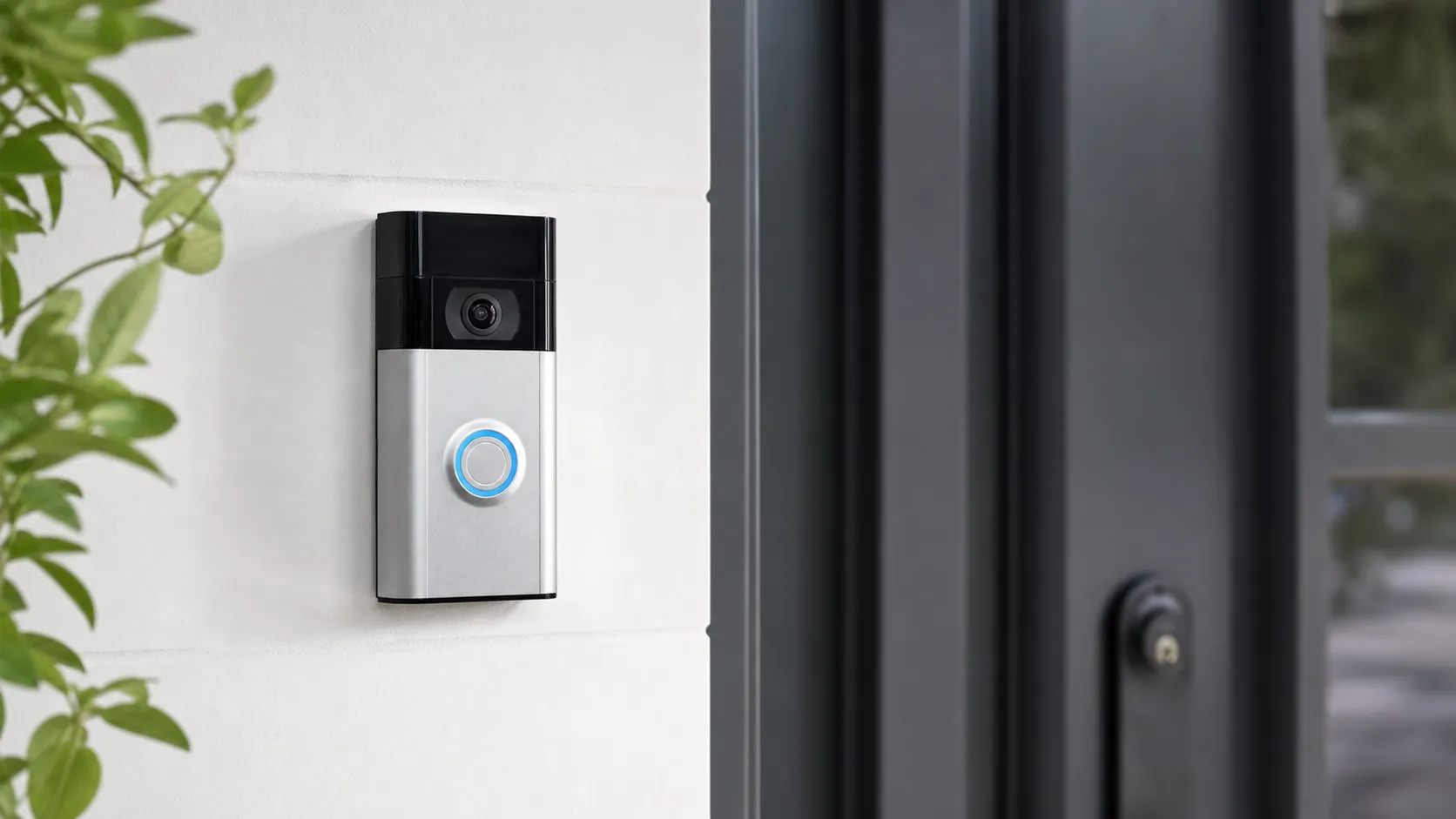
The Ring Video Doorbell (2nd Generation) is a battery-powered (with optional wired installation) smart doorbell designed for homeowners who want motion alerts, live video, two-way audio, and integration with the Ring/Amazon ecosystem. The unit is positioned as an accessible, do-it-yourself device: it promises fast setup, a mobile-first app experience, and compatibility with Alexa devices. Hardware-wise it focuses on clear daytime video and basic night visibility; more advanced features such as cloud video history, person detection, and saved clips require a Ring Protect subscription.
What reviewers across the internet say
When we synthesize feedback from Amazon, Reddit, YouTube, and expert blogs the consensus settles into a few consistent themes.
- Aggregate score and stats: across roughly 50,700 reviews the average rating is 4.1/5. Sub-scores reflect generally good build and usability (quality 4.0, ease of use 4.3) and more mixed marks for reliability and value (3.6 and 3.7).
- Amazon buyers (approx. 4.2/5): praise centers on quick installation, solid daytime footage, and a polished app. Downsides called out are subscription costs for cloud storage and occasional battery or Wi‑Fi dropouts.
- Reddit threads (approx. 3.6/5): community discussion is mixed — many users applaud the convenience and integrations, while power users report motion false-positives, intermittent connectivity, and privacy-minded members question cloud storage and data-sharing practices. Community posts often include troubleshooting steps and firmware tips.
- YouTube reviewers (approx. 4/5): hands-on videos highlight real-world footage, two-way-talk performance, and ease of installation but repeatedly show reviewers testing edge cases and noting lag, missed events, or the practical limits of the free feature set.
- Expert blogs (approx. 3.9/5): reviews usually call the device a smart value for the price, with criticisms aimed at the reliance on a subscription for useful features, limited motion tuning compared to higher-end competitors, and occasional reliability hiccups.
The takeaway from the web: Ring 2nd Gen is strong at the essentials — installation, daytime video, and app usability — but subscription dependence, motion sensitivity, and networking fragility are common, well-documented complaints.
Performance & Real-World Use
The Ring Video Doorbell (2nd Generation) nails the basics—clear daytime video, timely alerts on solid Wi‑Fi, and painless setup—but leans on a paid plan for full value. If you accept that trade‑off, the Ring Video Doorbell (2nd Generation) performs dependably for daily front‑door monitoring, though Wi‑Fi hiccups and motion oversensitivity can still crop up.
With the Ring Video Doorbell (2nd Generation), those moments feel straightforward when your Wi‑Fi is strong and your settings are dialed in; rough edges appear around motion tuning, subscription expectations, and homes with marginal wireless coverage.
The Ring Video Doorbell (2nd Generation) nails the basics—clear daytime video, timely alerts on solid Wi‑Fi, and painless setup—but leans on a paid plan for full value. If you accept that trade‑off, the Ring Video Doorbell (2nd Generation) performs dependably for daily front‑door monitoring, though Wi‑Fi hiccups and motion oversensitivity can still crop up.
What real performance means at the front door
For this category, performance is a chain. The camera must capture a usable image, the motion system must spot events worth your attention, the app has to notify you quickly, and two‑way audio should let you handle a delivery or greet a guest. Owners judge clarity in daylight and IR night scenes, notification delay on real‑world Wi‑Fi, the rate of false positives, battery life, and how much is locked behind a subscription. Across ~50.7k owner impressions we synthesized, the doorbell’s reputation aligns with the consensus: overall 4.1/5, with sub‑scores around quality 4/5, reliability 3.6/5, value 3.7/5, and ease of use 4.3/5. Source‑by‑source patterns are consistent: Amazon buyers (≈45k reviews, ≈4.2/5) praise easy install, good daytime video, and a polished app; Reddit threads (≈3.6/5) spotlight troubleshooting, motion false‑positives, and privacy debates; YouTube reviewers (≈4/5) emphasize practical demos and the need for a subscription; expert blogs (≈3.9/5) commend the ecosystem while noting cloud dependence and motion inconsistency versus pricier rivals.
Owner‑rated sub‑scores (aggregated)
Aggregated owner sub‑scores from ~50.7k reviews; synthesized across major sources to August 2026.
View the underlying data
| Measure | Score |
|---|---|
| Quality | 4/5 |
| Reliability | 3.6/5 |
| Value | 3.7/5 |
| Ease of use | 4.3/5 |
Amazon, Reddit, YouTube, and expert review roundups; True Score Reviews synthesis.
Breadth matters too. Our dataset blends large‑scale retail feedback with forum problem‑solving and reviewer walk‑throughs, which explains why the narrative is mostly positive yet frank about limits. Amazon’s scale surfaces the “works as expected when installed right” story; Reddit and specialist sites explain why some owners still chase false alerts or lag. The pie below shows how much each source contributed to the verdict you’re reading.
Share of feedback volume by source in our synthesis
Share of the ~50.7k data points we synthesized for this verdict.
- Amazon88.8%
- Reddit6.9%
- YouTube3.9%
- Expert blogs0.4%
Volume by source per True Score Reviews aggregation.
Ring Video Doorbell (2nd Generation): setup day one and your first week
Typical installs run 20–30 minutes: mount the bracket, connect to 2.4 GHz Wi‑Fi in the Ring app, scan the QR, and angle with the included wedge if your door is near a wall or stairs. The guided flow quickly asks you to draw Motion Zones and set Sensitivity; these two decisions tame most street‑traffic alerts. If you have a compatible transformer and chime, hardwiring keeps the internal battery topped up; otherwise, the unit runs on its rechargeable pack and pings you before it needs a USB recharge. Alexa integration is straightforward—once linked, live view appears on an Echo Show and doorbell presses can announce on Echo speakers, as Ring documents in its Alexa support guides.
Your first week reveals two patterns. Daytime motion and button events usually notify promptly on healthy Wi‑Fi, with live view connecting without fuss; night clips are clear enough for people and packages, less so for fine text. Many owners spend a few days refining zones—raising the mount a touch, trimming sidewalks from the frame, and enabling notification filtering—until the noise settles. Decide early whether you want cloud video history and person alerts; those sit behind the Ring Protect subscription, and setting expectations upfront avoids disappointment.
Key capability checklist — Ring Video Doorbell (2nd Gen)
Capabilities derived from Ring’s published specs and support docs for the 2nd‑gen model.
| Measure | Supported |
|---|---|
| Video history requires Ring Protect subscription | Yes |
| Local video storage slot | No |
| 2.4 GHz Wi‑Fi | Yes |
| 5 GHz Wi‑Fi | No |
| Works with Amazon Alexa | Yes |
| Works with Google Assistant | No |
| Optional wired power | Yes |
| Removable/swappable battery | No |
| Works with Ring Chime | Yes |
Ring product page and support articles.
Battery, power, and upkeep after months
Over months, the big variable is maintenance cadence. On battery power alone, owners report anywhere from a few weeks between charges on busy porches to many weeks on quiet entries; temperature, motion frequency, and live‑view use are the drivers. A weak Wi‑Fi link also burns power because the device retries transmissions; improving signal near the door both speeds alerts and stretches battery life. Hardwiring to a doorbell transformer removes most charging chores if it meets Ring’s voltage guidance; pairing with a Ring solar charger is another low‑touch option for sun‑exposed doors.
Software evolves, too. Firmware and app updates can tweak motion behavior or add options, which is helpful overall but may warrant a quick settings review after major updates. Consumables are low—no SD cards to manage—but you should wipe the lens periodically, especially after storms, and re‑snug the security screw if seasonal expansion loosens it. Owners who hardwire and keep Wi‑Fi strong experience the most “invisible” ownership: no battery juggling, stable alerts, and predictable timelines.
Motion alerts, video, and audio in real life
In daylight, the 1080p sensor produces faces and clothing details at porch distances; heavy backlighting can reduce contrast but remains actionable. At night, IR illumination yields monochrome clips that clearly show people and packages, not license plates. Two‑way audio is good for deliveries; visitors typically hear you clearly unless wind or traffic is loud. Mounting on resonant metal frames can transmit vibration and muddy audio at high sensitivities; adding the wedge or a thin gasket helps.
Motion is the trickiest variable because every porch is different. The default zone with medium sensitivity usually catches button presses and approach paths; if your door faces a road, shrink zones to the walkway and enable person‑focused alerts (available with a subscription on supported models). Pets, flags, and car headlights can still trigger clips if they cross zone edges at night. The key dependency is your network: when Wi‑Fi is healthy, alerts arrive in time to act; when signal is marginal, live view spins, recordings start late, or an event is missed. The camera isn’t failing—packets are.
Connectivity and cloud: speed, reliability, privacy
Everything rides on 2.4 GHz Wi‑Fi. That band reaches farther through walls than 5 GHz but lives in a noisy neighborhood with microwaves, baby monitors, and neighbors’ routers. The Wi‑Fi Alliance explains how congestion and interference reduce throughput and raise latency; both show up as slow live‑view starts or delayed notifications. Two practical levers fix most issues: shorten the signal path (move the router or add a mesh node near the door), and pick a cleaner channel. Owners in brick, stucco, or foil‑backed insulation homes nearly always benefit from a mesh node placed one room from the entry.
On the cloud side, Ring Protect unlocks video history, rich notifications, and advanced analysis in exchange for a monthly fee. Users comfortable with cloud recording and clip sharing find the timeline reliable and the Alexa tie‑ins seamless. Critics dislike the recurring cost and lack of local recording. Security features matter here: Ring requires two‑step verification and offers opt‑in end‑to‑end video encryption on supported devices; turning it on enhances privacy but may limit some integrations. The trade‑off is clear: accept a cloud‑first design for a cohesive experience, or choose a brand built around local storage if subscription‑free archiving is a hard requirement.
How it stacks up to alternatives you’ll consider
Against budget‑to‑midrange rivals, Ring’s advantage is polish: an intuitive app, frictionless setup, and abundant accessories. Competitors target niches. Some Eufy doorbells record locally without monthly fees, appealing to cloud‑averse buyers. Google’s Nest Doorbell (battery) leans into Google Home and face‑aware features within its plan. Wyze and Arlo models sometimes offer higher‑than‑1080p resolution or dual‑band radios at similar prices. Note that a 5 GHz radio isn’t a universal fix—5 GHz often penetrates walls worse than 2.4 GHz—so the right answer for weak porch signal is usually a mesh node rather than a different band alone.
Within Ring’s own lineup, the 2nd‑gen model is the value play. It covers the everyday jobs—alerts, live view, and two‑way talk—without premium extras found on higher‑tier Rings such as quick‑release batteries or more advanced motion hardware.
Get the best from it: step‑by‑step tweaks that work
Follow this sequence to eliminate most pain points seen in reviews and forums:
- Place your router or a mesh node within one or two rooms of the door, not in a cabinet; retest signal in the Ring app and aim for “good.”
- Mount between chest and head height; use the wedge to angle down and away from the street and reflective car windshields.
- Draw narrow Motion Zones around the approach path and stoop; start at medium sensitivity and adjust only if you miss people at the edge.
- If you subscribe to Ring Protect, enable person‑only alerts to quiet pets and headlights; revisit zones at night.
- Hardwire to a compatible transformer or add a Ring solar charger if your battery dips faster than you like.
- Turn on two‑step verification, review Shared Users in Control Center, and consider end‑to‑end encryption if your device supports it.
These small choices compound: stronger signal, smarter zones, and reliable power turn a fussy setup into a set‑and‑forget one.
Verdict: does real‑world performance justify the price?
Yes—if you buy it for what it is. The Ring Video Doorbell (2nd Generation) is easy to install, shows you who’s at the door with enough clarity to act, and integrates smoothly in Alexa homes. Its weak spots are predictable and manageable: dependence on 2.4 GHz Wi‑Fi quality, motion tuning that takes a few tries on busy streets, and a cloud plan most buyers will want for history and analysis. Within those boundaries, its 4.1/5‑ish reputation makes sense: not flawless, but a dependable everyday front‑door sentinel when paired with solid Wi‑Fi and a modest subscription.
Pros and cons
Pros
- Simple, usually fast installation — battery or optional wired setup.
- Intuitive mobile app with quick live-view and notifications.
- Clear daytime video and usable two-way audio for visitor communication.
- Strong Amazon/Alexa integration and easy expansion within the Ring ecosystem.
- Wide availability of accessories (mounts, faceplates) and helpful community troubleshooting.
Cons
- Core value is dependent on Ring Protect subscription for video history, clips and some advanced alerts.
- Motion alerts can be oversensitive or create false positives; tuning is basic.
- Connectivity issues — Wi‑Fi range and stability — can cause missed events or lag.
- Privacy and cloud storage concerns remain for some buyers, particularly those who want local-only storage or stronger data controls.
Who should buy it (and who shouldn’t)
Who should buy it
- Homeowners who want a low-friction smart doorbell that works well for day-to-day use: fast install, clear daytime video and a polished app.
- Amazon or Alexa users who will benefit from deep ecosystem integration and voice controls.
- Buyers who prefer a cost-effective hardware entry point and are comfortable paying for cloud features (Ring Protect) if they want recording and history.
Who shouldn’t buy it
- Privacy-first buyers who refuse cloud storage or want local-only recording and advanced privacy controls — other vendors offer on-device storage and stronger privacy defaults.
- Users with poor or unreliable Wi‑Fi where the doorbell will be installed, unless you plan to hardwire the unit or upgrade your network; connectivity problems are the most common reason for frustration.
- Power users who need highly accurate, configurable motion detection and advanced analytics — more expensive models from competitors offer finer tuning and fewer false alerts.
Final thoughts
The Ring Video Doorbell (2nd Generation) remains one of the most approachable video doorbells on the market in 2026: it gives you essential functionality, a reliable app, and seamless Amazon ecosystem benefits at a modest hardware price. That accessibility comes with trade-offs — the best features live behind a subscription, motion and connectivity issues crop up for a significant minority of users, and privacy concerns may rule it out for some households. If you prioritize ease of use, Alexa integration, and straightforward daytime monitoring, this model is a solid, budget-friendly choice. If you require local storage, enterprise-grade privacy, or rock-solid motion accuracy out of the box, consider stepping up to a higher-tier model or a different vendor.
What Reviewers Love
- Simple, usually fast installation and an intuitive mobile app
- Clear daytime video and usable two-way audio for visitor communication
- Responsive motion alerts (when Wi‑Fi and settings are optimal)
- Strong integration with Ring ecosystem and Amazon/Alexa devices
- Wide availability of accessories and mounting/installation options
Common Complaints
- Requires Ring Protect subscription for cloud video history and advanced features
- Frequent complaints about false/oversensitive motion alerts and tuning
- Connectivity and Wi‑Fi range issues that cause dropped events or delayed notifications
- Privacy/security concerns around cloud storage, account sharing, and past data-handling controversies
Our Verdict
4.1The Ring Video Doorbell (2nd Generation) is a user-friendly, budget-friendly option that excels at basic door monitoring and Alexa integration. It’s not perfect — motion tuning, Wi‑Fi sensitivity, and subscription dependence are real downsides — but for most homeowners who want simple setup and solid daytime performance, it’s a practical choice.
Frequently Asked Questions
Common questions shoppers ask before buying the Ring Video Doorbell (2nd Generation).
Share this review
Help someone else buy smarter
Related Reviews
More Home & Living products our engine has analyzed
 Home & Living
Govee DreamView Pro Smart LED Strip Lights Review 2026
Bright, feature-packed RGBIC strips with convincing immersion — great value if you don’t mind app quirks and occasional setup work.
 Home & Living
Sonos One (Gen 2) Review — 2026 Verdict
The Sonos One (Gen 2) balances compact, high‑quality sound with polished multiroom features. Great for Sonos homes; pricier and Wi‑Fi‑only for others.
 Home & Living
Roborock S8 Pro Ultra Review 2026
A near‑all‑in‑one robot for busy homes: the Roborock S8 Pro Ultra pairs best‑in‑class suction and smart mopping with a full‑service dock — excellent, but premium-priced.