Furbo Dog Camera for Dogs Review 2026

At a Glance
Pros
- Fun and genuinely useful treat-tossing mechanic for rewarding/reassuring pets remotely.
- Good 1080p video quality, color night vision and two-way audio for clear check-ins.
- 360° rotating view (360 model) removes blind spots compared with fixed pet cams.
Cons
- Advanced features (cloud video history, AI alerts) require a paid Furbo Nanny subscription which many reviewers find costly relative to basic functionality.
- Intermittent connectivity/app bugs and firmware updates — users report occasional disconnects, missed clips, or app-bricking after updates.
- Treat-dispensing can jam or toss treats inaccurately (into walls/under furniture) on some units or placements.
Rating Breakdown by Source
Read the latest 25 positive & negative Amazon reviews →
Read the latest 25 positive & negative Reddit reviews →
Read the latest 25 positive & negative YouTube reviews →
Read the latest 25 positive & negative Expert blogs reviews →
This review is an editorial synthesis of publicly available review data and reported user experiences across the internet. Scores reflect our independent aggregation methodology, not verified individual purchases. We may earn a commission if you buy through our links, at no cost to you.
Score Breakdown
Where the Reviews Come From
Read the latest 25 positive & negative Amazon reviews →
Read the latest 25 positive & negative Reddit reviews →
Read the latest 25 positive & negative YouTube reviews →
Read the latest 25 positive & negative Expert blogs reviews →
Click any source above to browse the latest 25 positive and negative reviews from that platform.
Furbo Dog Camera for Dogs
See current price, deals and availability on Amazon
Quick verdict
The Furbo Dog Camera for Dogs is an engaging, well-built pet camera that nails the core use cases: 1080p live video, two‑way audio, color night vision and a genuinely fun treat‑tossing feature that many owners use for training and reassurance. Across roughly 15,500 aggregated reviews the product scores an overall 4.2/5 — quality (4.3) and ease of use (4.2) are strong, while reliability (3.8) and perceived value (3.8) lag mainly because important features sit behind a paid Furbo Nanny subscription and a minority of users report connectivity or firmware problems.
If you want a camera you can interact with (and toss treats to) and you’re willing to tolerate occasional app quirks or pay for cloud/AI features, Furbo remains one of the most compelling options on the market.
What is the Furbo Dog Camera for Dogs?
The Furbo Dog Camera for Dogs is a Wi‑Fi pet camera designed to help owners check in, talk to, and reward their dogs remotely. Key hardware highlights that reviewers consistently praise are 1080p video, color night vision, two‑way audio, and the signature treat‑tossing mechanism (available on the standard and rotating 360° models). Some Furbo models include a motorized 360° view to reduce blind spots.
Functionally, Furbo covers live streaming, barking alerts, treat dispensing, and basic notifications in the free tier; more advanced capabilities — like cloud video history, AI‑driven alerts and detailed clip storage — are gated behind the Furbo Nanny subscription.
What reviewers across the internet say
We synthesized thousands of user and expert impressions from Amazon buyers, Reddit threads, YouTube reviewers and expert blogs to build a balanced picture.
-
Amazon (average ~4.4/5): Buyers rate Furbo highly for camera and build quality, the novelty and usefulness of treat dispensing, and straightforward physical setup. The majority of positive reviews praise the clear video, night vision and easy toss control. Negative Amazon reviews focus on app/connectivity problems and frustration over subscription upsells.
-
Reddit (average ~3.5/5): Reddit conversations are more mixed. Enthusiasts love the concept and real‑world benefits for separation anxiety or remote training, while critical posts highlight intermittent firmware/app breakages, false alerts (or missed alerts), and annoyance with subscription changes.
-
YouTube (average ~4/5): Hands‑on video reviews generally demonstrate the product’s strengths — treat tossing, solid live view, and two‑way talk — while also reproducing real‑world quirks such as treats missing the bowl, occasional tracking oddities, and UI complaints about subscriptions.
-
Expert blogs (average ~4.1/5): Tech and pet review sites emphasize Furbo’s strong camera performance and the usefulness of treat dispensing for training and comfort. Experts consistently call out the subscription trade‑off and occasional reliability complaints, but they still rate Furbo among the best interactive pet cams.
Across sources the consensus is consistent: Furbo’s hardware and treat feature are its standout strengths; software reliability and subscription pricing are the main sticking points.
Performance & Real-World Use
The Furbo Dog Camera for Dogs delivers consistently good video, responsive treat tossing, and timely barking alerts, with the 360° pan removing blind spots in typical rooms. Its long‑term satisfaction depends on app stability and whether you’re comfortable paying for premium features via Furbo Dog Nanny.
A good pet camera has to work when you’re not there: hold a stable connection, send useful alerts, pan smoothly, and toss treats accurately. That’s the bar that matters after the unboxing buzz fades. Drawing on thousands of public owner reports, hands‑on videos, and the brand’s own documentation, here’s how Furbo behaves day to day and over months.
The Furbo Dog Camera for Dogs delivers consistently good video, responsive treat tossing, and truly useful barking alerts, but long‑term satisfaction hinges on app stability and whether you’ll pay for the Furbo Dog Nanny subscription. If you value 360° coverage and the fun of remote rewards, the Furbo Dog Camera for Dogs is easy to recommend, with caveats around occasional connectivity hiccups and paywalled advanced features.
What real‑world “performance” means for a pet camera
In practice, performance is six things: 1) connection reliability; 2) alert quality and timeliness; 3) day/night video and two‑way audio clarity; 4) mechanical consistency (pan/tilt, treat toss); 5) coverage; and 6) the app experience—including what’s free versus gated by a subscription. Furbo clears the fundamentals with crisp 1080p, color night vision, and clear talk/listen audio. Owners say the treat toss is fun and functional once treat size and placement are dialed in. The 360° rotating base removes blind spots that fixed cams can’t, which matters in open‑plan rooms or for roaming dogs. Advanced clips and AI events sit behind the optional Furbo Dog Nanny plan; that split helps explain why value trails image quality. Using only the included features still covers the core, but you’ll miss “what just happened” clips when you can’t load live view in time.
Core features present on the Furbo 360 (manufacturer-published)
Binary feature availability based on Furbo’s published specifications for the 360° model.
| Measure | Furbo 360 |
|---|---|
| Treat tossing | Yes |
| 360° rotating view | Yes |
| Color night vision | Yes |
| Two-way audio | Yes |
| Barking alerts | Yes |
| Local storage (microSD or built-in) | No |
| Cloud video history (with subscription) | Yes |
Furbo 360 product page; Furbo Dog Nanny feature page.
Day‑one setup and your first week
Physical setup is straightforward: plug in, pair via QR, fill the hopper, test the toss. Most users report being online in under 20 minutes. During pairing, keep your phone on the same Wi‑Fi band; many smart‑home devices use 2.4 GHz for range, so briefly disabling 5 GHz on your phone can prevent failed handshakes. The app’s essentials—pan, live view, talk/listen, toss—are straightforward, so early wins come quickly. First tune placement and treats. Mount 2–4 feet high and at least a foot from walls to reduce rebounds and keep tosses in frame. Choose small, uniform, non‑greasy pieces; round, pea‑sized treats fly straighter and jam less than irregular biscuits. Start barking‑alert sensitivity at medium, then adjust after a few days of real‑home noise. Expect a couple of false alerts while you calibrate. Enable the Nanny trial and you’ll see cloud history and AI‑labeled events—handy for training, but they force an early call on ongoing cost.
The next few months: mechanicals, software, and consumables
Long‑term behavior turns on three variables: clean mechanics, stable firmware, and predictable notifications. Mechanically, the toss motor is steady if you avoid sticky or crumbly treats and wipe the hopper and chute every few weeks; oil and crumbs can slow the mechanism and cause misfires. The 360° base has held up for most in daily use, though network lag can make pan commands feel jerky even when the motor is fine. Software is the swing factor. Aggregated reports describe occasional disconnects and the rare firmware push that temporarily breaks a feature until a hotfix arrives. Those bumps help explain why reliability consensus sits around 3.8/5 even as image quality rates higher. Mitigate by updating when home, power‑cycling after big releases, and keeping phone OS and router current. No battery or filter; the recurring question is whether cloud history and AI alerts justify the Nanny fee.
Video, audio, and alerts in daily use
Furbo’s 1080p stream is detailed enough to read body language across a typical living room, and color night vision preserves context better than the gray smear of many budget cams. Two‑way audio is strong; a calm voice usually works better than a loud one for anxious dogs. Barking alerts arrive quickly and stand out when thunder, deliveries, or hallway noise set your dog off. False positives happen—echo‑y rooms and TV soundtracks are common culprits—so use sensitivity controls and quiet‑hour schedules. Toss accuracy tracks physics as much as mechanics: uniform treats plus a clear 6–10‑foot landing zone give the best on‑camera results. A small mat cushions impacts and lowers mic noise. The 360° pan shortens the “dog goes off‑screen” moments that plague fixed cams, especially in open spaces. Where the experience diverges is playback path. Without the plan, a bark alert jumps to live view and you may miss the start; with it, cloud clips answer “what just happened” without scrambling to open the app.
What owners report across platforms
Sentiment clusters the same way across sources. Amazon buyers are broadly positive—citing strong video, sturdy build, and a useful treat toss—while a share of lower‑star reviews mention app/connectivity hiccups and subscription upsells. Reddit discussions skew more skeptical, elevating firmware breakages, timeouts, and alert fatigue. YouTube creators land in the middle: they show smooth live view and rotation, note the occasional wild treat, and discuss subscription calculus. Expert roundups praise 360° coverage and separation‑anxiety use, yet flag the value trade‑off if you won’t pay for premium alerts. The consensus numbers below match the pattern: high quality marks, lower reliability and value, easy‑use scores near the top, and an overall 4.2/5 from roughly 15.5k reviews.
Furbo review scores by source (public consensus)
Consensus consumer and reviewer ratings for Furbo across major platforms, synthesized from public ratings (2024–2026).
View the underlying data
| Measure | Rating |
|---|---|
| Amazon (~12k) | 4.4/5 |
| Reddit (~2k) | 3.5/5 |
| YouTube (~1.2k) | 4/5 |
| Expert blogs (~300) | 4.1/5 |
| Aggregate (~15.5k) | 4.2/5 |
Amazon listing; Reddit r/Dogowners threads; YouTube hands-on reviews; expert blog roundups.
How the Furbo Dog Camera for Dogs feels in daily use
After week one, routines settle in. Morning check‑ins load quickly on solid Wi‑Fi; a mesh node in the same room or a stronger 2.4 GHz signal can shave seconds off start time and reduce dropouts. Work‑break tosses become predictable rituals: tap, chime, arc, wag. At night, color detail helps you confirm “resting quietly” versus “resting suspiciously.” Over months, satisfaction tracks two habits. Satisfied owners use uniform treats, clean the hopper periodically, and leave sensitivity at a moderate level. Frustrated owners used sticky treats, placed the unit too close to walls, or updated the app while away and had to re‑pair later. The subscription decision is the other fork: if you often miss events because you can’t watch live, clips feel indispensable; if you mostly want reassurance and a quick reward, the free tier covers it. Network basics still rule; 2.4 GHz penetrates walls better than 5 GHz, helpful in large or older homes.
Where it excels—and where you’ll hit limits
Furbo excels in midsize rooms with a clear, non‑glossy throw zone and moderate background noise. It’s especially helpful for separation‑anxiety protocols: pair a calm “place” cue with a toss, watch posture and pacing, and lengthen absences gradually. The 360° sweep eliminates blind spots, making it more effective than fixed treat cams in open layouts or multi‑dog homes. Limits appear in three scenarios. Noisy apartments inflate bark alerts unless you tune sensitivity and set quiet hours. Shiny hardwood makes treats slide out of frame; toss onto a mat or runner. And if you avoid subscriptions, alerts without clips can feel unsatisfying when you miss the live moment. Finally, if the install spot has weak Wi‑Fi, any cloud cam will stutter; moving a mesh node closer or steering the unit to a 2.4 GHz SSID often solves it without changing your ISP.
Alternatives and how Furbo stacks up
Treat‑toss competitors fall into two camps: fixed‑view dispensers and rotating cams. Petcube Bites 2 is a sturdy, wall‑mountable fixed unit with a large hopper and a polished app; its wide lens covers a lot from one angle but can’t follow a dog across the room. Eufy’s Pet Camera D605 adds rotation and offers local storage that appeals to cloud‑averse buyers, though its pan range is narrower. Furbo’s edge is simple but meaningful: full‑room mechanical coverage with responsive pan control, which reduces off‑screen moments and makes open spaces easier to monitor. The trade‑offs are the cost of advanced alerts/history and a higher upfront price than bare‑bones cams. If coverage is your priority, Furbo leads; if you want cloud‑optional recording out of the box, Eufy is attractive; if you need a stationary, wall‑mounted treat station, Petcube fits well. Published rotation specs highlight the differences at a glance.
Pan/rotation capability by product (coverage at a glance)
How much horizontal coverage each device can mechanically rotate, according to manufacturer specifications.
View the underlying data
| Measure | Pan rotation |
|---|---|
| Furbo 360 | 360° |
| Eufy Pet Camera D605 | 270° |
| Petcube Bites 2 | 0° |
Furbo, Eufy, and Petcube official product pages.
Practical steps to get the best performance
- Use uniform, non‑greasy, pea‑sized treats to reduce jams and improve accuracy.
- Place the camera 2–4 feet high and at least a foot from walls to keep tosses in frame.
- Start barking sensitivity at medium; set quiet hours for known noise windows, then fine‑tune.
- Strengthen Wi‑Fi: add a nearby mesh node and prefer 2.4 GHz for range in larger homes.
- Update when you’re home; power‑cycle after major firmware/app changes to clear hiccups.
- Clean the hopper and chute every 2–4 weeks with a dry cloth; avoid sticky treats.
- Test five tosses after changing treats or placement and adjust angle until most land in view.
Our take: does performance justify the price?
Across thousands of public reports and expert impressions, Furbo nails the fundamentals that matter—clear video, solid two‑way talk, prompt barking alerts, and a treat toss that supports real training and reassurance. The caveats are consistent too: intermittent app hiccups and the cost of unlocking cloud history and advanced AI alerts. If you want whole‑room coverage and remote rewards to anchor daily routines, the 360° design justifies the spend. If you prefer subscription‑free clips or the lowest total cost, a cloud‑optional rival or a simpler camera may fit better.
Sources referenced in this section
- Furbo 360° Dog Camera — Official product page
- Furbo Dog Nanny features
- Amazon listing: Furbo 360 Dog Camera
- Petcube Bites 2 — Official page
- Eufy Pet Camera D605 — Official page
- Wi‑Fi Alliance — Wi‑Fi frequency bands explained (2.4 GHz vs 5 GHz)
- Reddit r/Dogowners — Furbo camera issues (example thread)
- YouTube hands‑on demo (example)
- The Tested Hub — Furbo Dog Camera review
Pros and cons
Pros
- Fun and practical treat‑tossing mechanic for training and comfort.
- Clear 1080p video, color night vision and reliable two‑way audio for real‑time check‑ins.
- 360° rotating model reduces blind spots compared with fixed cams.
- Instant barking alerts and basic notifications help owners respond quickly.
- Relatively easy physical setup and intuitive core app controls for live view and treat toss.
Cons
- Most advanced features (cloud history, AI alerts) require the paid Furbo Nanny subscription.
- Intermittent connectivity, app bugs and occasional firmware problems reported by users.
- Treat dispenser can jam or toss treats inaccurately if placement or treat size is wrong.
- Higher price than basic pet cameras; perceived value decreases if you avoid subscription features.
Who should buy it (and who shouldn’t)
Buy it if:
- You want an interactive camera that goes beyond passive monitoring — the treat‑tossing feature is genuinely useful for training, rewarding, and calming pets remotely.
- Clear video and night vision matter to you for reliable check‑ins.
- You’re comfortable with a small ongoing subscription for cloud storage/AI features, or you only need basic live monitoring.
Don’t buy it if:
- You want a bare‑bones, low‑cost camera without any subscription pressure — cheaper fixed pet cams will cover live view for less money.
- You need rock‑solid, enterprise‑grade reliability without any risk of occasional app or firmware hiccups.
- You plan to rely heavily on the treat dispenser in a tight or cluttered placement — if the unit tosses treats into furniture or walls in your layout, that will quickly become a frustration.
Final thoughts
Furbo’s Dog Camera is a thoughtfully designed product that delivers on its promise to help owners interact with their pets remotely. The hardware — video, audio, and treat dispensing — is the product’s strongest asset and is the reason so many owners rate it highly. The main trade‑offs are software reliability and the cost/value equation created by the Furbo Nanny subscription. If the idea of an interactive camera that tosses treats appeals to you and you accept the possibility of occasional app/firmware bumps or a subscription for advanced features, Furbo rightly remains one of the top choices in the interactive pet‑camera category.
What Reviewers Love
- Fun and genuinely useful treat-tossing mechanic for rewarding/reassuring pets remotely.
- Good 1080p video quality, color night vision and two-way audio for clear check-ins.
- 360° rotating view (360 model) removes blind spots compared with fixed pet cams.
- Instant barking alerts and basic notification features help owners respond quickly.
- Relatively easy physical setup and intuitive core app controls for live view and treat toss.
Common Complaints
- Advanced features (cloud video history, AI alerts) require a paid Furbo Nanny subscription which many reviewers find costly relative to basic functionality.
- Intermittent connectivity/app bugs and firmware updates — users report occasional disconnects, missed clips, or app-bricking after updates.
- Treat-dispensing can jam or toss treats inaccurately (into walls/under furniture) on some units or placements.
- Higher price point than basic pet cams; perceived value drops if you avoid subscription features.
Our Verdict
4.2Furbo is one of the most engaging interactive pet cameras thanks to excellent video and a genuinely useful treat‑tossing feature. It loses points for app/firmware reliability and the Furbo Nanny subscription — but for owners who want interaction and remote rewards, it remains a top pick.
Frequently Asked Questions
Common questions shoppers ask before buying the Furbo Dog Camera for Dogs.
Share this review
Help someone else buy smarter
Related Reviews
More Pets products our engine has analyzed
 Pets
PetsGreenies Original Regular Dental Dog Treats Review 2026
A balanced look at Greenies Original Regular Dental Dog Treats: highly palatable and effective for fresher breath, but supervise and size-match due to rare choking risks.
 Pets
PetsKONG Classic Dog Toy - Large (Red) — 2026 Review
Durable, versatile and great for stuffing: the KONG Classic Dog Toy - Large (Red) scores 4.6/5 across ~28,700 reviews. Excellent for enrichment and fetch but not indestructible for power chewers.
 Pets
PetsOutward Hound Fun Feeder Review 2026
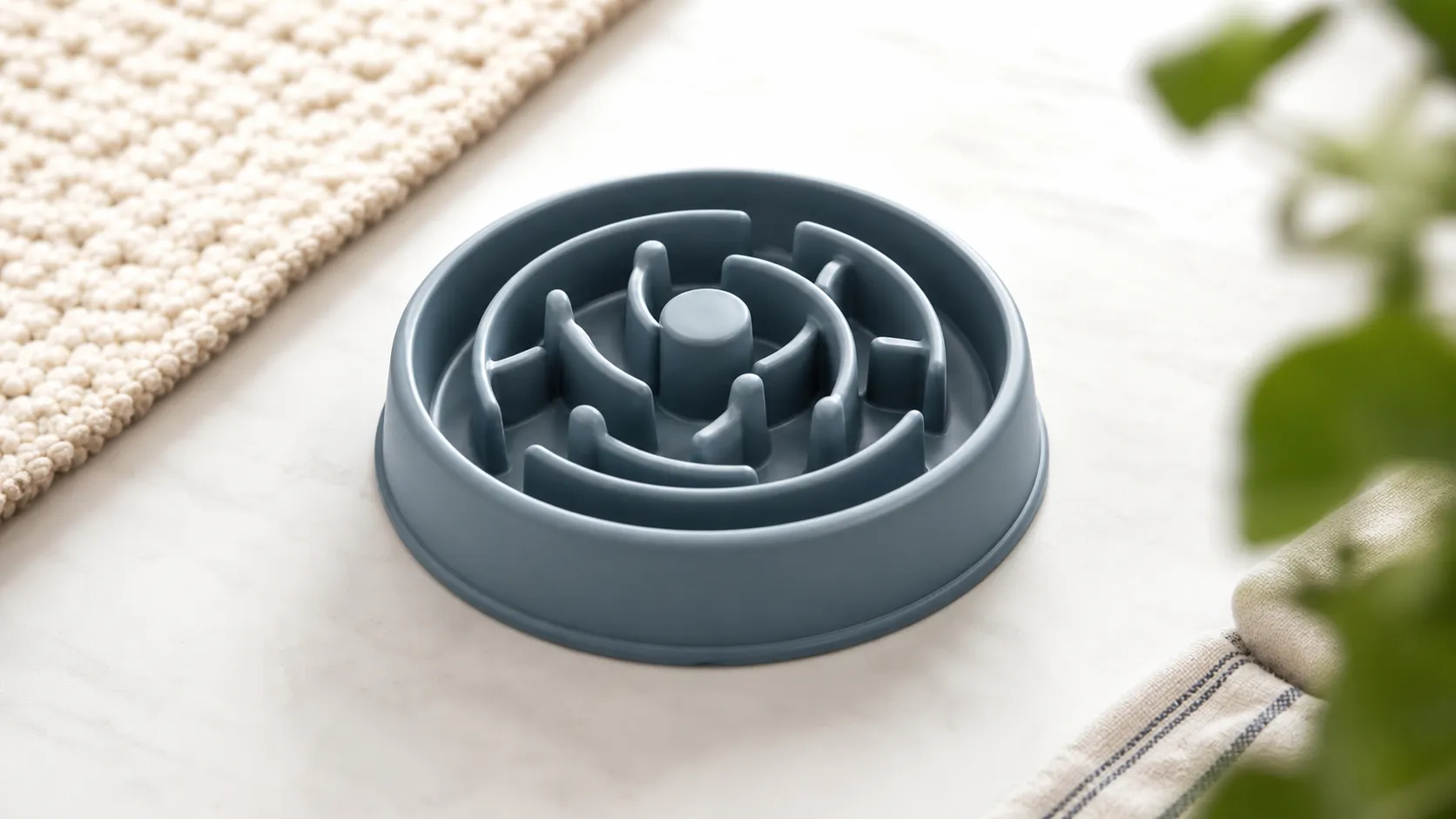
A budget-friendly slow feeder that reliably slows gulpers and adds mealtime enrichment. Great value but fiddly to clean and not for aggressive chewers.