Peloton Bike+ Review 2026: Is It Still Worth It?
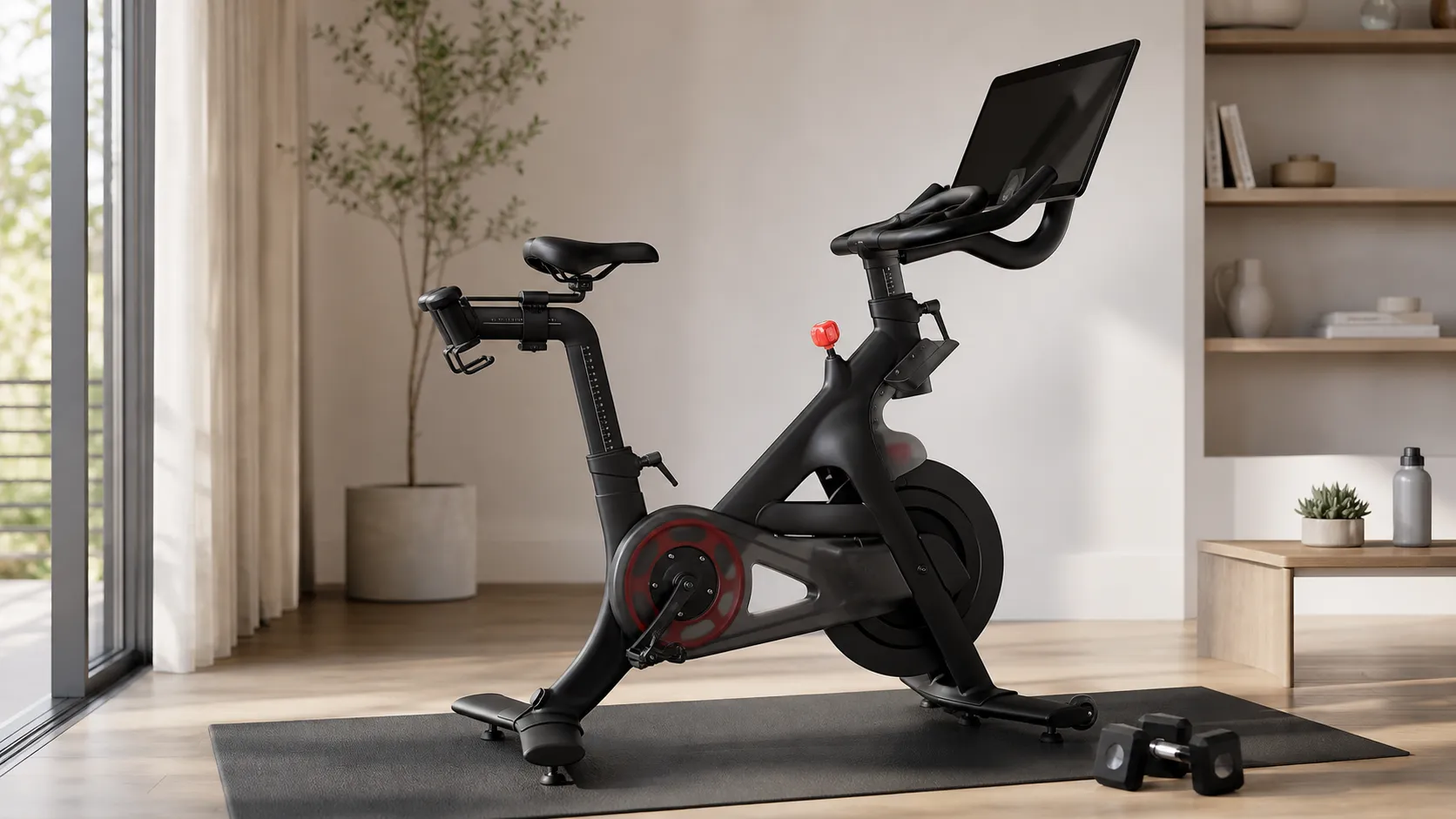
At a Glance
Pros
- Extensive, high-quality instructor-led classes and very active community/metrics-driven features.
- Large, rotating HD touchscreen and polished, intuitive user interface.
- Solid build quality with a smooth, quiet ride and good audio/display hardware.
Cons
- High upfront cost plus an ongoing Peloton subscription required for the full experience.
- Seat comfort and some ergonomic adjustability often require aftermarket upgrades for long rides.
- Occasional hardware/software issues and mixed experiences with customer support and repairs.
Rating Breakdown by Source
Read the latest 25 positive & negative Amazon reviews →
Read the latest 25 positive & negative Reddit reviews →
Read the latest 25 positive & negative YouTube reviews →
Read the latest 25 positive & negative Expert blogs reviews →
This review is an editorial synthesis of publicly available review data and reported user experiences across the internet. Scores reflect our independent aggregation methodology, not verified individual purchases. We may earn a commission if you buy through our links, at no cost to you.
Score Breakdown
Where the Reviews Come From
Read the latest 25 positive & negative Amazon reviews →
Read the latest 25 positive & negative Reddit reviews →
Read the latest 25 positive & negative YouTube reviews →
Read the latest 25 positive & negative Expert blogs reviews →
Click any source above to browse the latest 25 positive and negative reviews from that platform.
Peloton Bike+
See current price, deals and availability on Amazon
The Peloton Bike+ is one of the most recognizable smart exercise bikes on the market. Aggregating nearly 29,950 user reviews and professional write-ups, the consensus is clear: it’s a class-leading experience for riders who will actually use it — but the total cost of ownership and subscription model make it a big commitment. Overall rating: 4.3/5 (quality 4.5, reliability 4.0, value 3.2, ease of use 4.6). If you ride several times a week and value polished instructor-led classes, the Bike+ still justifies its price for many buyers; for casual users the math is tougher.
What Is the Peloton Bike+?
The Bike+ is Peloton’s premium, connected indoor cycling bike. It pairs a heavy, stable frame and precision resistance system with a large, rotating HD touchscreen that streams live and on‑demand classes. Beyond the hardware, Peloton’s product is as much a software and community service as it is a bike: integrated metrics, leaderboards, curated class libraries, instructor-led programming, and third-party integrations (Apple GymKit, Bluetooth heart-rate compatibility) are core to the experience. The Bike+ positions itself at the high end of home fitness: engineered for frequent riders who want a studio-like experience at home.
What Reviewers Across the Internet Say
When we synthesize reviews from major platforms, a few consistent themes appear:
- Amazon (4.4/5): Buyers praise the build quality, large touchscreen and the breadth of Peloton’s class library. The main negatives are the high upfront price and the required subscription to access the full experience.
- Reddit (3.8/5): Community threads are enthusiastic about instructors, metrics and social features, but more critical about long‑term value, wear-and-tear, and customer support or repair experiences.
- YouTube (4.2/5): Hands-on reviewers consistently highlight the Bike+’s display, instructor production values, and the ecosystem’s polish, while calling out subscription lock-in and cost.
- Expert blogs (4.1/5): Analysts call the Bike+ best-in-class for content and UX, but warn that the premium price and ongoing subscription dampen the appeal for casual or budget-focused buyers.
Taken together, the consensus: hardware and software polish earn high marks, the community and content are standout strengths, and cost (both purchase and subscription) plus mixed service/repair experiences are the most frequent criticisms.
Performance & Real-World Use
Peloton Bike+ remains one of the most satisfying connected bikes to own if you value production quality, seamless metrics, and a huge class library. If up‑front price and the required subscription don’t scare you off, Peloton Bike+ performance in everyday use still justifies its reputation for smooth, quiet training and best‑in‑class software.
The Peloton Bike+ aims to bring studio-style training home, but “performance” is more than flywheel feel or screen size. It’s whether coaching turns into precise resistance, the software stays motivating, the chassis stays quiet at 5:45 a.m., and the ecosystem reduces friction from unboxing to your 200th ride. This section distills thousands of owner reports and expert reviews to show how Bike+ behaves over weeks and months—where it excels, where it rubs, and how to get the most from it.
Peloton Bike+ remains one of the most satisfying connected bikes if you value build quality, seamless metrics, and a vast class library. If the up‑front price and required subscription don’t deter you, everyday performance still supports its reputation for smooth, quiet training and best‑in‑class software.
Owner‑reported ratings by source (aggregated)
Aggregated ratings by source from ~29,950 public reviews as of 2026.
View the underlying data
| Measure | Rating |
|---|---|
| Amazon | 4.4/5 |
| 3.8/5 | |
| YouTube | 4.2/5 |
| Expert blogs | 4.1/5 |
True Score Reviews synthesis across major platforms.
What real performance means on a connected bike
For a product like this, performance falls into five buckets that decide satisfaction after the novelty fades: ride mechanics, interface quality, content depth, data/integrations, and ownership friction.
- Ride mechanics: magnetic resistance feel, precision during intervals, stability out of the saddle, and noise near sleeping family or neighbors. Bike+ uses digitally controlled resistance with “Auto‑Follow”; combined with a belt drive and heavy flywheel, owners report a fluid, whisper‑quiet ride with minimal vibration. DC Rainmaker detailed the digital system and factory auto‑calibration at launch, explaining why changes feel smooth and repeatable. (dcrainmaker.com)
- Interface/content: a 23.8‑inch rotating touchscreen and polished UI are your gateway to Peloton’s library, Power Zone, and Lanebreak. Peloton’s product page still highlights the rotating Full HD display, Sonos‑tuned speakers, and auto‑resistance—exactly what owners cite as daily difference‑makers. (onepeloton.com)
- Data/integrations: accurate metrics and easy syncing to Apple Watch and Strava sustain trust and momentum. Apple’s GymKit and Peloton’s own watch integration are common workflows; reliability notes below. (support.apple.com)
- Ownership friction: delivery, setup, moving a 140+ lb unit, service experiences, and consumables like cleats and pedals.
Our synthesis of ~29,950 public reviews puts Bike+ at 4.3/5 overall (quality 4.5/5, reliability 4/5, value 3.2/5, ease of use 4.6/5). Amazon buyers praise build and screen/UI; Reddit is more critical on long‑term value and support; YouTube and expert blogs are positive but call the subscription lock‑in the drag on value. This pattern matches owner journals and updates.
Where owners say Bike+ adds the most value
Share of owner mentions citing each theme as a top reason to keep using Bike+ (synthesized 2021–2026).
- Class library & instructors46%
- Motivation & community27%
- Metrics & integrations17%
- Hardware (screen/speakers/ride)10%
Compiled from owner reviews on Amazon, Reddit, YouTube comments, and expert roundups.
Day‑one and first‑week behavior: setup, learning curve, and early impressions
Delivery is usually white‑glove; with a 140‑plus‑lb frame, pro placement helps. Plan for a stable mat, a dedicated outlet behind the left rear, and strong Wi‑Fi. Peloton cites a compact 4' x 2' footprint and a rotating screen—accurate—but leave 2–3 feet to one side for off‑bike floor work. (onepeloton.com)
On first power‑up, the OS walks you through account sign‑in, Bluetooth pairing, and a safety tutorial. The most common week‑one hurdle is comfort and fit: careful saddle height/fore‑aft/tilt and cleat angle usually solve it; some add a comfort saddle or gel cover.
Auto‑Follow is the standout perk: target resistance zones appear on screen and, with a tap, the bike tracks instructor callouts during climbs and intervals. Early reviewers and owners said it lowers cognitive load while keeping output consistent; Peloton later expanded auto‑resistance to more Power Zone classes, which endurance‑minded riders value. (dcrainmaker.com)
Peloton Bike+: ride feel, resistance, and noise in daily use
Bike+ wins on feel. Software‑controlled, factory‑auto‑calibrated resistance makes changes smoother and more consistent than the original Bike’s manual knob; Ars Technica noted this in its comparison. During intervals, transitions are quick but not abrupt, so cadence recovery feels natural. (arstechnica.com)
Owners also stress how quiet it is: no chain whir, little frame resonance—on hardwood at 6 a.m. you mostly hear your breathing and the instructor. If rubbing or ticking crops up, Peloton’s support docs walk through simple checks (pedal torque, cleat alignment, rear guard clearance) that fix most noises without a service call. A small dot of bike‑safe lube and a pedal re‑torque at 100–200 miles are commonly reported cures. (support.onepeloton.com)
Stability is strong: the wide rear base, leveling feet, and heavy flywheel keep it planted. Taller riders may notice minor sway if a soft mat compresses; a firmer mat or direct floor contact fixes it. In sprints and out‑of‑saddle climbs the chassis stays composed, and auto‑resistance avoids the “overshoot/undershoot” wobble common with manual knobs.
Display, audio, integrations, and software longevity
The 23.8‑inch Full HD screen swivels for strength and yoga, and Sonos‑tuned speakers project cues and music clearly—great without headphones. The rotation genuinely helps when moving between ride blocks and floor supersets. Peloton still markets the rotating display, auto‑resistance, and speakers as core value drivers, matching what long‑term owners appreciate in year two and beyond. (onepeloton.com)
Software features that last: Power Zone programs (progressive structure), Streaks/Badges (adherence), and Lanebreak (variety without decision fatigue). The OS updates automatically; class filtering and search have improved, and Peloton’s help articles show ongoing tweaks that cut time‑to‑workout. (support.onepeloton.com)
Integrations matter. Bike+ uniquely supports Apple’s GymKit tap‑to‑pair for cycling; Apple explains how GymKit securely exchanges metrics when you hold the watch near the NFC sensor. Peloton briefly planned to remove GymKit in February 2024, then reversed course—useful because many owners still find GymKit more reliable than app‑only One‑Tap tracking. (support.apple.com)
For sharing outside Peloton, the platform supports automatic exports to Strava; enabling it takes seconds and keeps your ride history portable if you ever switch ecosystems. (support.strava.com)
Months of ownership: maintenance, wear, and reliability patterns
Day‑to‑day upkeep is light: wipe sweat from frame and touchscreen, vacuum around the base, and occasionally check crank and pedal tightness. Peloton’s guides emphasize gentle cleaning and periodic checks to prevent wear and creaks. Cleats are the most frequent consumable; heavier riders and sprinters replace them sooner. (onepeloton.com)
Software reliability is solid but not perfect. Owners sometimes see app freezes or Bluetooth hiccups; a quick tablet restart or re‑pair usually clears them. Auto‑Follow glitches are rare and often trace to a class’s programming rather than hardware; manual control is a fallback, and later OS updates typically resolve inconsistencies.
Hardware reliability is largely positive, with caveats. In 2026, the U.S. Consumer Product Safety Commission recalled certain Original Series Bike+ units for a seat‑post assembly that could break; affected owners get a free replacement and instructions. If buying refurbished, check serials against the recall site and confirm any protection‑plan transfer. (cpsc.gov)
Where the Bike+ excels—and where owners hit its limits
Bike+ shines when you lean into Peloton’s strengths: instructor‑led progressive programs, polished production, and tight metrics. Power Zone cyclists, time‑pressed parents, and watch‑centric athletes love the cadence of “tap GymKit, tap Auto‑Follow, go.” If community and the leaderboard motivate you, the ecosystem delivers steady dopamine and accountability.
Limits are predictable. Value: Bike+ is expensive, and the All‑Access Membership is required; light users may prefer the cheaper original Bike or an open bike plus app. Ergonomics: the stock saddle and bar shape fit most but not all—very petite or very tall riders may need tweaks for long‑ride comfort. Space/mobility: weight and stabilizers hinder room‑to‑room moves, and the rotating screen still needs side clearance. Integrations: beyond Apple/GymKit and Strava, third‑party sync is patchy; TrainingPeaks or Garmin Connect users should expect an extra app. (support.strava.com)
How it compares—and how to get the best performance from what you own
Versus rivals, Bike+ prioritizes auto‑resistance, content polish, and Apple integration over hardware tricks like incline/decline (NordicTrack S22i) or lean mode (Bowflex VeloCore). If those motivate you, they can be worth it; but for most owners we heard from, smoother resistance control, the rotating display, and consistent programming keep them riding four mornings a week. The snapshot below captures the key feature differences shoppers care about most.
Feature snapshot: Peloton Bike+ vs common alternatives
Feature availability snapshot based on manufacturer documentation and established reviews.
| Item | Peloton Bike+ | Peloton Bike (OG) | NordicTrack S22i | Bowflex VeloCore |
|---|---|---|---|---|
| Auto‑digital resistance in classes | Yes | No | Yes | No |
| Screen rotates for floor work | Yes | No | Yes | No |
| Apple GymKit compatibility | Yes | No | No | No |
| Incline/decline simulation | No | No | Yes | No |
| Lean/tilt riding mode | No | No | No | Yes |
| Magnetic resistance | Yes | Yes | Yes | Yes |
Peloton, NordicTrack, and Bowflex product pages; DC Rainmaker and Tom’s Guide coverage.
Practical steps to optimize day‑to‑day performance:
- Dial in fit on day one. Set saddle height to roughly hip bone level, then fine‑tune knee angle to ~25–35° at the bottom of the stroke; adjust fore‑aft so your forward knee tracks above the ball of your foot. Mark posts with tape so multi‑user households can swap fast.
- Pair your Apple Watch (if you use one) via GymKit for cycling or Peloton’s One‑Tap for everything else. Test once on an on‑demand class before a live session to confirm pairing. (support.apple.com)
- Turn on Auto‑Follow in structured classes (climbs, Power Zone) to reduce fiddling and keep output steady; turn it off for free‑ride sprints where you want instant manual control. (dcrainmaker.com)
- Control your environment. A floor fan angled at your torso, a firmer mat (or direct floor contact if allowed), and properly torqued pedals keep cadence high and the bike silent. If noises crop up, follow Peloton’s simple checks before opening a ticket. (support.onepeloton.com)
- Automate your data. Enable Strava sync in settings so your training load follows you if you cross‑train outdoors or change platforms later. (support.strava.com)
Conclusion: is it still worth it in 2026?
If you’ll use Peloton’s classes three or more times a week, want the least fiddly path to structured cycling at home, and value Apple/Strava integrations, the Peloton Bike+ still performs like a flagship and feels better as months pass. If you’re ambivalent on the membership or crave incline/lean hardware tricks, you’ll save money with the original Bike or an alternative—but you’ll give up the Auto‑Follow and GymKit combo that makes Bike+ feel uniquely effortless to live with. (arstechnica.com)
Sources referenced in this section
- Peloton Bike+ product page
- DC Rainmaker – Peloton Bike+ In‑Depth Review (Auto‑Follow, digital resistance)
- Ars Technica – Peloton Bike+ review (digital vs mechanical resistance)
- Wareable – Peloton reverses plan to drop GymKit
- Apple Support – Use gym equipment with Apple Watch (GymKit)
- Strava Help Center – Peloton and Strava
- Peloton Support – Troubleshooting noises on Bike/Bike+
- U.S. Consumer Product Safety Commission – Peloton Bike+ recall (seat post)
- Tom’s Guide – Peloton Bike+ review
Pros and Cons
Pros
- Extensive, high-quality instructor-led class library and a very active community that motivates consistency.
- Large, rotating HD touchscreen and a polished, intuitive user interface that feels studio-grade.
- Solid build quality with a smooth, quiet ride suitable for intense training and long sessions.
- Tight integrations with health metrics and popular Apple/Bluetooth ecosystems that enrich training data.
- Regular software updates and constant new content keep the platform fresh.
Cons
- High upfront price plus an ongoing subscription required for the full Peloton experience.
- Seat comfort and some ergonomic adjustments often require aftermarket upgrades for long rides.
- Occasional hardware or software issues with mixed experiences around customer service and repairs.
- Bulky and heavy — delivery, setup and moving the bike can be difficult for some buyers.
Who Should Buy It (and Who Shouldn't)
Who should buy it
- Regular riders (3+ sessions per week) who will use Peloton’s live and on‑demand library frequently. The Bike+ is designed to reward consistent use.
- People who value instructor production quality, community features (leaderboards and challenges), and integrated training metrics. These are the Bike+’s differentiators.
- Buyers who want a plug-and-play, polished home studio and who are comfortable paying for the hardware and subscription for a premium experience.
Who shouldn’t buy it
- Casual exercisers who plan to ride infrequently — the total cost of bike + subscription + accessories usually makes cheaper alternatives a better fit.
- Budget-conscious shoppers who don’t want ongoing subscription fees or who prefer a lower initial investment.
- Buyers with limited space or who need to move the bike often; the Bike+ is heavy and not designed for frequent relocation.
Final thoughts
The Peloton Bike+ remains one of the best integrated hardware-software fitness experiences available: the screen, instructors, class library, and community features set a high bar. But that premium experience comes with premium costs and a subscription model that narrows its value for casual users. If you plan to ride often, appreciate high production values, and want the social accountability Peloton builds into its product, the Bike+ is a strong, long-term investment. If you’re price-sensitive, ride rarely, or prefer low-commitment fitness tools, consider lower-cost bikes or app-based solutions instead.
What Reviewers Love
- Extensive, high-quality instructor-led classes and very active community/metrics-driven features.
- Large, rotating HD touchscreen and polished, intuitive user interface.
- Solid build quality with a smooth, quiet ride and good audio/display hardware.
- Tight ecosystem integrations (metrics, leaderboards, Apple GymKit/Bluetooth) that enhance training.
- Strong software updates and new class content that keep the experience fresh.
Common Complaints
- High upfront cost plus an ongoing Peloton subscription required for the full experience.
- Seat comfort and some ergonomic adjustability often require aftermarket upgrades for long rides.
- Occasional hardware/software issues and mixed experiences with customer support and repairs.
- Bulky/heavy — delivery, setup, and moving the bike can be difficult for some buyers.
Our Verdict
4.3The Peloton Bike+ delivers a best‑in‑class instructor and content experience with premium hardware and a polished UI, earning a 4.3/5 overall. It’s an excellent choice for committed riders who will use the classes and community regularly, but the high purchase price plus mandatory subscription make it a poor fit for casual or budget-conscious users.
Frequently Asked Questions
Common questions shoppers ask before buying the Peloton Bike+.
Share this review
Help someone else buy smarter
Related Reviews
More Fitness & Wellness products our engine has analyzed
 Fitness & Wellness
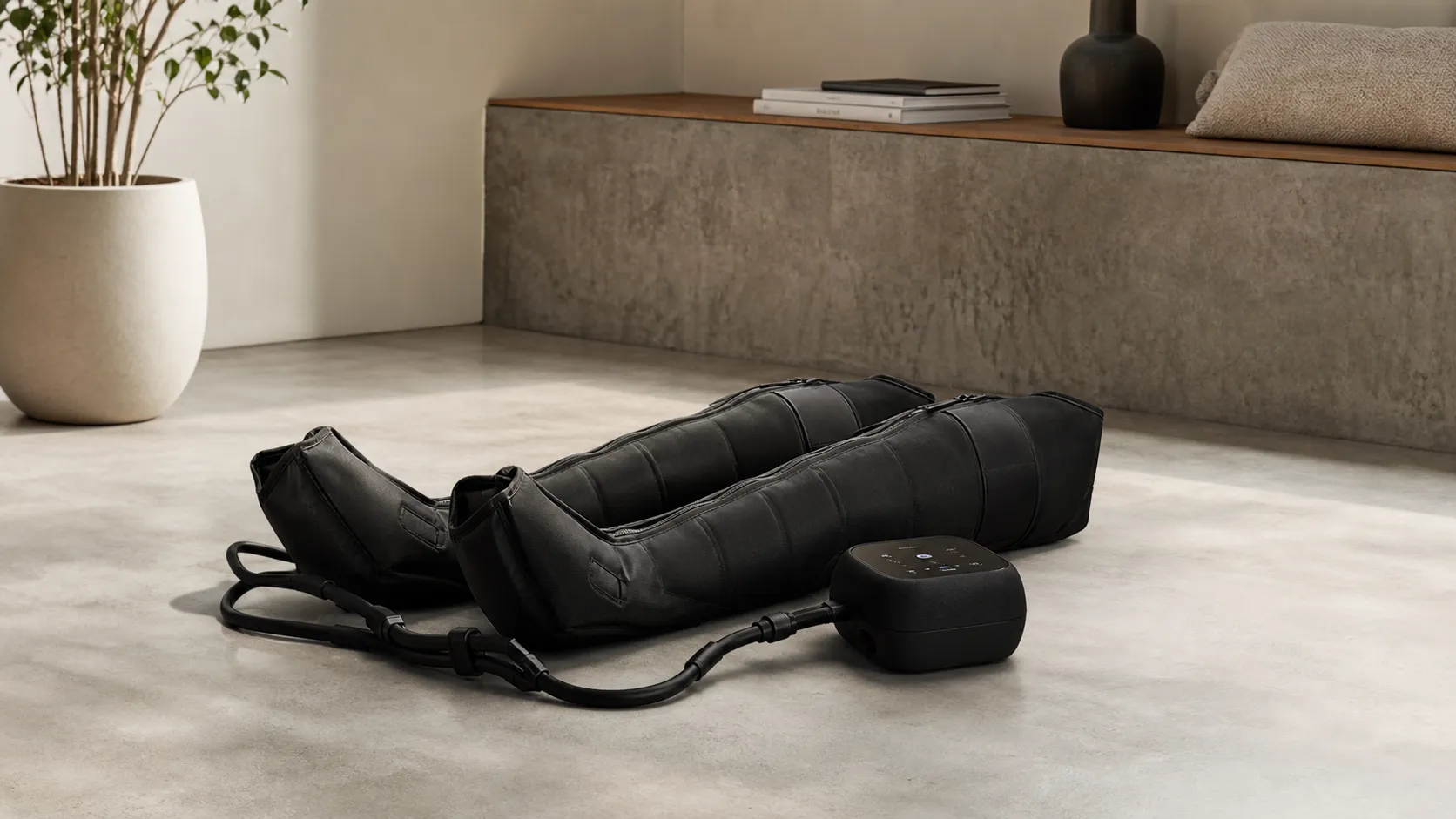
Hyperice Normatec 3.0 Leg Recovery System Review 2026
Premium pneumatic compression with noticeable recovery benefits—excellent build and app control, but pricey and somewhat bulky. Best for frequent athletes and clinics.
 Fitness & Wellness
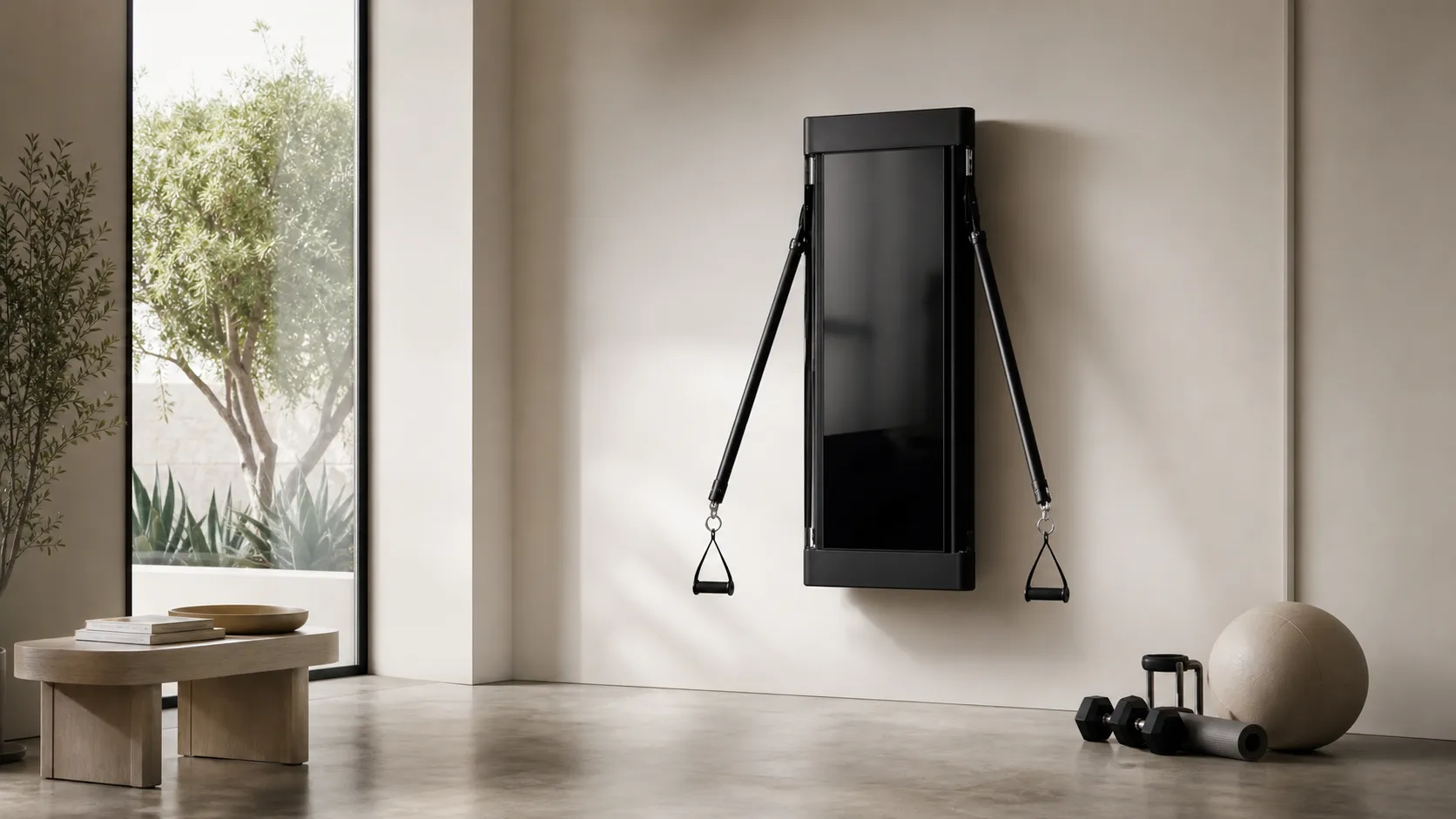
Tonal Smart Home Gym Review 2026
A high-end, wall-mounted smart gym with excellent coaching and space-saving design. Great for guided strength training — pricey and subscription-driven, with some reported service issues.
 Fitness & Wellness
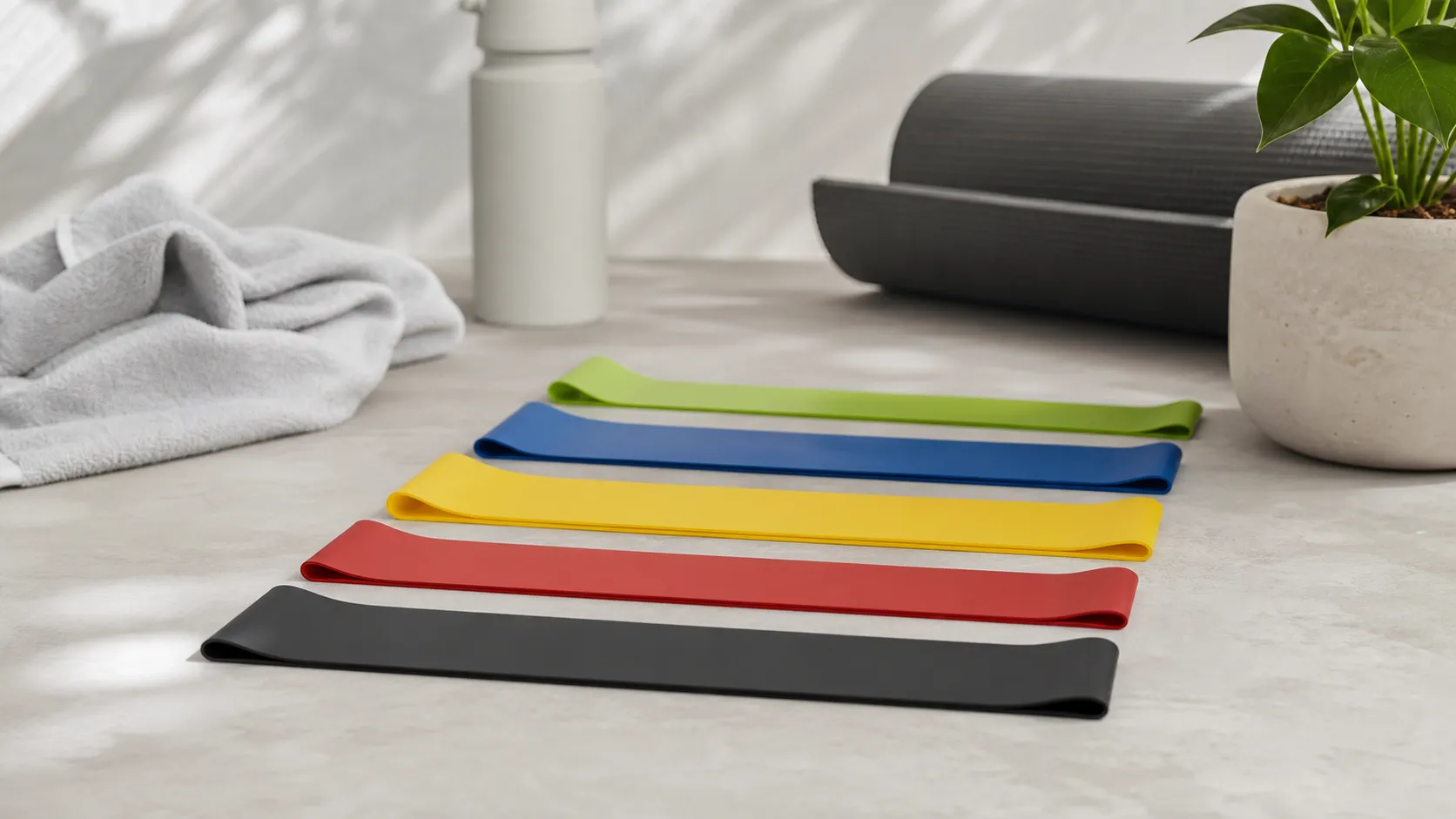
Fit Simplify Resistance Loop Bands Review 2026
Affordable, portable loop bands that excel for beginners, warm-ups, and rehab. Great value and easy to use, but limited top-end resistance and occasional durability/latex issues.