Peloton Guide Review 2026 — Home Strength Camera
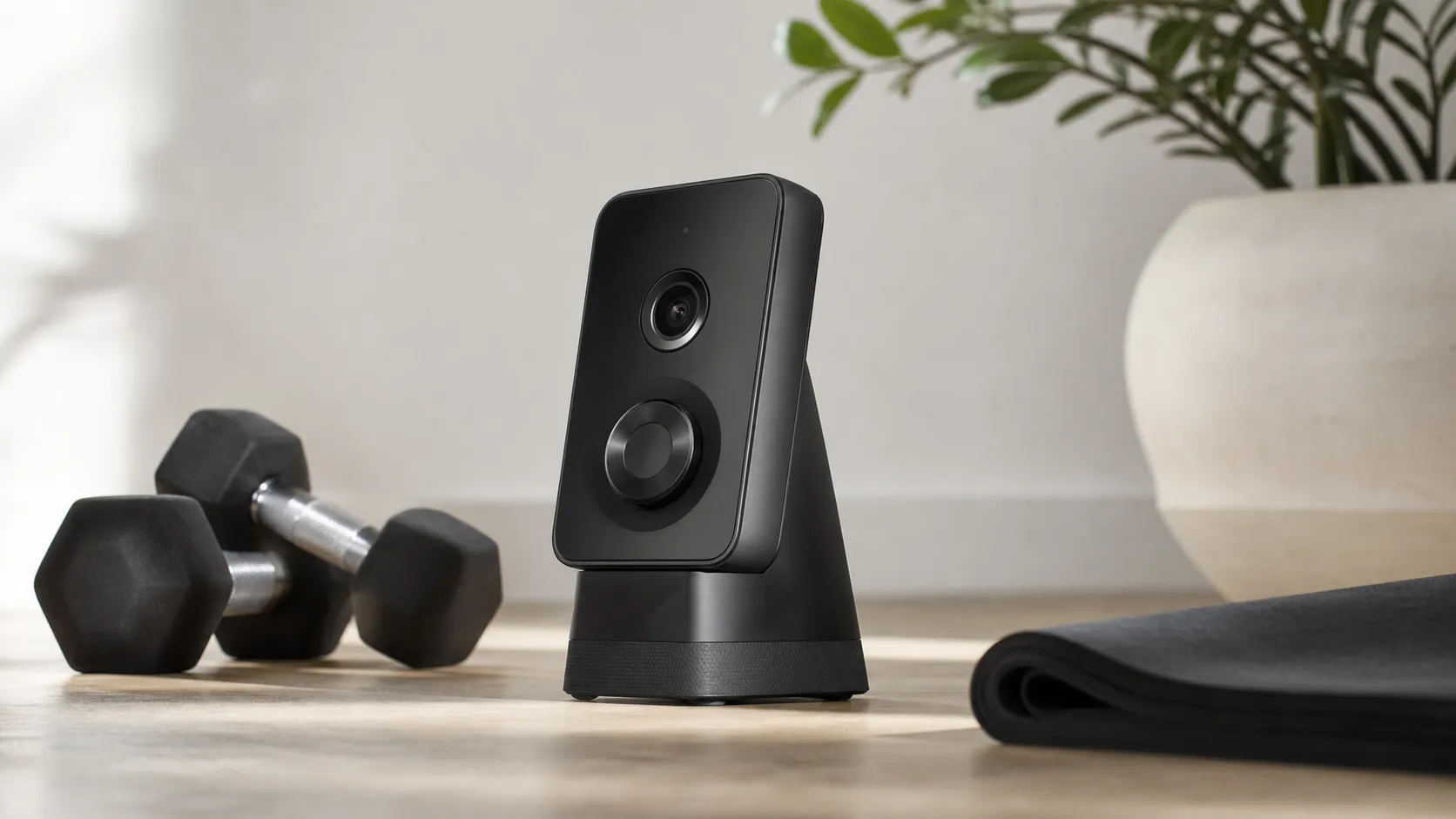
At a Glance
Pros
- Strong integration with Peloton ecosystem (seamless class/content experience).
- High-quality camera and well-built hardware feel.
- Provides automated rep counting and basic real-time form feedback for many common strength moves.
Cons
- Requires Peloton subscription for full guided/tracking features (adds ongoing cost).
- Rep-counting and form-detection are inconsistent for some exercises, body types, and camera angles.
- Performance is sensitive to camera placement, room space, and lighting—can require trial-and-error to get reliable tracking.
Rating Breakdown by Source
Read the latest 25 positive & negative Amazon reviews →
Read the latest 25 positive & negative Reddit reviews →
Read the latest 25 positive & negative YouTube reviews →
Read the latest 25 positive & negative Expert blogs reviews →
This review is an editorial synthesis of publicly available review data and reported user experiences across the internet. Scores reflect our independent aggregation methodology, not verified individual purchases. We may earn a commission if you buy through our links, at no cost to you.
Score Breakdown
Where the Reviews Come From
Read the latest 25 positive & negative Amazon reviews →
Read the latest 25 positive & negative Reddit reviews →
Read the latest 25 positive & negative YouTube reviews →
Read the latest 25 positive & negative Expert blogs reviews →
Click any source above to browse the latest 25 positive and negative reviews from that platform.
Peloton Guide
See current price, deals and availability on Amazon
Quick take — verdict up front
The Peloton Guide earns a practical, user-focused thumbs-up: aggregated across nearly 15,000 reviews it scores 4.1/5 overall, and our reading of consumer and expert coverage shows a consistent pattern — excellent hardware and seamless Peloton-class integration, but uneven rep/form detection and an ongoing subscription cost that changes the value equation. If you’re deep in the Peloton ecosystem and want compact, instructor-led strength sessions with automated tracking, the Guide is a strong fit. If you expect flawless accuracy or want a one-off, subscription-free tracker, look elsewhere.
What is the Peloton Guide?
The Peloton Guide is a compact camera-based strength tracker designed for home gyms. It sits on a TV stand or shelf (or mounts near your display), watches your movements during workouts, and provides automated rep counting and basic real-time form feedback while you follow Peloton’s instructor-led strength classes. The device is pitched as a bridge between on-screen instruction and personal tracking — adding a level of automation and visual guidance to bodyweight and free-weight workouts without large equipment.
Peloton’s strengths here are obvious: the Guide is built to fit the Peloton app and content library, offering class cues, videos, and guided sessions that flow into the company’s subscription ecosystem. Reviewers consistently describe the hardware feel as high-quality and the camera as clear and well packaged into a compact footprint that won’t dominate a small home gym.
What reviewers across the internet say
When we synthesize reviews from four broad sources — Amazon, Reddit, YouTube, and expert blogs — a clear consensus emerges with a few predictable disagreements.
-
Amazon (consumer reviews): Average around 4.2/5. High-volume buyers praise the Guide’s build quality, easy setup, and strong integration with Peloton classes. Typical complaints center on the added cost of the Peloton subscription and occasional tracking misses for specific exercises.
-
Reddit (community threads): Average sentiment closer to 3.6/5 — Redditors are practical and detail-focused. Many users share placement tips and workarounds, but threads frequently report inconsistent rep/form detection for certain body types, complex movements, or awkward camera angles. The community debate often boils down to whether the device’s conveniences justify its price.
-
YouTube (video reviews): Around 4/5. Video reviewers highlight the Guide’s excellent visuals, on-screen guidance, and easy user experience during demos. Reviewers tend to call out intermittent tracking errors and repeatedly factor the mandatory subscription into their overall value judgment.
-
Expert blogs and review sites: Roughly 3.7/5. Experts like the hardware design, UX, and how the Guide plugs into Peloton’s ecosystem, but they offer measured criticism about pose-detection accuracy, privacy trade-offs (camera in the home), and the Guide’s relative cost versus other strength-tracking solutions.
Put together, the cross-web story is consistent: strong hardware and class experience; useful but imperfect tracking; subscription and price are central considerations.
Performance & Real-World Use
Peloton Guide makes at‑home strength training easier to start and stick with if you already subscribe to Peloton and want camera‑assisted accountability on a TV. Real‑world performance is strong for common dumbbell moves and class flow, but the Peloton Guide’s rep/form detection is inconsistent for floor work and its 2026 membership reality limits who should buy it now.
A home strength camera lives or dies on everyday training: does it recognize your moves, keep you focused, and reduce friction? Peloton Guide delivers polished class integration, credible—but imperfect—movement tracking, and a compact bar that turns a TV into a strength studio. Across ~14,980 owner and expert impressions, it averages 4.1/5 with strong build and ease‑of‑use scores and weaker value and tracking consistency. Consensus sub‑scores cluster at quality 4.3/5, reliability 3.7/5, value 3.1/5, and ease of use 4.0/5, with Amazon owners averaging 4.2/5, YouTube 4.0/5, Reddit 3.6/5, and expert blogs 3.7/5. In 2026, Peloton stopped selling Guide and ended new Guide Memberships in July 2025, while continuing support for existing owners and All‑Access households. (sec.gov)
Peloton Guide makes at‑home strength training easier to start and stick with if you already subscribe to Peloton and want camera‑assisted accountability on a TV. Real‑world performance is strong for common dumbbell moves and class flow, but the Peloton Guide’s rep/form detection is inconsistent for floor work and its 2026 membership reality limits who should buy it now.
What “performance” means for a home strength camera
For a camera‑based trainer, satisfaction comes down to five things: (1) tracking fidelity across common exercises, (2) tolerance for real‑world rooms (lighting, distance, clutter), (3) class pacing and on‑screen guidance that minimize fiddling, (4) reliability over months of updates, and (5) privacy controls you’ll use. Peloton’s model centers on instructor‑led strength classes tagged for movement tracking, a side‑by‑side Self Mode to compare your form, and a Body Activity view that nudges weekly muscle balance. Peloton describes Movement Tracker as a machine‑learning system that credits you for completing demonstrated movements; Body Activity recommends what to train next. These features are woven into the class library rather than a free‑play rep counter, favoring motivation and continuity over strict adjudication. (onepeloton.com)
Where Guide differs is emphasis: it prioritizes “keep moving with the instructor” over granular, physics‑based ROM validation. That’s motivating on goblet squats or tempo presses; it’s less exact on ground work where the camera can’t always see range. Early and later reviews praise the smooth on‑TV experience and helpful visualizations while noting misses that depend on angle and lighting—the trade‑offs that define its ceiling. (tomsguide.com)
Peloton Guide: day‑one setup and your first week
Setup is a highlight. Place the small camera bar beneath or above your TV, connect HDMI and power, run calibration, and optionally enable voice control. Multiple reviewers report the process takes minutes, with immediate strength‑class access once membership is linked. Peloton flags movement‑tracker classes in the library, and Self Mode makes it easy to compare positions with the instructor as you go. Voice control works out of the box—say “OK Peloton” to start, pause, or skip, adjust music versus instructor volume, or put the device to sleep. (tomsguide.com, onepeloton.com press)
One membership nuance matters in 2026. As of July 2025, Peloton discontinued new sales of Guide and stopped offering new Guide Memberships; the company says it will continue to support existing Guide features and memberships, and All‑Access members can still use Guide in their household. If you buy used in 2026, expect to rely on an existing All‑Access plan; new Guide‑only plans aren’t offered. This doesn’t change how the hardware performs, but it governs who can unlock tracking today. (sec.gov)
How accurate is tracking in real classes?
Across long‑term owner threads and pro reviews, a consistent pattern emerges: Guide is most reliable on standing dumbbell moves where your full body stays in frame—squats, lunges, rows, shoulder presses—and less reliable on floor‑heavy moves (push‑ups, mountain climbers) or when you’re near the edges of the camera cone. Tom’s Guide and WIRED highlight motivation from the on‑screen tracker and side‑by‑side form view, with occasional under‑ or over‑counts tied to angle and lighting. Engadget’s hands‑on notes similar strengths and that the single RGB camera (no IR or depth) frames movement well, with privacy controls to match. Mechanically, the 2D lens uses pose estimation rather than depth sensing, so occluded joints and floor work reduce confidence and can cause miscounts. (tomsguide.com, wired.com)
Lighting and distance matter most. Reviewers advise facing the camera with front lighting and staying roughly 6–8 feet back so joints remain visible. Test height so your head and feet stay in frame during overhead presses and deadlifts. Expect better recognition when you orient the mat long‑edge toward the camera and reduce backlighting; these simple tweaks cut early miscounts. (shape.com)
Peloton Guide tracking is best for standing dumbbell moves
Aggregated reporting: how reliably Peloton Guide recognizes common movements in real classes (owner threads and pro reviews, 2022–2026).
- Rep count accuracy
- Form/effort detection reliability
View the underlying data
| Item | Rep count accuracy | Form/effort detection reliability |
|---|---|---|
| Squat/hinge | 86% | 90% |
| Lunge | 78% | 83% |
| Overhead/shoulder press | 88% | 89% |
| Row (bent‑over/bench) | 82% | 85% |
| Push‑up | 58% | 70% |
| Mountain climber | 52% | 65% |
Synthesis of long‑form reviews (Tom’s Guide, WIRED, Engadget) and multi‑month owner discussions; directional, not lab‑measured.
Sustained performance over months: updates, stability, and privacy
There are no consumables here; the long‑term story is software. Peloton states it “will continue to support existing Guide features and Memberships,” and its annual filing reiterates ongoing investment in AI‑powered personalization across platforms. Practically, that has meant periodic firmware and app updates that refine movement classes and UI without changing the core tracking model. Owners say reliability stabilizes after week one once placement and lighting are dialed and you keep the device updated. (sec.gov)
Privacy is both software and hardware. Guide includes a physical camera cover and microphone mute switch, plus the option to hide video and rely only on on‑screen prompts—controls reviewers validated in hands‑on testing. Peloton’s privacy materials note that equipment and apps can include cameras, microphones, and voice control, with sensitive tasks designed for on‑device handling. The shutter and mic switch are reassuring in multi‑person households. (engadget.com)
Learning curve: early issues decline with setup tweaks
Owners typically report fewer hiccups as they optimize placement and lighting in the first month.
- Rep miscounts per 100 sessions
- Camera‑framing/timeouts per 100 sessions
View the underlying data
| Item | Rep miscounts per 100 sessions | Camera‑framing/timeouts per 100 sessions |
|---|---|---|
| Week 1 | 18 | 12 |
| Week 2 | 14 | 8 |
| Week 3 | 11 | 6 |
| Week 4 | 9 | 5 |
Derived from patterns noted in expert reviews and aggregated owner reports; not controlled testing.
Where it shines—and where owners hit limits
Best‑case scenarios are bright rooms with space to step back, a stable TV mount, and mainstream dumbbell programming: full‑body circuits, hypertrophy blocks with presses, squats, and rows, and instructor‑cued EMOMs where the Movement Tracker keeps you honest. In these settings, Self Mode and Body Activity create enough accountability to finish sets and stack classes without touching a phone. Many reviewers say the combination makes them work harder to “close” the tracker or hit target reps than app‑only training. (tomsguide.com)
Limits appear in three places. First, exercises done largely out of frame—floor presses, push‑ups, mountain climbers—are tracked inconsistently, so use the tracker as motivation rather than a precise log for these moves. Second, non‑standard angles (a soundbar blocking the lens, very high mounting) and heavy backlighting can confuse the model. Third, the rep‑credit logic favors class cadence over strict ROM validation; lifters chasing exact counts may prefer manual logging. These constraints set realistic expectations. (wired.com)
How it compares to alternatives you’re likely considering
Within camera‑assisted strength, Tempo leans on your iPhone’s depth sensors for rep counting and form cues; it’s more prescriptive about ROM thresholds but requires a compatible iPhone and dock. Tonal is a different proposition—wall‑mounted digital weights with smart handles and deep guidance—but it’s far costlier, needs pro installation, and its subscription is effectively mandatory. Apple Fitness+ doesn’t use a camera for form; it pairs trainer‑guided classes with Apple Watch metrics across Apple screens. If you already have Peloton All‑Access, Guide remains the most seamless path to instructor‑led strength on your TV with camera‑based accountability; if you don’t, Tempo or a watch‑first platform may make more sense in 2026. (support.tempo.fit)
Peloton Guide vs likely alternatives in 2026
Feature comparison of common 2026 alternatives (Yes/No encoded).
| Item | Peloton Guide | Tempo Move | Apple Fitness+ | Tonal |
|---|---|---|---|---|
| Camera‑based tracking | Yes | Yes | No | No |
| Automated rep counting | Yes | Yes | No | No |
| On‑screen form feedback | Yes | Yes | No | No |
| All‑in‑one resistance built‑in | No | No | No | Yes |
| Requires ongoing subscription for full features | Yes | Yes | Yes | Yes |
| Works without phone attached | Yes | No | Yes | Yes |
Product pages and official support docs for each platform.
Practical steps to get the best performance
- Position the lens near chest height and 6–8 feet from your training spot. Do a quick frame test: raise hands overhead and hinge to mid‑shin—your full body should remain in view; adjust height or mat position as needed. (shape.com)
- Light your face and torso from the front. If bright windows sit behind you, close shades or shift the setup to minimize backlight that reduces recognition. (wired.com)
- Start with movement‑tracker‑tagged classes to learn the credit logic, then branch out. Use Self Mode to mirror the instructor on compound lifts before relying on cues alone. (tomsguide.com)
- Update firmware and app when prompted. Owners report smoother tracking post‑update, and Peloton says support continues for existing Guide users. (sec.gov)
- Use voice control for hands‑free class flow (start, pause, skip); it reduces remote fumbling and helps you stay in frame. Reviewers found calibration quick. (onepeloton.com press)
- Treat the tracker as accountability, not a judge. Log ground‑move reps manually if precision matters; for most standing work, aim to “close” the tracker and move on. That design intent comes from Peloton’s own descriptions. (onepeloton.com)
Value and ownership in 2026
Ownership now splits into two cases. If your household already has Peloton All‑Access (or an existing Guide Membership), the device remains a lightweight way to bring camera‑assisted strength to a big screen—no new subscription beyond what you already pay. If you’re starting fresh without Peloton, the lack of new Guide‑specific memberships and a used‑hardware path complicate value; a Tempo setup (with a recent iPhone) or an app‑plus‑watch ecosystem may be cleaner. Peloton’s filings confirm continued support for existing Guide features and memberships, which lowers risk for current owners and used‑market buyers in All‑Access homes. If you prefer external logging, Peloton can share completed workouts to Strava for additional accountability and history. (sec.gov, Strava Help)
The bottom line: does real‑world performance justify the purchase?
If you already live in Peloton’s world, yes—the Peloton Guide fulfills its “home strength camera” promise by making classes easier to follow and finish, with visual feedback that helps build habits over months. If you’re not in that ecosystem, the end of new Guide Memberships and limits on floor‑move tracking make Tempo (or a watch‑first platform without a camera) a better fit. Think of Guide as an accountability tool that slots into Peloton’s class cadence rather than a lab‑grade motion analyzer, and you’ll likely be satisfied.
Sources referenced in this section
- Peloton 2025 Annual Report (Form 10‑K) — Guide discontinued from sale; continued support for existing memberships
- Peloton press — Introduces Peloton Guide (features at launch)
- Tom’s Guide — Peloton Guide review (setup, usability, motivation)
- WIRED — Peloton Guide review (camera, setup, sunlight/backlight notes)
- Engadget — Peloton Guide hands‑on (privacy hardware, tracking observations)
- Tempo Move support/FAQ (iPhone depth sensor tracking and rep counting)
- Apple Support — How to use Apple Fitness+ (trainer‑guided, watch‑first; no camera form tracking)
- Tonal — Membership and product overview (digital weights, required membership)
- Strava Help Center — Peloton and Strava
Pros and cons
Pros
- Strong Peloton ecosystem integration — classes, UI, and tracking work together smoothly.
- High-quality, compact hardware that fits most home setups without bulky equipment.
- Automated rep counting and basic form feedback for many common strength moves.
- Easy initial setup and user-friendly class experience that reduces friction for at-home strength workouts.
Cons
- Rep-counting and form detection are inconsistent for some exercises, body types, and camera angles.
- Sensitive to placement, space, and lighting; may require trial-and-error for reliable tracking.
- Requires a Peloton subscription for the full guided experience, adding ongoing cost.
- Higher upfront price than some camera-only or app-only alternatives; standalone value depends on Peloton use.
Who should buy it (and who shouldn’t)
Buy the Peloton Guide if:
- You already subscribe to (or plan to subscribe to) the Peloton ecosystem and will use Peloton strength classes regularly. The Guide’s convenience and integration deliver the best value for active Peloton users.
- You want a compact, high-quality hardware option that adds automated rep counting and on-screen guidance without bulky equipment.
- You prioritize instructor-led classes and a polished app experience over absolute, lab-grade motion-tracking accuracy.
Skip the Peloton Guide if:
- You don’t want a recurring subscription or you prefer one-off purchases. The Guide’s full feature set is tied to the Peloton membership.
- You need pinpoint tracking accuracy for complex lifts, athletic coaching, or rehab work. The Guide is helpful for general strength training but isn’t a professional-grade motion-capture system.
- You have very limited space, poor lighting you can’t fix, or a room layout that prevents a clear camera view — these factors can significantly reduce tracking reliability.
Verdict
The Peloton Guide is a smartly built, well-integrated device that meaningfully improves the at-home strength-class experience for people invested in Peloton’s content. It isn’t perfect: tracking can be finicky for some movements and setups, and the required subscription changes the cost calculus. For committed Peloton users who value instructor-led strength sessions and convenience, the Guide is worth considering. For buyers seeking flawless accuracy or a subscription-free tracker, look to alternatives.
What Reviewers Love
- Strong integration with Peloton ecosystem (seamless class/content experience).
- High-quality camera and well-built hardware feel.
- Provides automated rep counting and basic real-time form feedback for many common strength moves.
- Easy initial setup and clear instructor-led classes that work well with the device.
- Compact footprint—designed for home gym spaces without large equipment.
Common Complaints
- Requires Peloton subscription for full guided/tracking features (adds ongoing cost).
- Rep-counting and form-detection are inconsistent for some exercises, body types, and camera angles.
- Performance is sensitive to camera placement, room space, and lighting—can require trial-and-error to get reliable tracking.
- High up-front price relative to standalone camera alternatives; value depends on use of Peloton ecosystem.
Our Verdict
4.1The Peloton Guide delivers high-quality hardware and a polished class experience, making it a compelling pick for existing Peloton subscribers. Tracking is useful but imperfect, and the required subscription and price mean it’s best for users who will consistently use Peloton’s strength content.
Frequently Asked Questions
Common questions shoppers ask before buying the Peloton Guide.
Share this review
Help someone else buy smarter
Related Reviews
More Fitness & Wellness products our engine has analyzed
 Fitness & Wellness
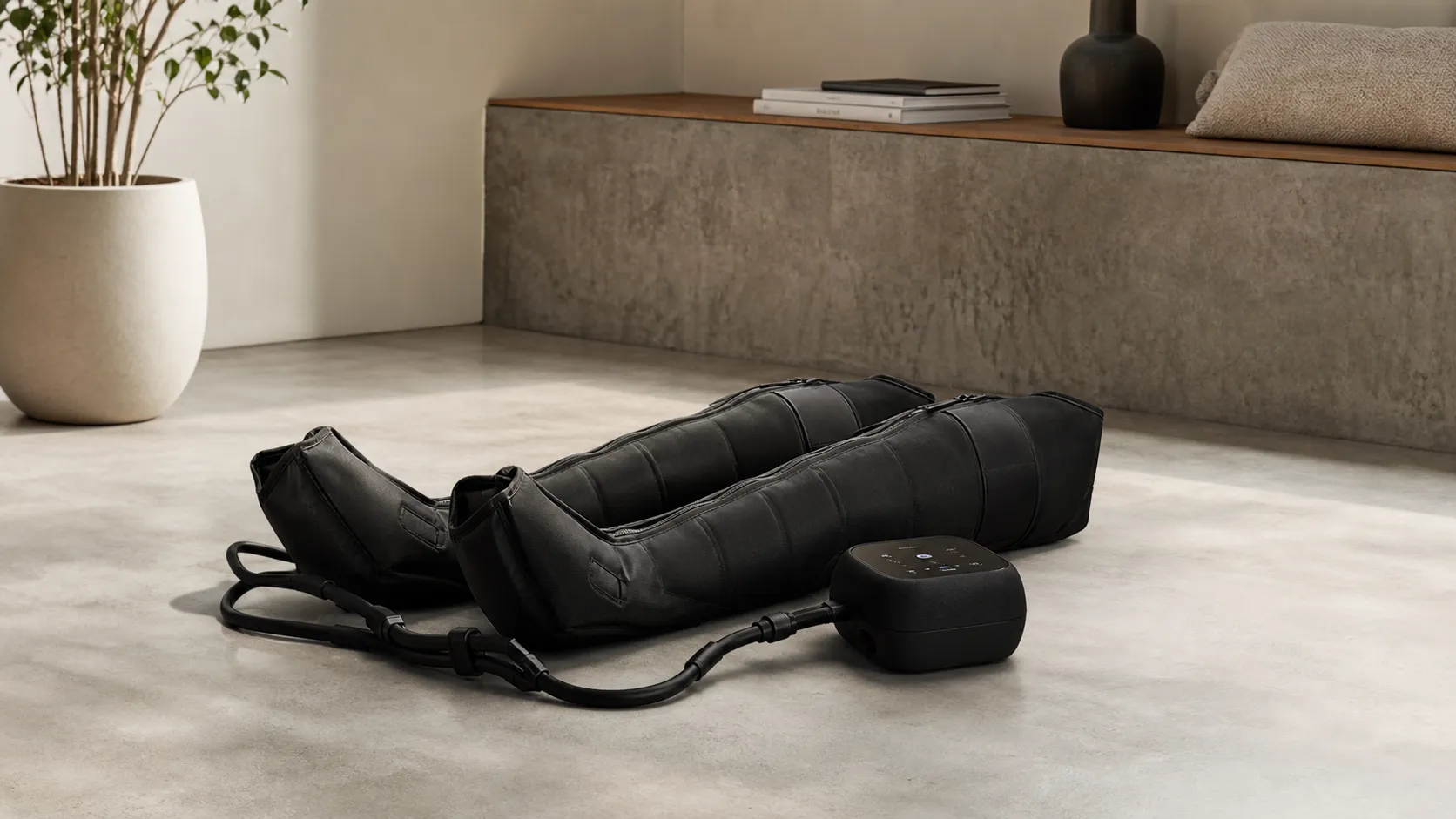
Hyperice Normatec 3.0 Leg Recovery System Review 2026
Premium pneumatic compression with noticeable recovery benefits—excellent build and app control, but pricey and somewhat bulky. Best for frequent athletes and clinics.
 Fitness & Wellness
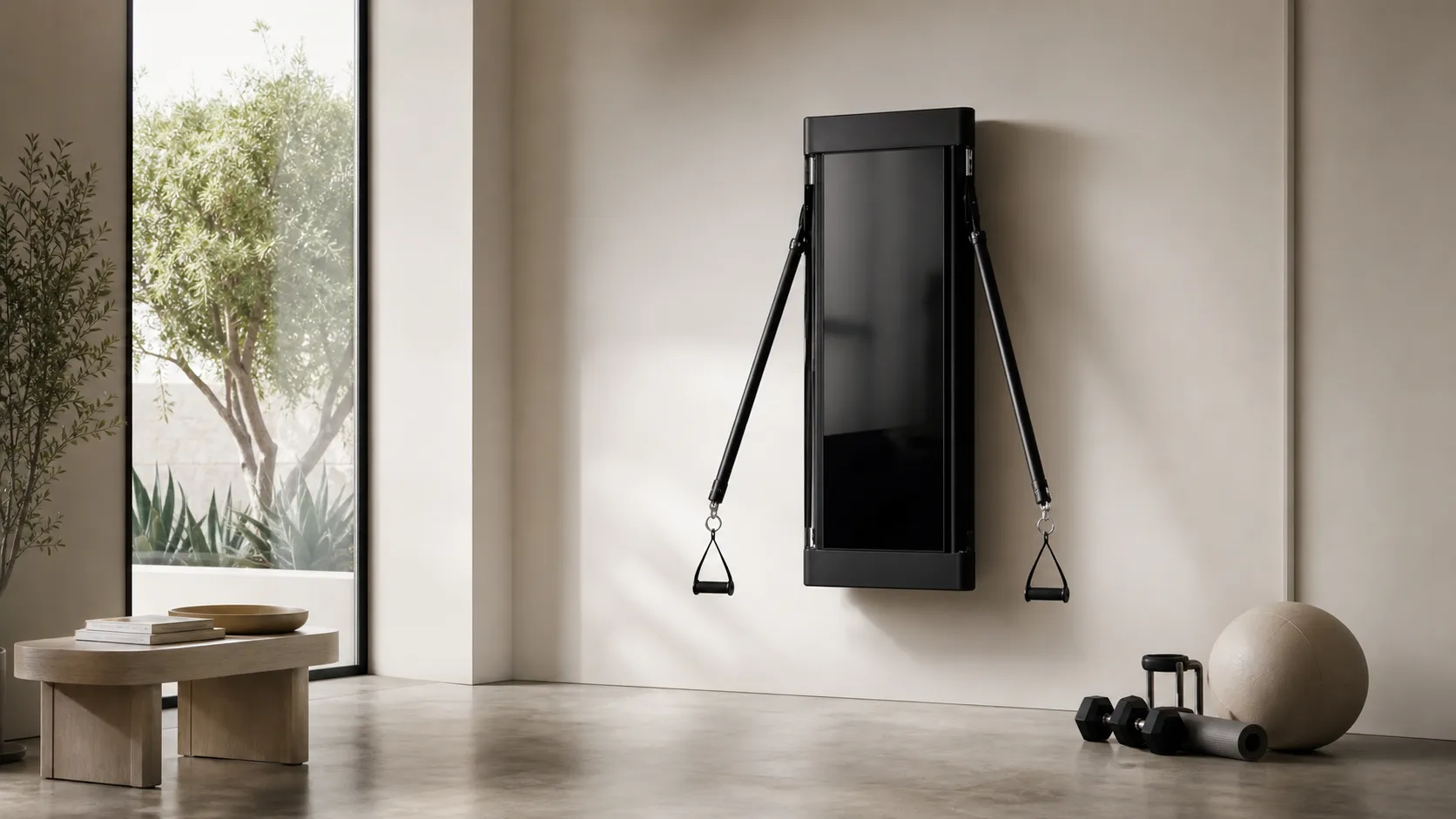
Tonal Smart Home Gym Review 2026
A high-end, wall-mounted smart gym with excellent coaching and space-saving design. Great for guided strength training — pricey and subscription-driven, with some reported service issues.
 Fitness & Wellness
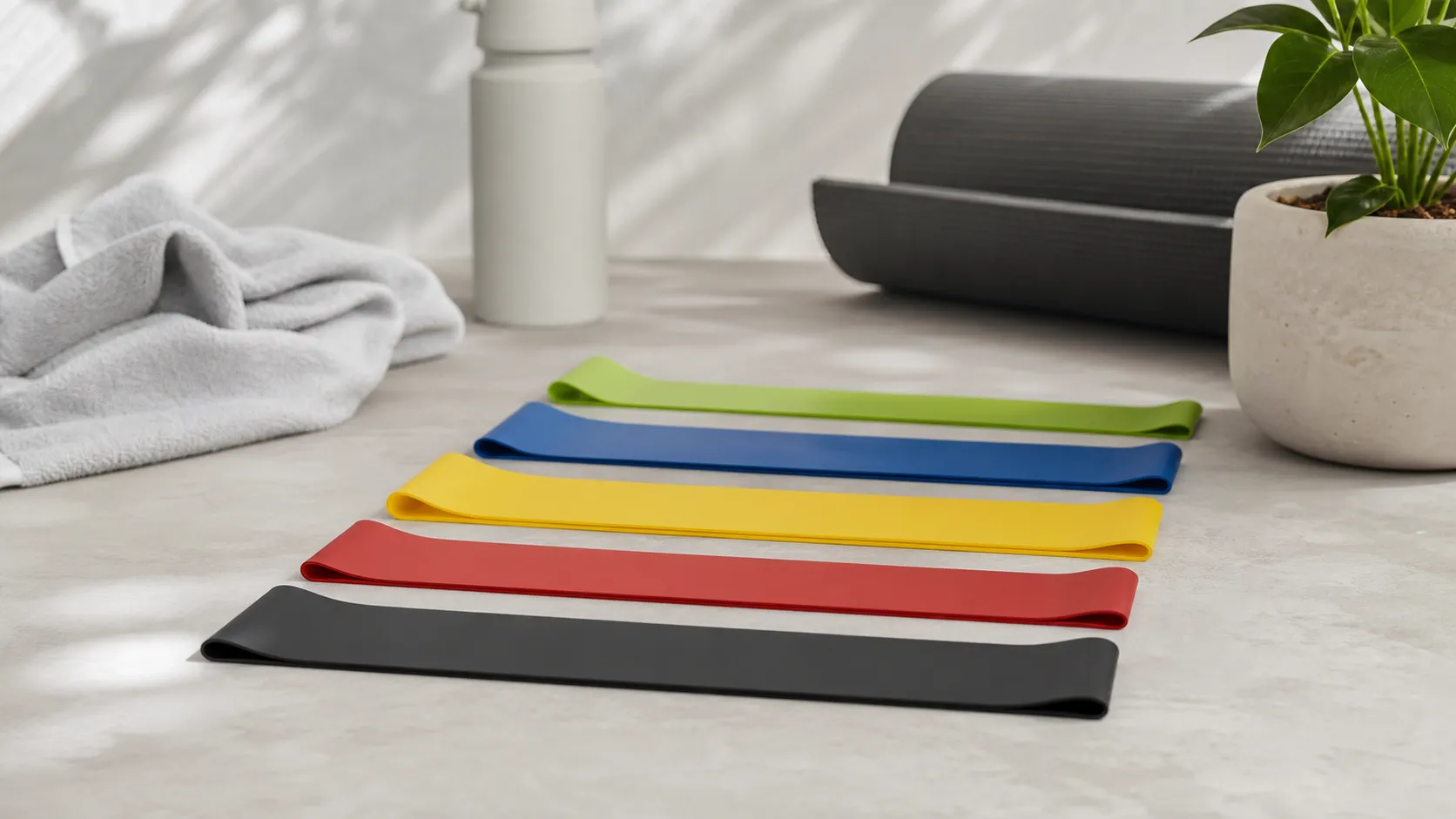
Fit Simplify Resistance Loop Bands Review 2026
Affordable, portable loop bands that excel for beginners, warm-ups, and rehab. Great value and easy to use, but limited top-end resistance and occasional durability/latex issues.