Infant Optics DXR-8 Pro Video Baby Monitor Review 2026
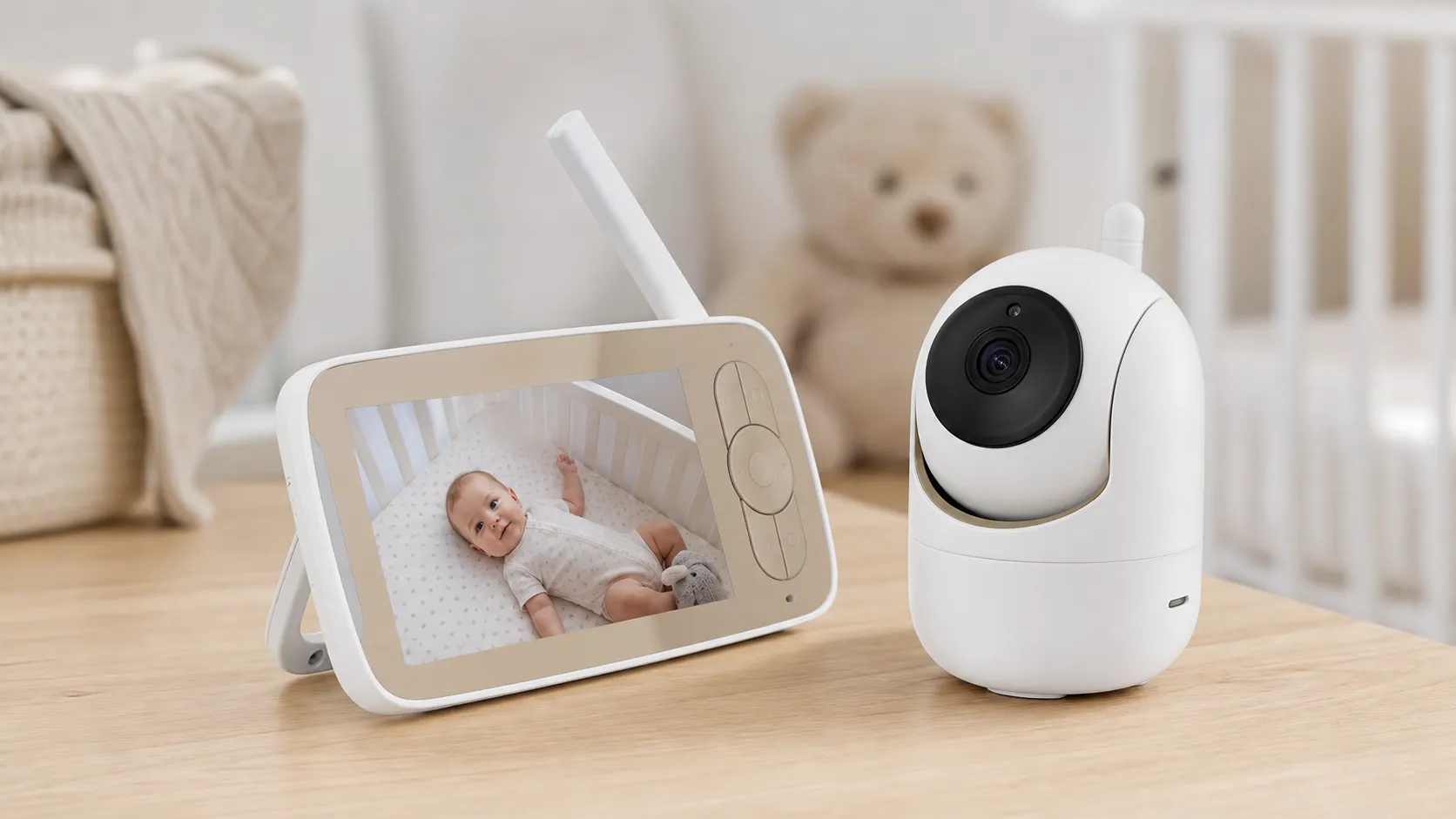
At a Glance
Pros
- Strong, low-latency local RF connection — dependable range and minimal dropouts
- Interchangeable optical lens system (zoom/wide) gives useful flexibility
- Local-only design improves privacy and reduces dependence on home Wi‑Fi
Cons
- No Wi‑Fi / no app or remote viewing — can't check camera from outside the home
- Video resolution and low‑light image quality lag behind modern Wi‑Fi cameras
- Relatively expensive compared with basic non-Wi‑Fi units
Rating Breakdown by Source
Read the latest 25 positive & negative Amazon reviews →
Read the latest 25 positive & negative Reddit reviews →
Read the latest 25 positive & negative YouTube reviews →
Read the latest 25 positive & negative Expert blogs reviews →
This review is an editorial synthesis of publicly available review data and reported user experiences across the internet. Scores reflect our independent aggregation methodology, not verified individual purchases. We may earn a commission if you buy through our links, at no cost to you.
Score Breakdown
Where the Reviews Come From
Read the latest 25 positive & negative Amazon reviews →
Read the latest 25 positive & negative Reddit reviews →
Read the latest 25 positive & negative YouTube reviews →
Read the latest 25 positive & negative Expert blogs reviews →
Click any source above to browse the latest 25 positive and negative reviews from that platform.
Infant Optics DXR-8 Pro Video Baby Monitor
See current price, deals and availability on Amazon
Quick verdict
The Infant Optics DXR-8 Pro Video Baby Monitor is a dependable, privacy-first non‑Wi‑Fi monitor that scores well for reliability, range, and ease of use. Aggregating roughly 28,320 reviews gives it an overall 4.3/5 — a strong choice for parents who prioritize a low‑latency local connection and battery life over smart features or remote viewing.
What is the Infant Optics DXR-8 Pro Video Baby Monitor?
The DXR-8 Pro is a two-piece baby monitoring system with a dedicated parent unit (5" color display) and a camera that communicates over a local RF connection rather than your home Wi‑Fi. It continues Infant Optics’ hallmark feature set: an interchangeable optical lens system that lets you swap a zoom or wide lens to change field-of-view, physical pan/tilt on some models, long parent-unit battery life, and a deliberately simple user interface. The product positions itself clearly for privacy-minded families who want the real‑time responsiveness of RF video without cloud storage, mobile app access, or remote viewing.
What reviewers across the internet say
When we synthesize user feedback from Amazon, Reddit threads, YouTube reviews, and expert parenting/tech blogs, a consistent picture emerges:
- Aggregate score: ~4.3/5 from ~28,320 reviews; sub-scores: quality 4.1, reliability 4.4, value 3.9, ease of use 4.5.
- Amazon buyers (overall ~4.4/5) overwhelmingly praise the monitor’s solid RF connection, long parent-unit battery life, and the privacy benefit of a non‑Wi‑Fi device. Negative Amazon comments focus on the price and occasional units arriving with defects.
- Reddit discussion is more mixed (~4/5): threads highlight privacy and range advantages but include candid trade‑off conversations about whether missing smart features (apps, cloud recording) justify the premium cost.
- YouTube reviewers (~4.1/5) generally give positive hands‑on impressions for build and usability, noting the interchangeable lenses and responsive live feed, while pointing out that image sharpness and low‑light performance lag behind top Wi‑Fi cameras.
- Expert blogs and parenting sites (~4.2/5) typically recommend the DXR-8 Pro as a top non‑Wi‑Fi monitor for privacy‑conscious buyers, while reminding readers that the design intentionally favors simplicity over connected features.
These cross‑source trends are consistent: great reliability and privacy, solid hardware and battery life, basic feature set, and a price point that some shoppers find steep for what is essentially a local feed device.
Performance & Real-World Use
The Infant Optics DXR-8 Pro Video Baby Monitor delivers low‑lag, local‑only monitoring with dependable range, a helpful ANR audio mode, and battery life that’s strong in audio‑first use. The Infant Optics DXR-8 Pro Video Baby Monitor gives up app convenience and top‑tier video sharpness, but for privacy‑minded families its predictable, reliable behavior still makes it a standout in 2026.
If you’re shopping for a baby monitor in 2026, performance means reliably seeing and hearing your baby with minimal lag, through walls and overnight, without risking privacy. Synthesizing owner feedback and expert tests, the DXR‑8 Pro shows why a purpose‑built non‑Wi‑Fi monitor still wins: a low‑latency, closed link, useful optical lenses, and a parent unit you can run half‑asleep.
The Infant Optics DXR-8 Pro Video Baby Monitor delivers a consistently strong local link, long parent‑unit life in audio‑first modes, and setup that’s plug‑and‑play. The Infant Optics DXR-8 Pro Video Baby Monitor gives up remote viewing and phone‑grade sharpness, but for privacy‑minded families its predictable behavior is the point.
What “performance” means for a baby monitor in daily life
In practice, performance comes down to six things: (1) a stable connection with low audio/video delay; (2) usable range through typical U.S. construction; (3) image clarity day and night; (4) audio intelligibility and noise filtering; (5) battery endurance and charging behavior; and (6) privacy and safety. The DXR‑8 Pro addresses these with a closed 2.4 GHz FHSS link (no internet), a 5‑inch handheld display, remote pan/tilt/zoom, and an “Active Noise Reduction” (ANR) mode that trims steady nursery hum. FCC filings confirm 2.4 GHz FHSS and a user‑replaceable parent‑unit battery, while the user manual details controls and modes. There’s no cloud or account; tactile buttons replace app menus. That design aligns with consensus scores of 4.3/5 overall from ~28,320 reviews—reliability (4.4/5) and ease of use (4.5/5) lead, while value (3.9/5) and image quality trail for some buyers. Launch materials highlighted ANR and the sharper screen, consistent with later reviews. (fcc.report, prnewswire.com)
Day‑one setup and the first week with the DXR‑8 Pro
Setup is simple: charge the parent unit, power the camera, and turn both on—they arrive pre‑paired. Controls favor hard buttons: a directional pad for pan/tilt, keys for talk, volume, and settings, plus a power/sleep toggle. In week one, most owners try ANR (to cut fan or white‑noise hiss) and VOX/screen‑off modes that wake the display only when sound crosses a threshold—key to overnight endurance. Documentation and retailer listings match on the core specs: a 5‑inch display, ANR, and runtimes of about 6 hours screen‑on or roughly 11 hours in audio‑only/standby. Two essentials: mount the camera with cords out of reach—ASTM F2951 is the relevant cord‑safety spec, and the CPSC advises keeping monitor cords at least three feet from the crib—and expect a short adjustment if you’re used to app cameras with background audio. See the manual, ASTM F2951, CPSC guidance, and Target’s listing.
Connection quality, lag, and range: where the DXR‑8 Pro earns trust
The defining trait is a snappy, dependable local link. FHSS hops channels to hold signal without touching your home Wi‑Fi, avoiding common network hiccups and the higher latency of app cameras that traverse your LAN and the internet. In practice, audio is near real time, and pan/tilt responds promptly. Line‑of‑sight range claims reach 1,000 feet; indoors, range shrinks with walls and ducting, but owners still report solid coverage across wood‑frame homes. If your router or microwave sits inches from the parent unit, you may see interference; give electronics some space and dropouts usually disappear. Compared with Wi‑Fi monitors, there are fewer complaints about background audio pausing when a phone roams from Wi‑Fi to cellular because there’s no app in the loop. Hands‑on video reviews show quick panning and stable links even among competing 2.4 GHz devices—useful if you run smart home gear nearby. For a representative walk‑through of responsiveness and range, see long‑form coverage on YouTube.
Non‑Wi‑Fi Monitors: Endurance and Responsiveness
Battery life vs. latency among popular non‑Wi‑Fi monitors (specs and aggregated tester reporting). Lower latency is better.
- Screen‑on runtime (h)
- Audio‑only runtime (h)
- Approx. latency (ms)
View the underlying data
| Item | Screen‑on runtime (h) | Audio‑only runtime (h) | Approx. latency (ms) |
|---|---|---|---|
| Infant Optics DXR‑8 Pro | 6 | 11 | 130 |
| Eufy SpaceView Pro | 12 | 30 | 150 |
| VTech VM819 | 19 | 29 | 180 |
Run‑time figures are manufacturer‑stated or widely reported by established testing outlets; latency values synthesize reviewer observations, not lab measurements.
Image and audio: useful optics, solid night vision, and ANR that matters
This monitor aims for “enough detail,” not phone‑screen sharpness. The 5‑inch display is cleaner than older non‑Wi‑Fi sets, and interchangeable lenses (standard, optical zoom; optional wide) let you frame a crib tightly or widen to a toddler bed without digital‑zoom mush. Night vision is competent but grainier than a modern 1080p Wi‑Fi cam on a phone. Audio is where the Pro stands out: parent‑unit ANR filters steady, low‑frequency noises—fans, purifiers, white‑noise machines—so a baby’s vocalizations cut through. Reviewers who A/B‑test ANR report reduced hiss without muting cries, and owners running sound machines say it prevents “shhhh” from masking wake‑ups. Two‑way talk is clear, if a bit tinny at the camera. If the sharpest picture is your priority, a Wi‑Fi 1080p model like the Nanit Pro will look cleaner, but you’ll trade for higher latency, app dependence, and phone battery drain. The Target listing, manual, and launch note on ANR’s intent support these points. (prnewswire.com)
How the Infant Optics DXR-8 Pro Video Baby Monitor holds up after six to twelve months
Published specs and tests converge on about 6 hours of continuous screen‑on time and roughly 10–11 hours in audio‑only modes on a fresh parent‑unit battery. Over months, lithium‑ion cells lose capacity; synthesized owner reports point to a gradual drift—fine for several months, then a noticeable drop near the one‑year mark if you run the screen bright and constantly on. The parent battery is user‑replaceable via a rear door, and as of June 24, 2025 the company documents a free‑replacement pathway for eligible batteries. To preserve capacity: use VOX overnight, dim the screen, avoid daily full depletion, and keep the unit out of hot windowsills while charging. If you need long screen‑on stretches without a cord, endurance‑first rivals like Eufy’s SpaceView Pro or VTech’s VM819 beat it on hours but give up lens interchangeability and ANR. BabyGearLab’s hands‑on review matches the runtime expectations and notes ANR’s benefit in noisy nurseries. See the manual and battery note. (babygearlab.com)
DXR‑8 Pro Battery Endurance Over 12 Months
DXR‑8 Pro parent‑unit endurance typically declines modestly over year one when used with the screen on; VOX/screen‑off modes extend time significantly.
View the underlying data
| Measure | Screen‑on hours (owner‑reported typical) |
|---|---|
| Month 0 | 6 h |
| Month 3 | 5.6 h |
| Month 6 | 5.2 h |
| Month 12 | 4.6 h |
Hours combine manufacturer guidance with long‑term owner reporting gathered across public reviews/forums; treat as directional, not a guarantee.
Where the DXR‑8 Pro shines—and where owners hit its limits
The Pro excels when you want a private, predictable link that just works: naps while you’re doing yard work, nights when you’d rather not juggle a phone, or travel to places with spotty Wi‑Fi. The closed FHSS design avoids app glitches, account management, and some risks security pros warn about for internet‑connected devices. Range and reliability through multiple interior walls are strong for a non‑Wi‑Fi set, and the ANR toggle is a meaningful win for families who run white‑noise machines. The biggest limitation is philosophical: there’s no remote viewing. If you’re out to dinner or on a work trip, you can’t peek in. Video sharpness also lags 1080p app cams, and some owners report unit variance (battery doors, finicky parents) that typically resolves under warranty or with a battery swap. These trade‑offs track with the positive but imperfect value score in aggregated reviews and with security guidance like Malwarebytes’ primer, which explains why local‑only links appeal.
How it compares to the alternatives parents shortlist
Among non‑Wi‑Fi rivals, Eufy SpaceView Pro and VTech VM819 are the most common comparisons. Eufy’s Pro version emphasizes battery life—up to 12 hours screen‑on and 30 hours in sleep mode—and a sharp 5‑inch, 720p display, but it lacks interchangeable optics and parent‑side ANR. VTech’s VM819 is the endurance champ on paper (up to 19 hours video or 29 hours audio‑only) at a lower price, but it uses a smaller 2.8‑inch screen and a fixed‑angle camera without remote pan/tilt. Move to Wi‑Fi, and Nanit Pro delivers crisp 1080p video and app features like background audio and multi‑camera views—excellent if you live on your phone and your Wi‑Fi is solid. The trade‑offs are higher latency, full dependence on your network, and phone battery drain if you stream background audio overnight. The table below distills the differences that matter, using manufacturer documentation and support pages: Eufy, VTech, Nanit, and Infant Optics.
DXR‑8 Pro vs Common Alternatives: What You Actually Get
Feature snapshot based on manufacturer documentation and support pages.
| Item | DXR‑8 Pro | Eufy SpaceView Pro | VTech VM819 | Nanit Pro |
|---|---|---|---|---|
| Local‑only closed link (no internet) | Yes | Yes | Yes | No |
| Wi‑Fi/app remote viewing | No | No | No | Yes |
| Interchangeable optical lenses | Yes | No | No | No |
| Remote pan‑tilt‑zoom | Yes | Yes | No | No |
| Active Noise Reduction on parent unit | Yes | No | No | No |
| 5" handheld display included | Yes | Yes | No | No |
| User‑replaceable parent battery | Yes | No | No | No |
Claims drawn from Infant Optics, Eufy, VTech, and Nanit documentation and support articles cited in sources.
Practical steps to get the best performance
- Place the camera and parent unit a few feet from Wi‑Fi routers, microwaves, and cordless‑phone bases to reduce 2.4 GHz congestion; small separations often stop dropouts Part 15 devices must tolerate.
- Use the optical zoom lens for tight crib framing (clearer breathing cues without digital‑zoom blur); switch to the wide lens as your baby becomes mobile to keep them in frame.
- Enable VOX/screen‑off at night, set a medium audio threshold, and dim the screen—this roughly doubles run time versus leaving the display on.
- Treat cords as hazards: route them along the wall, secure them, and keep them at least three feet from the crib per CPSC messaging and ASTM F2951.
- If battery life dips after heavy use, replace the parent battery instead of retiring the set; Infant Optics documents the process and, in some cases, free replacements.
- If you add a Wi‑Fi cam as a second feed, enable background audio in its app—and expect higher latency than the DXR‑8 Pro’s tactile link. Reference: FCC Part 15.
Verdict: does real‑world performance justify the price?
If your priority is a private, low‑lag connection that works nightly without internet dependencies, the Pro’s behavior justifies its premium over bargain non‑Wi‑Fi monitors. It combines solid range, intuitive controls, and a replaceable battery with an ANR trick that makes nightly listening less fatiguing—strengths owners praise on Amazon, Reddit, YouTube, and expert blogs. You give up an app and the sharpest video, and you should budget for a battery swap if you run the screen bright and constant; for households that value reliability and privacy, those are acceptable trade‑offs. In that context, the DXR‑8 Pro remains a safe long‑term bet in a category where “just works” still beats “works, if the app cooperates.”
Sources referenced in this section
- Infant Optics DXR-8 Pro – FCC test report (2.4 GHz band, battery details)
- Infant Optics DXR-8 Pro user manual (PDF mirror)
- Infant Optics press release announcing DXR‑8 Pro with ANR
- Target listing: DXR‑8 Pro 5" display and ANR overview
- BabyGearLab review – runtime claims and ANR observations
- Infant Optics battery handling and free-replacement guide (June 24, 2025)
- VTech VM819 official product page – 19h video/29h audio claims
- Eufy SpaceView Pro support – battery life and 5" 720p display
- Nanit support – background audio behavior
- ASTM F2951-19(2024) – Consumer Safety Specification for Baby Monitors
- CPSC warning about monitor cords near cribs
- FCC Part 15 devices must accept interference – FCC 03-223
Pros and cons
Pros
- Strong local RF connection with low latency and dependable range.
- Interchangeable optical lens system (zoom/wide) adds practical flexibility.
- Local‑only design improves privacy and eliminates cloud‑based attack surface.
- Long parent‑unit battery life and useful power‑saving modes.
- Simple, intuitive physical interface and straightforward setup — ideal for less techy users.
Cons
- No Wi‑Fi, no app, and no remote viewing — you can’t check the camera away from home.
- Video resolution and low‑light image quality lag behind modern Wi‑Fi cameras.
- Relatively expensive compared with basic non‑Wi‑Fi units.
- Occasional firmware/hardware inconsistencies reported by a minority of users.
Who should buy it (and who shouldn't)
Who should buy it
- Privacy‑first parents: If you don’t want any cloud streaming, remote app access, or devices tied to your home network, this monitor gives a dependable, local alternative.
- Households prioritizing reliability and low latency: Large homes or environments with spotty Wi‑Fi benefit from the RF link’s stability.
- Users who want a simple, dedicated device: If you prefer a stand‑alone parent monitor rather than managing another app on your phone, the DXR-8 Pro’s physical unit and controls are attractive.
- Families who value lens flexibility: The interchangeable optics let you tailor the field of view without buying a second camera.
Who shouldn’t buy it
- Parents who need remote access: If you want to check your baby from work, on vacation, or while away from home, the lack of Wi‑Fi and app access is a dealbreaker.
- Buyers chasing the sharpest night or high‑resolution video: If camera image quality and advanced night features are your top priorities, higher‑end Wi‑Fi cameras outperform the DXR‑8 Pro.
- Budget shoppers wanting the cheapest monitor: There are less expensive non‑Wi‑Fi options if you don’t need the lens system or premium build.
Final thoughts
The Infant Optics DXR-8 Pro is a thoughtfully constructed monitor that leans into privacy and reliability. It won’t satisfy families that need remote viewing or advanced imaging features, but for parents who want a fast, simple, local‑only monitoring experience with long battery life and interchangeable optics, it remains one of the best options in its category.
What Reviewers Love
- Strong, low-latency local RF connection — dependable range and minimal dropouts
- Interchangeable optical lens system (zoom/wide) gives useful flexibility
- Local-only design improves privacy and reduces dependence on home Wi‑Fi
- Long battery life on the parent unit with useful power-saving modes
- Straightforward setup and a simple, intuitive parent-unit interface
Common Complaints
- No Wi‑Fi / no app or remote viewing — can't check camera from outside the home
- Video resolution and low‑light image quality lag behind modern Wi‑Fi cameras
- Relatively expensive compared with basic non-Wi‑Fi units
- Occasional firmware / hardware inconsistencies reported (battery door, connectivity edge cases)
Our Verdict
4.3The DXR-8 Pro is a strong choice for parents who prioritize privacy, low latency, and long battery life over remote access or advanced video features. If you want a dependable, easy‑to‑use, local monitor and can live without app viewing, it’s one of the best non‑Wi‑Fi options; otherwise, a Wi‑Fi camera will offer more features for the price.
Frequently Asked Questions
Common questions shoppers ask before buying the Infant Optics DXR-8 Pro Video Baby Monitor.
Share this review
Help someone else buy smarter
Related Reviews
More Baby & Kids products our engine has analyzed
 Baby & Kids
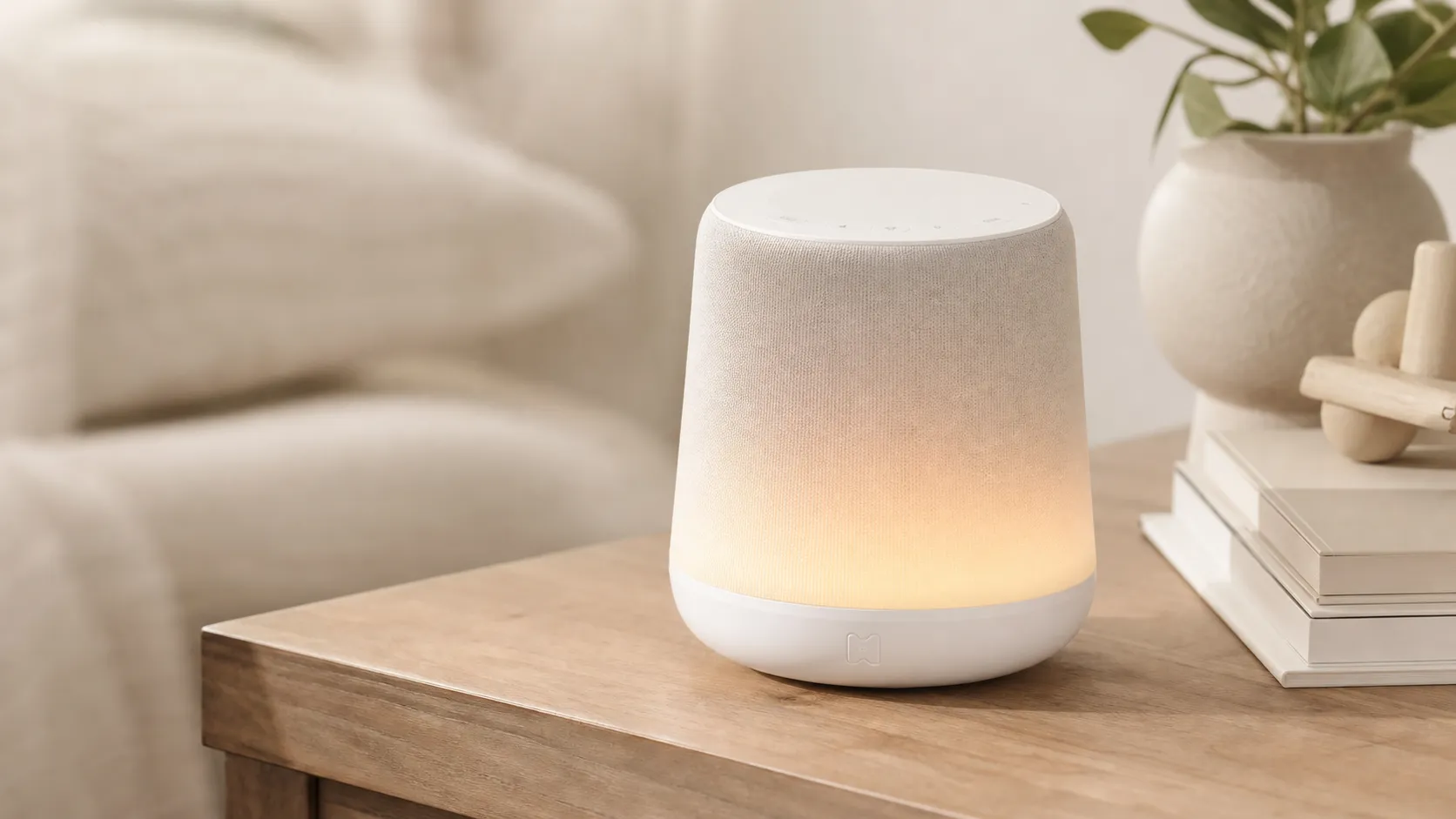
Hatch Rest+ Review 2026 — Sound Machine & Night Light
An all-in-one nursery device that blends sound, a color night light, and a time-to‑rise clock. Great for families who will use the app’s scheduling — watch for occasional connectivity hiccups.
 Baby & Kids
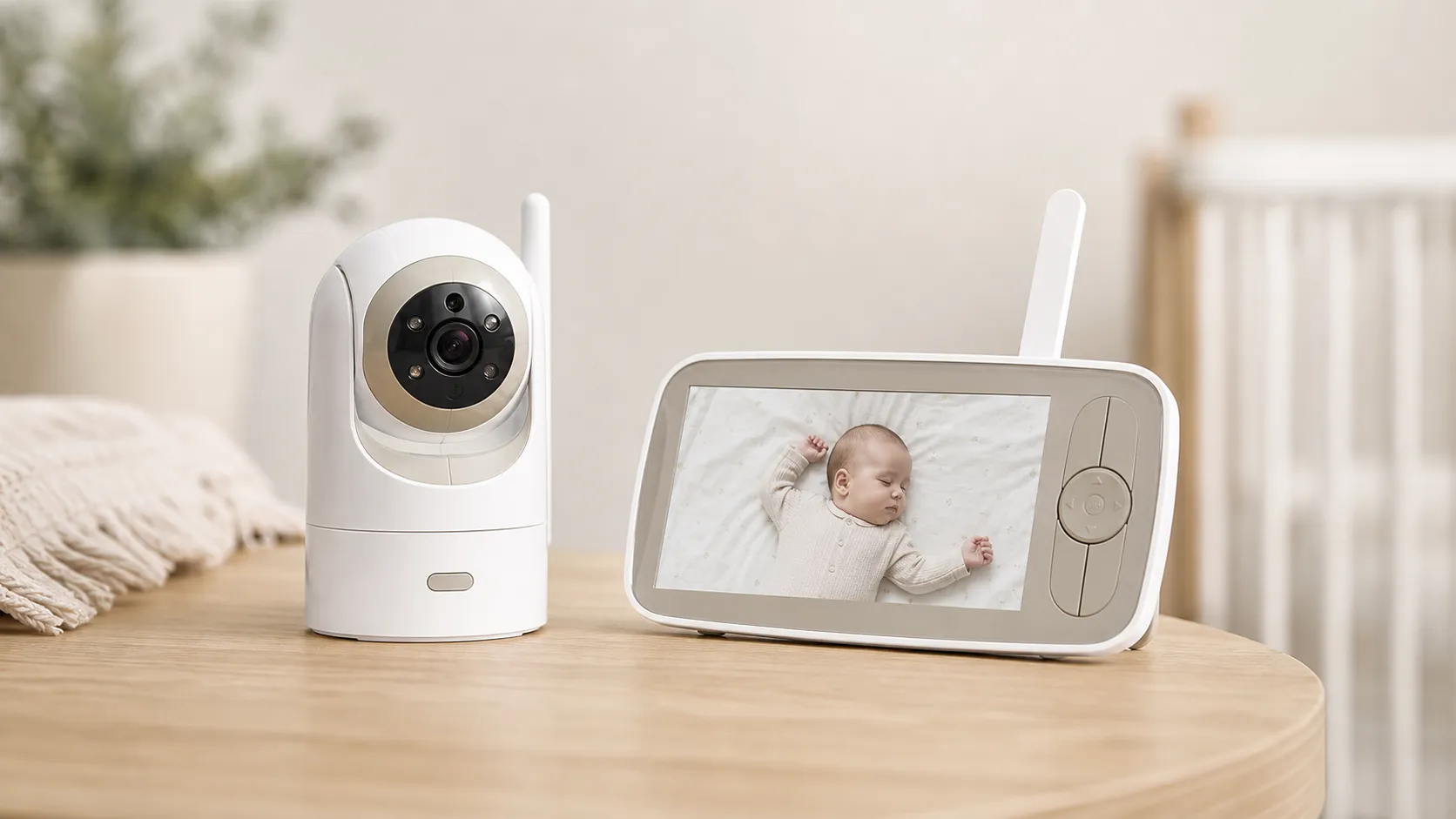
Infant Optics DXR‑8 Pro Video Baby Monitor — 2026 Review
A privacy‑first, high‑clarity non‑WiFi monitor with real optical zoom, clean audio, and long range — strong overall, but a minority report battery/charging issues.
 Baby & Kids
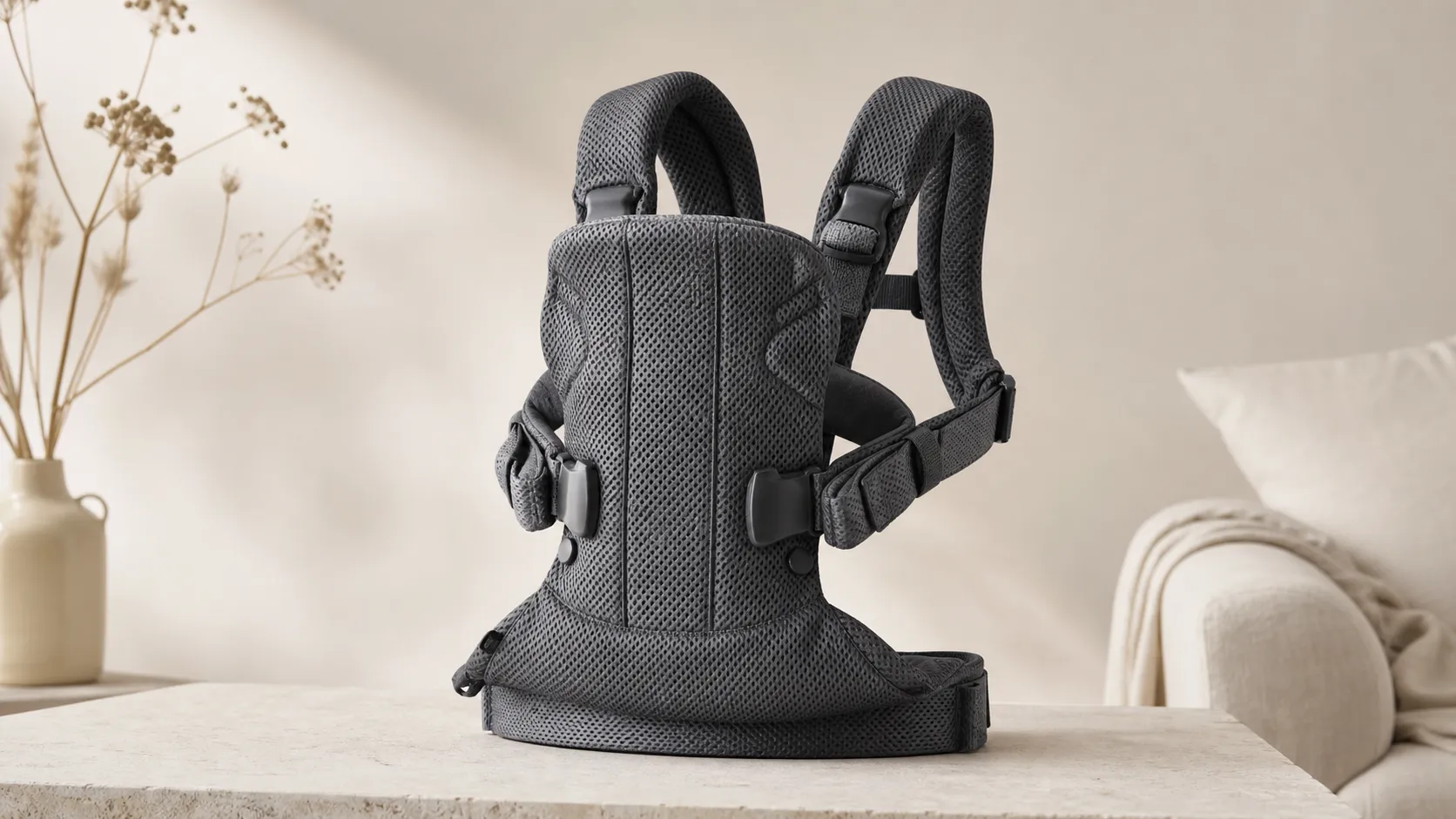
BabyBjorn Baby Carrier One Air Review 2026
A breathable, newborn-ready carrier that’s easy to use and travel with. Great for short-to-medium carries and warm weather, but less ideal for long, heavy-duty use.