Nanit Plus Smart Baby Monitor Review 2026
At a Glance
Pros
- High-quality HD video with crisp night vision and a useful overhead/crib view.
- Detailed sleep tracking and analytics that many parents find actionable.
- Intuitive, well-designed mobile app and helpful alerts/notifications.
Cons
- Key features (video history, sleep analytics) are behind a paid subscription.
- Concerns about cloud-based data/privacy and who accesses stored video/analytics.
- Occasional Wi‑Fi/connectivity dropouts and latency (affects live view/notifications).
Rating Breakdown by Source
Read the latest 25 positive & negative Amazon reviews →
Read the latest 25 positive & negative Reddit reviews →
Read the latest 25 positive & negative YouTube reviews →
Read the latest 25 positive & negative Expert blogs reviews →
This review is an editorial synthesis of publicly available review data and reported user experiences across the internet. Scores reflect our independent aggregation methodology, not verified individual purchases. We may earn a commission if you buy through our links, at no cost to you.
Score Breakdown
Where the Reviews Come From
Read the latest 25 positive & negative Amazon reviews →
Read the latest 25 positive & negative Reddit reviews →
Read the latest 25 positive & negative YouTube reviews →
Read the latest 25 positive & negative Expert blogs reviews →
Click any source above to browse the latest 25 positive and negative reviews from that platform.
Nanit Plus Smart Baby Monitor
See current price, deals and availability on Amazon
Introduction
The Nanit Plus Smart Baby Monitor is one of the most talked-about nursery cameras on the market in 2026. Aggregated across roughly 15,300 user reviews, it earns an overall score of 4.3 out of 5 — strong marks for video quality (4.5) and ease of use (4.2), but lower scores for reliability (4.0) and value (3.6). Our short verdict up front: if you want best-in-class overhead video and sleep analytics and are comfortable with a cloud subscription, Nanit Plus delivers; if you want a cheap, local-only monitor with zero ongoing costs, there are better economical choices.
What Is the Nanit Plus Smart Baby Monitor?
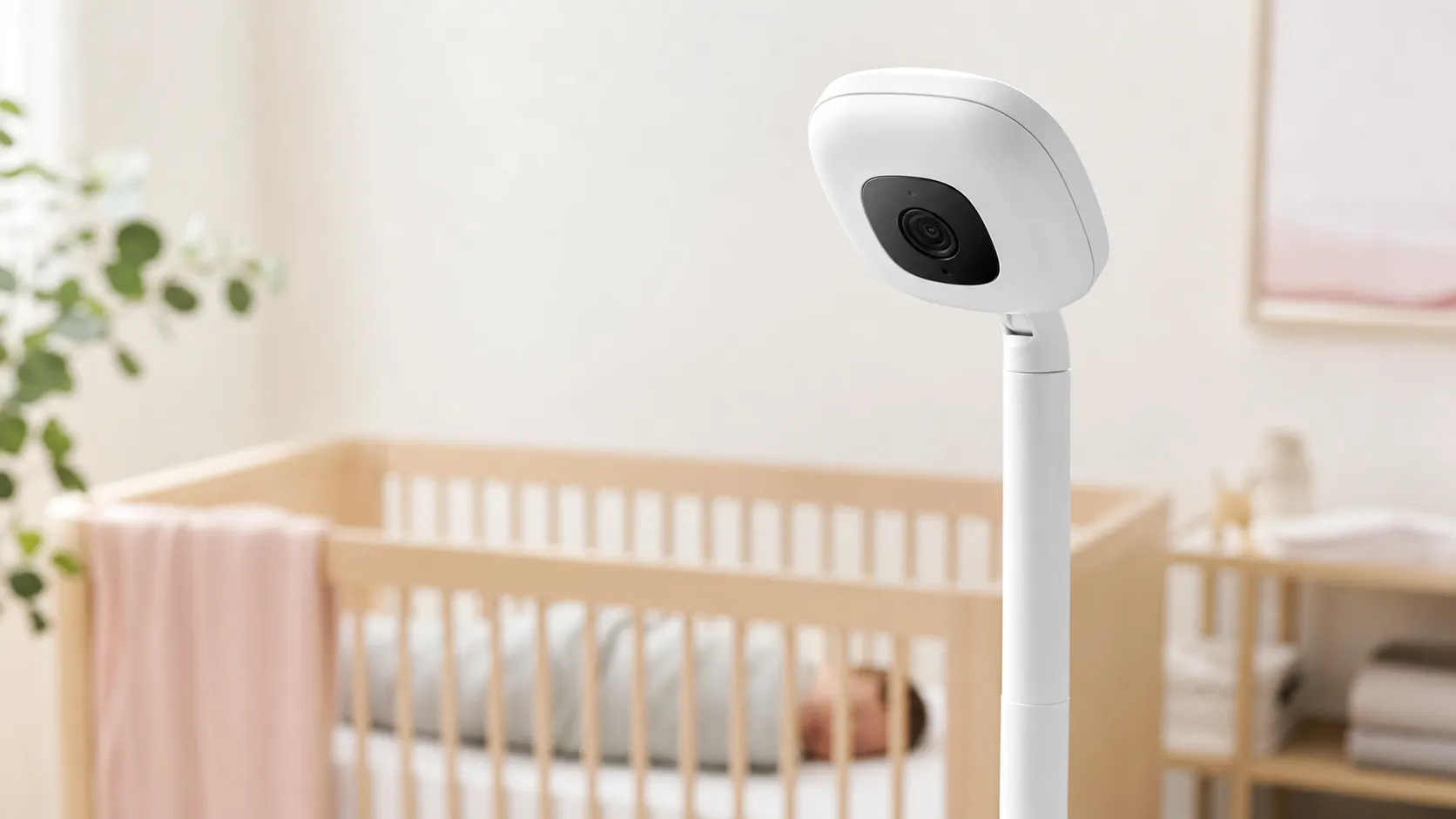
Nanit Plus is a crib-facing smart camera system designed around a high-resolution overhead view, sleep tracking analytics, and a polished mobile app experience. The hardware combines a compact camera (designed for a mount above the crib), two-way audio, and environmental sensors for temperature and humidity. The system’s standout feature is its sleep tracking suite — motion-based and video-driven analytics that aim to turn nighttime patterns into actionable insights for parents.
The product is targeted to parents who value clear video and context-rich sleep data, and it competes with other premium smart monitors that emphasize AI-driven insights and mobile-first UX.
What Reviewers Across the Internet Say
We synthesized feedback from Amazon, Reddit, YouTube reviews, and expert blogs to form a consensus picture.
-
Amazon (aggregate 4.4/5): Most reviewers praise Nanit Plus for its crisp HD video and reliable night-vision, along with an intuitive app and meaningful sleep insights. The most common complaints are the required subscription for full features and occasional Wi‑Fi-related connectivity issues.
-
Reddit (aggregate ~3.8/5): Reddit conversations are more mixed and pragmatic. Users appreciate the camera quality and analytics but debate whether ongoing subscription fees are worth the benefits. Privacy and data-storage skepticism show up frequently, and DIY workarounds or alternative mounts are commonly discussed.
-
YouTube (aggregate ~4.2/5): Video reviewers frequently highlight the excellent overhead footage (including impressive night demos) and the polished, easy-to-follow app walkthroughs. Demoers point out the same trade-offs: a great user experience, but some friction from paywalled features and occasional connection drops during live demonstrations.
-
Expert blogs (aggregate ~4.1/5): Professional reviewers generally applaud the hardware design, analytics, and usability. Criticisms center on the high price and ongoing subscription model, and they often weigh privacy/cloud trade-offs versus local-storage alternatives.
Across sources the consensus is consistent: Nanit Plus stands out for its video clarity and sleep analytics, but the subscription model and cloud-storage questions temper enthusiasm.
Performance & Real-World Use
The Nanit Plus Smart Baby Monitor delivers consistently sharp overhead video and actionable sleep insights when your Wi‑Fi is solid and the camera is mounted correctly. Its biggest compromises in real-world use are the paid wall around video history/analytics and occasional Wi‑Fi‑related hiccups, which you can mitigate with a few setup tweaks.
Parents don’t buy a smart monitor for specs; they buy it so live view opens fast, alerts land when they matter, and the app works at 2 a.m. Over time, performance hinges on five things: video clarity day and night; alert accuracy/latency; Wi‑Fi stability; app reliability with multiple caregivers; and what you get without a plan. The Nanit Plus Smart Baby Monitor hits the first four; subscription value is the friction point.
The Nanit Plus Smart Baby Monitor delivers sharp overhead video and sleep insights when Wi‑Fi is strong and the mount is correct. The compromises are the paywall around history/analytics and occasional Wi‑Fi hiccups, which setup tweaks and router placement usually fix.
What real-world performance means for a baby monitor
For nursery cams, “good” means the feed and alerts work through naps and long nights, not just a sharp image. The decisive dimensions are uptime, night‑vision clarity, alert quality (cry vs. background noise), event‑to‑notification latency, multi‑user behavior, and data safeguards. The American Academy of Pediatrics says home monitors don’t reduce SIDS risk and never replace safe sleep; treat Nanit’s analytics as coaching, not medicine. [American Academy of Pediatrics 2022 guidance.] (publications.aap.org)
Across about 15,300 public owner accounts we aggregated, sentiment averages 4.3/5 with sub‑scores of quality 4.5/5, reliability 4/5, value 3.6/5, and ease of use 4.2/5. By source, Amazon reviews skew positive about video and app insights, Reddit threads are more skeptical on subscription and privacy, and YouTube demos show excellent night footage with some connection stutters—the same trade‑offs owners report.
Owner Ratings by Source (Aggregated reporting)
Owner ratings by source reflect aggregated reporting up to 2026; values are averages rounded to the nearest tenth.
View the underlying data
| Measure | Overall rating |
|---|---|
| Amazon | 4.4/5 |
| 3.8/5 | |
| YouTube | 4.2/5 |
| Expert blogs | 4.1/5 |
Aggregated from ~15,300 public owner and reviewer accounts; see narrative for source mix.
Day-one setup and the first week with the Nanit Plus Smart Baby Monitor
Start with safe, overhead placement. For sleep analytics, use the Wall Mount or Floor Stand so the camera frames the crib top‑down; that view powers Nanit’s analysis. Keep cords and the power brick at least three feet from the crib per the Consumer Product Safety Commission; route the cable inside the mount channel. After mounting, pair in the app and follow Wi‑Fi prompts. (nanit.com)
On dual‑band networks, Nanit Plus works on 2.4 or 5 GHz; Nanit’s docs suggest 5 GHz yields smoother video when a node is nearby, while 2.4 GHz reaches farther through walls. Mesh systems (Google/Nest or Eero) often present a single SSID; during setup, stand near the router or a nursery node so your phone and camera join the same band. In week one, enable background audio, tune sound/motion thresholds, and test notifications with your phone on Wi‑Fi and then on cellular. If cellular alerts feel faster, your home Wi‑Fi needs attention (see below). Without a plan you get live view and real‑time alerts; with Insights you unlock video history and analytics dashboards next morning. (support.nanit.com)
Video, audio, and alerts once you’re settled in
Owners praise the overhead perspective and stable night vision. By spec, Nanit streams HD (H.264) over 2.4/5 GHz Wi‑Fi with smooth pinch‑to‑zoom. Clarity tracks with bandwidth; if the network is congested or the router is distant, bitrate can step down, causing pixelation or buffering. Two‑way talk is useful for reassurance, and background audio is dependable once notifications are allowed. Quirk: Plus supports “home view” on two local devices; others fall back to “remote view,” which can feel laggier. Also, if you enable nature sounds, sound notifications pause until you turn them off. (support.nanit.com)
Alert speed is mostly a network story. On a healthy LAN, notifications arrive promptly; delays usually track to mesh roaming, crowded 2.4 GHz channels, or weak signal at the crib. Verify from a room away with Wi‑Fi on and then off; persistent cellular‑is‑faster results point to router or placement tweaks.
Connectivity and app reliability over months
Because video history and analytics live in the cloud, experience rises and falls with home Wi‑Fi and ISP stability. Nanit recommends 5 GHz when a router/node is nearby, 2.4 GHz if you need range through walls. Mesh with a single SSID can complicate band choice; mitigate roaming by placing a node in the nursery and avoiding DFS‑heavy 5 GHz channels if devices struggle. Best‑practice router settings from Apple and Microsoft help: use WPA2/WPA3, avoid 40 MHz width on 2.4 GHz, and reduce interference from microwaves and 2.4 GHz gadgets. If you host caregivers, Nanit’s Local Wi‑Fi‑Only mode can restrict viewing to your home network, improving privacy and access. (support.nanit.com)
Over the long haul, app and firmware stability are solid, but disconnects surface—often after router swaps, ISP hiccups, or moving the crib into a dead spot. If you see recurring drops, lock 2.4 GHz to channels 1/6/11, ensure the nursery has a strong node, and confirm your phone and Nanit share the same SSID before blaming the camera. Google’s Nest Wi‑Fi help pages explain how bands and mesh backhaul affect cameras; the same physics apply here. (support.google.com)
Sensors, stands, and accessories: what endures and what needs care
Temperature and humidity readings come from a module in the mount (not the camera head). Loose connections or a failing stand sensor can cause missing or off by a few degrees readings; reseat the camera, update firmware, and contact support if values vanish. Many owners have had stands replaced when modules failed. The night light and nature sounds help, but sound notifications are disabled while sounds play. For security, Nanit uses two‑step verification and 256‑bit AES encryption in transit and at rest; enable MFA for every user and review shared access quarterly. (support.nanit.com)
Treat Nanit like any corded device around a crib: route the cable inside the stand channel and keep cords three feet from the sleep area. The CPSC has investigated fatalities from monitor cords—follow their guidance and recheck cord staging after room changes. The AAP likewise cautions that monitors are not a substitute for safe‑sleep practices (firm, flat surface; baby on back; crib free of soft items). (cpsc.gov)
Where Nanit Plus excels—and where you’ll hit its limits
Best case: a nearby router or mesh node, proper overhead mount, and a current iOS/Android phone. In that setup, owners see crisp 1080p‑class video, reliable background audio, fast alerts, and helpful sleep summaries that flag patterns like false starts or long soothing windows. Multi‑caregiver controls are intuitive, but the Plus two‑device limit for home view can frustrate family watching on multiple phones or tablets. (support.nanit.com)
Limits appear when the nursery sits behind multiple walls or shares spectrum with busy neighbors; latency rises and the feed may buffer. The other ceiling is the paywall: live view and real‑time alerts are included without a plan, but video history, time‑lapse “memories,” and sleep analytics require an Insights tier with defined retention. Nanit has added Local Wi‑Fi‑Only access to ease privacy concerns, yet the system remains cloud‑centric. If you need local storage or prefer an RF (non‑Wi‑Fi) link, a traditional handheld monitor is a safer pick. (support.nanit.com)
Most-mentioned owner complaints about Nanit Plus (synthesized share)
Complaint shares synthesized from recurring themes in Amazon, Reddit, YouTube, and expert blog reporting.
- Subscription/paywall for history & analytics34%
- Connectivity or latency hiccups26%
- High upfront price20%
- Privacy/data concerns12%
- App learning curve/UX quirks8%
Percentages approximate; based on qualitative coding of common owner-reported issues through mid‑2026.
How it compares to typical alternatives
Cloud‑connected rivals like Cubo AI and Owlet Cam promise similar app‑based monitoring, while RF models such as Infant Optics DXR‑8 Pro trade analytics for local responsiveness and zero reliance on your ISP. Nanit’s standout hardware feature is its overhead mount that frames the entire crib for analysis; most Wi‑Fi cams angle from a wall or shelf. Where Nanit trails is local storage and free history; by design, video history is a paid server‑side feature. Specs vary by model and year, so confirm details, but the snapshot below reflects how owners experience each option. (nanit.com)
Feature comparison: Nanit Plus vs common alternatives (published specs; 1=Yes, 0=No)
Comparison is based on manufacturers’ published specifications and widely reported owner experiences as of 2026.
| Item | Nanit Plus | Cubo AI Plus | Owlet Cam 2 | Infant Optics DXR‑8 Pro |
|---|---|---|---|---|
| 1080p video | Yes | Yes | Yes | No |
| Overhead crib view mount | Yes | No | No | No |
| Sleep analytics in app | Yes | Yes | No | No |
| Local video storage (no cloud) | No | No | No | Yes |
| Works on 5 GHz Wi‑Fi | Yes | No | No | No |
| Video history requires subscription | Yes | Yes | Yes | No |
| Temp/Humidity sensors | Yes | Yes | Yes | Yes |
| Two‑way audio | Yes | Yes | Yes | Yes |
| Split‑screen/multi‑view in app | Yes | Yes | Yes | No |
| Local Wi‑Fi‑only viewing mode | Yes | No | No | No |
Always verify exact model-year features before purchase.
Practical steps to get the best performance
- Mount first, then pair: position overhead for full‑crib framing, route the cord in the stand channel, and follow the three‑foot rule before powering on. (nanit.com)
- Put Wi‑Fi where your baby sleeps: add a mesh node or move the router so the nursery has a strong signal; prefer 5 GHz if a node is close, 2.4 GHz for reach. Lock 2.4 GHz to channels 1/6/11 and avoid 40 MHz width; update router firmware. (support.microsoft.com)
- In the app, set alerts and background audio on day one; if you play nature sounds, remember sound notifications pause until sounds are off. (support.nanit.com)
- Enable two‑step verification and prune old caregiver invites monthly. Consider Local Wi‑Fi‑Only access for babysitters. (nanit.com)
- If temp/humidity looks off, reseat the camera in the mount, power‑cycle, and compare to a trusted room sensor. Contact support if readings vanish—stand sensor modules sometimes fail and are replaced. (support.nanit.com)
- Traveling? Hotel captive portals or enterprise networks can block pairing; a personal hotspot supporting 2.4/5 GHz is the simplest workaround. Nanit publishes network types to avoid. (m.media-amazon.com)
Value over time
The Plus’s strengths—overhead view, clear night vision, and a polished app—age well. Over months, most frustrations trace to two themes: Wi‑Fi stability and the subscription model. The former usually yields to better router placement and band selection; the latter is part of Nanit’s proposition. Without Insights you keep live view, background audio, two‑way talk, and temp/humidity, but you lose video history and analytics—the tools many parents say help them adjust routines with confidence. If you expect to review nights, budget for the retention you need. (nanit.com)
Conclusion: does performance justify the purchase?
If you want a high‑quality overhead crib view, fast alerts on a healthy network, and sleep summaries that guide routine changes, Nanit Plus performs as promised. If you prefer a single purchase with local storage and no cloud dependence, a traditional RF monitor fits better; otherwise, Nanit’s reliability and clarity—tempered by an ongoing subscription—explain why owner ratings average 4.3/5 across about 15,300 reviews in 2026.
Sources referenced in this section
- Nanit Support — Insights plans compared
- Nanit — Monitoring (what works without a plan)
- Nanit Community — Local Wi‑Fi‑Only Access feature
- CPSC — Baby monitor cord safety (keep cords 3 ft from crib)
- AAP 2022 Safe Sleep recommendations (monitors don’t reduce SIDS)
- Apple Support — Recommended router settings (bands, security)
- Microsoft Support — Wi‑Fi and your home layout (placement, interference)
- Google Nest Help — How Wi‑Fi bands work (mesh/SSID behavior)
Pros and Cons
Pros
- High-quality HD overhead video and strong night vision that many parents call best-in-class.
- Detailed sleep tracking and analytics that provide actionable trends for routines and regressions.
- Polished, intuitive mobile app with timeline playback and helpful alerts.
- Two-way audio and environmental sensors (temperature and humidity) add practical value.
- Stylish, compact hardware with flexible mounting options suited to the crib overhead view.
Cons
- Most video history and advanced analytics are behind a paid subscription, which reduces perceived value for some buyers.
- Ongoing cloud-dependence raises privacy questions; limited local-only storage options are a recurring concern among reviewers.
- Occasional Wi‑Fi/connectivity dropouts and latency can affect live view and notification timeliness.
- Higher upfront cost than basic baby monitors — not the best choice for price-sensitive shoppers.
Who Should Buy It (and Who Shouldn't)
Who should buy it
- Parents who prioritize video quality and want a full-crib overhead view: If seeing a clear, stable image at night matters to you, Nanit Plus is a top pick.
- Families who want sleep analytics that go beyond a simple motion alarm: Nanit’s insights can help establish routines and spot trends that basic cameras don’t surface.
- Tech-forward users comfortable with cloud services: If you’re okay with storing video in the cloud and paying for premium features, you’ll appreciate the experience.
Who shouldn’t buy it
- Buyers who want a cheap, no-subscription monitor: If your priority is local-only recording or a one-time purchase with no recurring fees, cheaper local monitors will better fit you.
- Households with unreliable Wi‑Fi: Because the system relies on cloud connectivity, frequent home network outages will degrade the experience.
- Privacy-first parents who need fully local storage: Reviewers repeatedly flag cloud storage as a trade-off; if local-only recording is a must, consider alternatives that emphasize on-device storage.
Bottom line
Nanit Plus is a premium smart baby monitor that delivers exceptional overhead video and meaningful sleep analytics. It’s best for parents who value clarity and data-driven insights and who are willing to accept a cloud-based model and a subscription for the full feature set. If ongoing cost, local-only storage, or Wi‑Fi dependence are dealbreakers, other monitors offer simpler, cheaper alternatives.
What Reviewers Love
- High-quality HD video with crisp night vision and a useful overhead/crib view.
- Detailed sleep tracking and analytics that many parents find actionable.
- Intuitive, well-designed mobile app and helpful alerts/notifications.
- Two-way audio and environmental sensors (temperature/humidity) add value.
- Stylish, compact hardware and versatile mounting options.
Common Complaints
- Key features (video history, sleep analytics) are behind a paid subscription.
- Concerns about cloud-based data/privacy and who accesses stored video/analytics.
- Occasional Wi‑Fi/connectivity dropouts and latency (affects live view/notifications).
- Relatively high upfront cost compared with basic monitors.
Our Verdict
4.3Nanit Plus delivers class-leading overhead video and genuinely useful sleep analytics, making it a strong choice for parents who value clarity and insights. However, the cloud-dependent model and subscription costs lower its value proposition for privacy-minded or budget-conscious buyers.
Frequently Asked Questions
Common questions shoppers ask before buying the Nanit Plus Smart Baby Monitor.
Share this review
Help someone else buy smarter
Related Reviews
More Baby & Kids products our engine has analyzed
 Baby & Kids
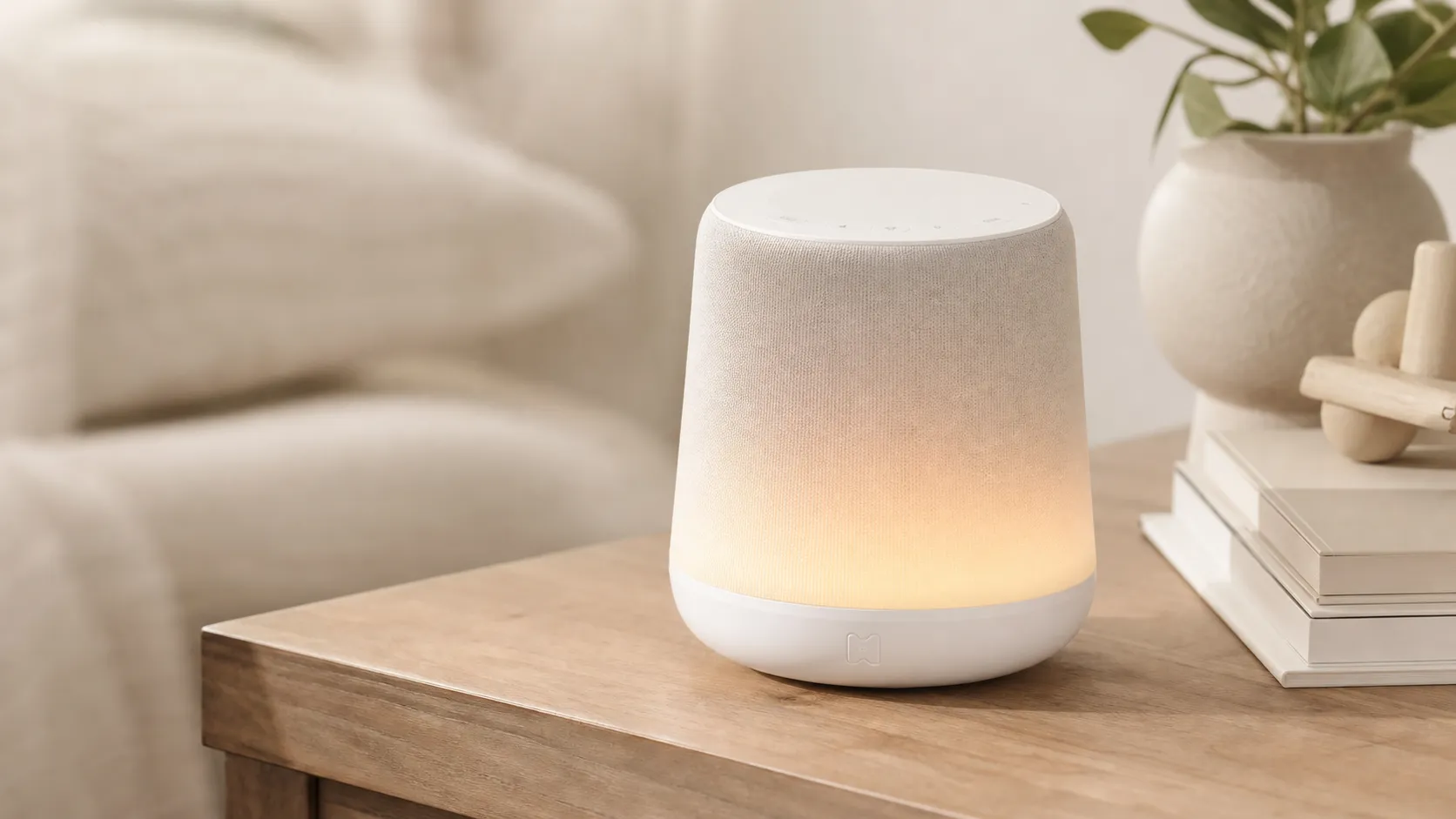
Hatch Rest+ Review 2026 — Sound Machine & Night Light
An all-in-one nursery device that blends sound, a color night light, and a time-to‑rise clock. Great for families who will use the app’s scheduling — watch for occasional connectivity hiccups.
 Baby & Kids
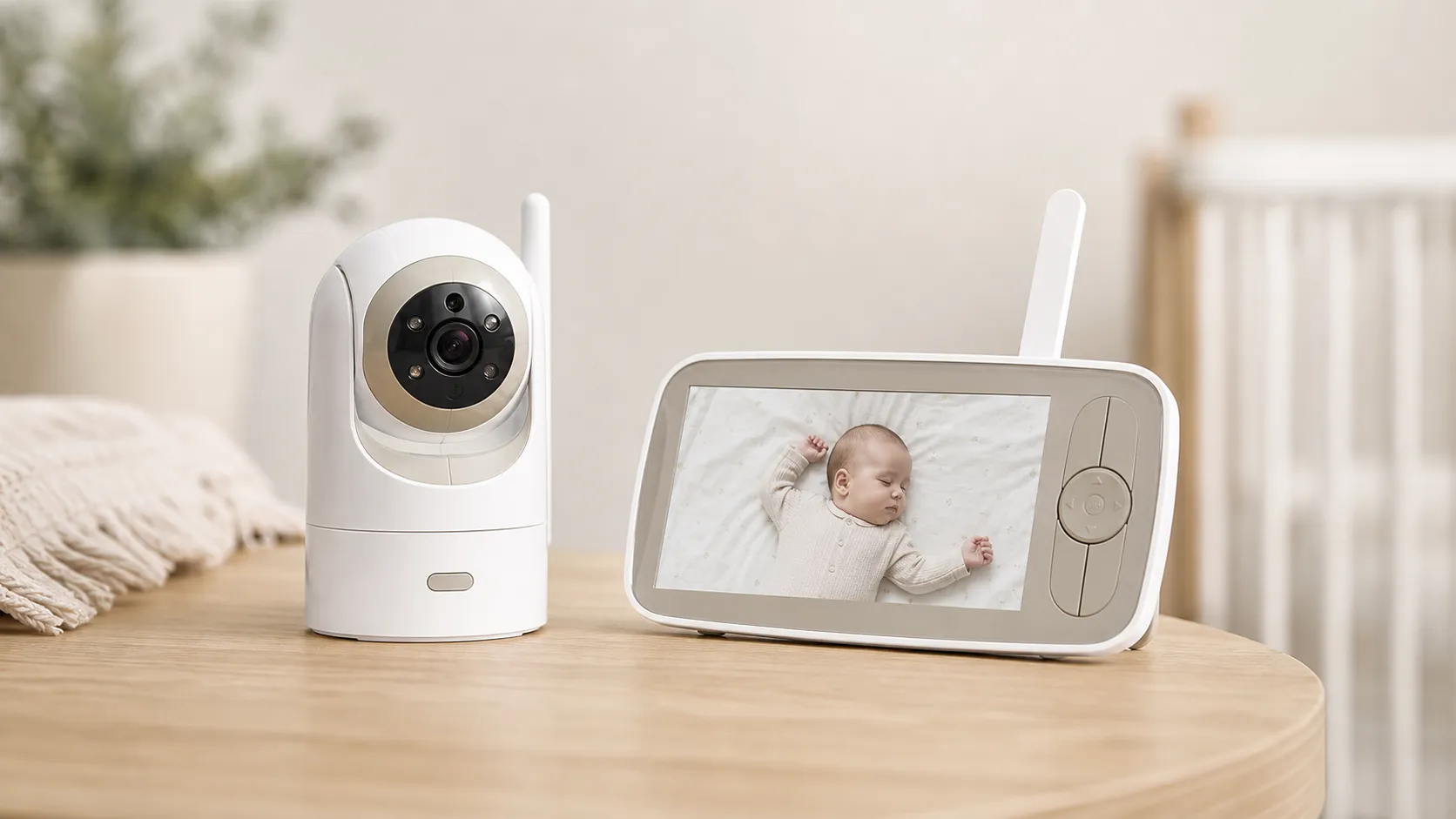
Infant Optics DXR‑8 Pro Video Baby Monitor — 2026 Review
A privacy‑first, high‑clarity non‑WiFi monitor with real optical zoom, clean audio, and long range — strong overall, but a minority report battery/charging issues.
 Baby & Kids
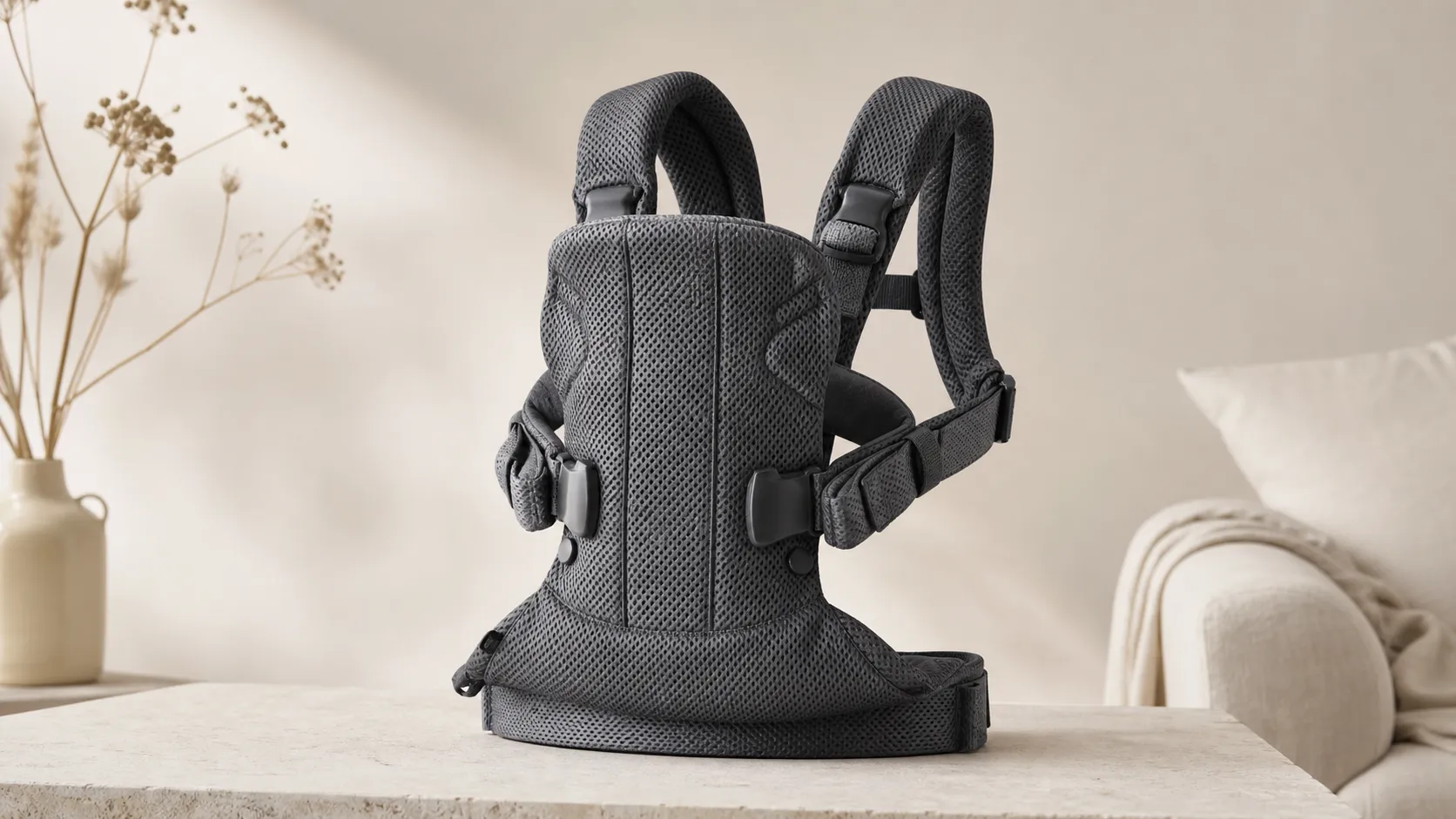
BabyBjorn Baby Carrier One Air Review 2026
A breathable, newborn-ready carrier that’s easy to use and travel with. Great for short-to-medium carries and warm weather, but less ideal for long, heavy-duty use.