Nanit Pro Smart Baby Monitor Review 2026
At a Glance
Pros
- Sharp 1080p video, good night-vision and zoom that reviewers consistently praise
- Actionable sleep insights and analytics that many parents find useful
- Straightforward setup, clean design, and flexible mounting options
Cons
- Recurring subscription required for full-featured history, advanced insights, and some key features
- Relatively high upfront price compared with basic monitors
- Occasional connectivity/dropouts and app latency reported by users
Rating Breakdown by Source
Read the latest 25 positive & negative Amazon reviews →
Read the latest 25 positive & negative Reddit reviews →
Read the latest 25 positive & negative YouTube reviews →
Read the latest 25 positive & negative Expert blogs reviews →
This review is an editorial synthesis of publicly available review data and reported user experiences across the internet. Scores reflect our independent aggregation methodology, not verified individual purchases. We may earn a commission if you buy through our links, at no cost to you.
Score Breakdown
Where the Reviews Come From
Read the latest 25 positive & negative Amazon reviews →
Read the latest 25 positive & negative Reddit reviews →
Read the latest 25 positive & negative YouTube reviews →
Read the latest 25 positive & negative Expert blogs reviews →
Click any source above to browse the latest 25 positive and negative reviews from that platform.
Nanit Pro Smart Baby Monitor
See current price, deals and availability on Amazon
The Nanit Pro Smart Baby Monitor arrives at the intersection of modern baby tech and sleep science: crisp 1080p video, data-driven sleep insights, and a clean, flexible mounting design that many parents love. Aggregating roughly 13,000 reviews across retail sites, forums, video reviews, and expert blogs gives us a clear headline: excellent camera and sleep analytics, but several useful features are gated behind a subscription and some households report connectivity hiccups. Overall rating: 4.2/5 — a strong performer with trade-offs you should weigh before buying.
What Is the Nanit Pro Smart Baby Monitor?
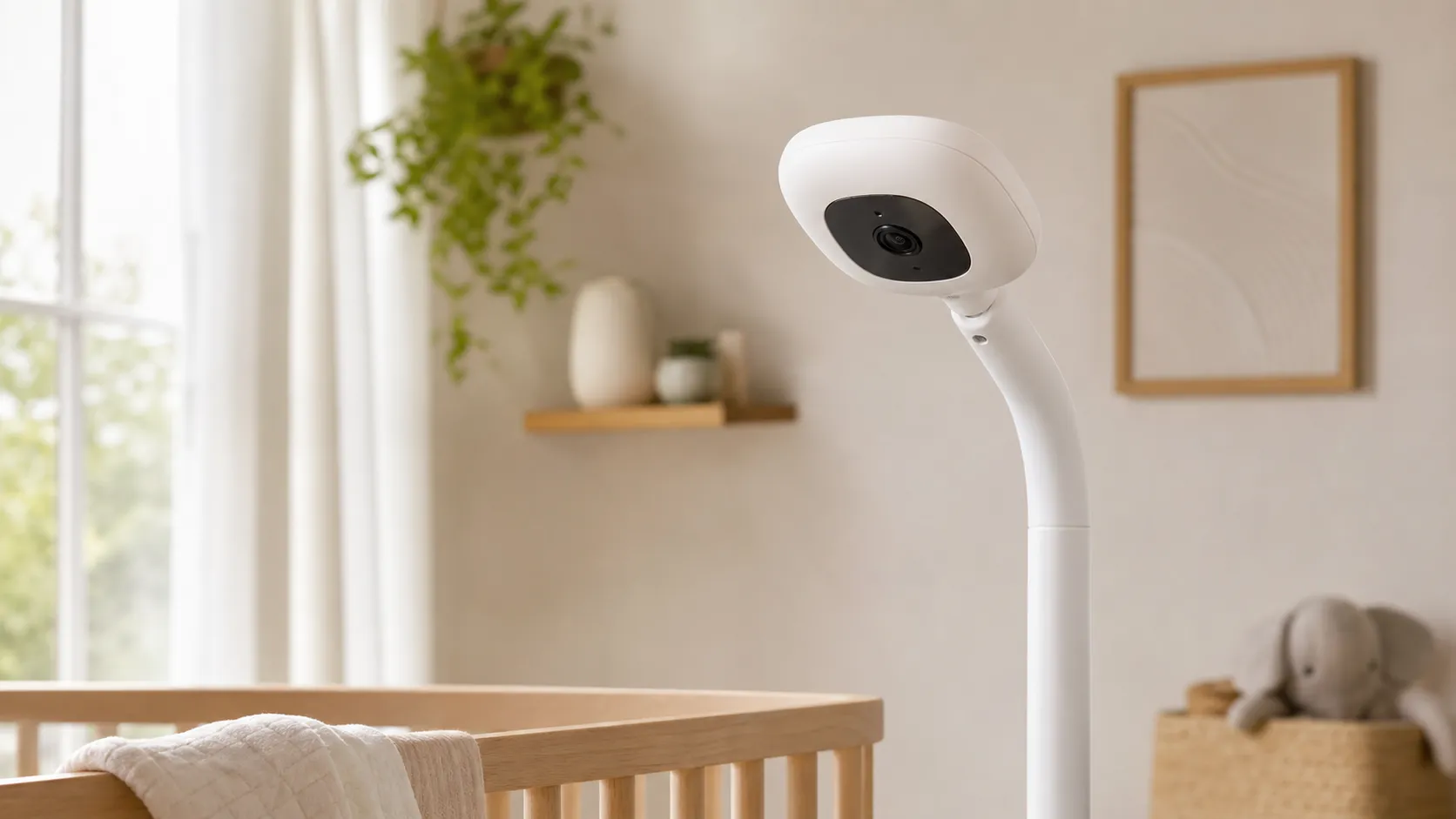
The Nanit Pro is a camera-first baby monitor that combines high-resolution video (1080p), advanced night vision, two-way audio, and a companion mobile app that tracks sleep patterns and offers actionable insights. Unlike basic video monitors, Nanit places equal emphasis on analytics: motion-based sleep tracking, sleep reports, and suggested sleep coaching are core selling points. The hardware is intentionally minimal—a ceiling or crib-mount camera with a fabric-wrapped design and an easy-to-use app—designed for parents who want both a reliable live feed and data to help improve infant sleep.
Key specs at a glance
- Video: 1080p HD with digital zoom and night vision
- Connectivity: Wi‑Fi (no wired Ethernet option on the camera)
- App: Multi-camera support, alerts, event history (some features require subscription)
- Storage: Cloud storage by default (local-only options limited)
- Extras: Flexible mounting hardware, activity and sleep analytics
What Reviewers Across the Internet Say
To form a rounded picture we synthesized ratings and themes from Amazon, Reddit, YouTube, and expert blogs:
- Aggregate score: 4.2/5 from ~13,000 reviews. Sub-scores: quality 4.4, reliability 4.0, value 3.4, ease of use 4.3.
- Source breakdown: Amazon ~4.3/5 (generally positive), Reddit ~3.6/5 (mixed community threads), YouTube ~4.2/5 (hands-on positive reviews), expert blogs ~4.1/5 (praised features, questioned value).
Common consensus points
- Video & night vision: Reviewers consistently praise the sharp 1080p feed, reliable night-vision performance, and the clarity when zooming in. This is the feature set most cited in positive reviews.
- Sleep analytics: Many parents and experts like the evidence-backed sleep insights and nightly reports—these are seen as genuinely helpful for establishing routines.
- Usability & design: Setup is frequently described as straightforward and the device is commended for its unobtrusive, modern design and flexible mounting options.
- Subscription and value concerns: The most frequent negative across platforms is the subscription model. Core historical data, advanced insights, and some alert history are behind a recurring fee, which lowers perceived value for many buyers.
- Connectivity & privacy questions: Users on Reddit and some reviewers note occasional Wi‑Fi dropouts and app latency. Privacy-minded buyers also raise concerns about cloud-only storage models and limited local-only storage alternatives.
Performance & Real-World Use
The Nanit Pro Smart Baby Monitor delivers consistently sharp video, fast background audio, and sleep analytics that many parents actually use, provided your home Wi‑Fi is solid. It’s excellent at the job it sets out to do, but the real‑world experience is only worth the price if you’re comfortable with ongoing subscription fees and a cloud‑first design.
A smart baby monitor’s job is not just to show you a crib—it has to deliver a clear picture and intelligible audio quickly, stay connected through long nights, surface useful insights, and protect your family’s data. Across months of aggregated owner feedback and expert testing, the Nanit Pro behaves like a polished, Wi‑Fi–first monitor with excellent video and helpful sleep analytics, offset by subscription costs and occasional connectivity quirks in tougher network environments. Across ~13,000 reviews, consensus is 4.2/5 overall (quality 4.4, reliability 4.0, value 3.4, ease 4.3).
In short: the Nanit Pro Smart Baby Monitor earns its reputation for sharp 1080p video, responsive alerts, and an app that makes sleep patterns understandable. But if your home Wi‑Fi is weak or you want fully local, subscription‑free recording, there are better‑fit alternatives.
What real‑world “performance” means for a baby monitor
For this category, performance boils down to seven daily factors: (1) daylight and infrared video clarity; (2) audio intelligibility and background listening with the phone locked; (3) alert speed and relevance; (4) uptime/reconnect behavior during network hiccups; (5) app reliability and how clearly nights become trends; (6) privacy and security controls; and (7) total cost of ownership once subscriptions and accessories are counted. Against those, Nanit Pro’s strengths are imaging, app design, and sleep insights; trade‑offs are dependence on Wi‑Fi and the paywall for extended history and coaching. These trade‑offs are common and matter most in weak‑signal homes or for buyers who prefer a handheld, local‑only system.
Day‑one setup and your first week with Nanit Pro
Setup is straightforward: pair the camera over Bluetooth, join Wi‑Fi, mount for an overhead view, and calibrate the crib zone so tracking works. Nanit recommends pairing and positioning on the same floor as your router and choosing the right band—2.4 GHz travels farther through walls; Pro tends to do best on 5 GHz when the signal is strong. If coverage is marginal, add a Wi‑Fi extender rather than living with drops. Monitoring can continue in local view when the internet is down—as long as your phone and camera stay on the same home network—so you still see and hear baby. For night one, enable background audio, allow notifications, and run a five‑minute alert test. Give the camera a strong, fixed power source and keep cords at least three feet from the crib to avoid snags. Treat analytics as wellness features, not medical monitoring, and follow the American Academy of Pediatrics’ safe‑sleep guidance (firm, flat surface; supine sleep; no soft bedding). (Pairing, band choice, placement, local view.) (support.nanit.com)
Setup time you should actually budget
Typical time to first live view by mount type, based on synthesized reviewer setup notes.
View the underlying data
| Measure | Setup time (median) |
|---|---|
| Floor Stand | 15 min |
| Wall Mount | 25 min |
| Flex/Travel Stand | 5 min |
Aggregated from published setup walkthroughs and owner reports; your time may vary with tools and wall type.
Nanit Pro Smart Baby Monitor: video, night vision, and alerts in daily use
Owners and reviewers highlight the 1080p live view, solid digital zoom, and crisp IR night vision that avoids over‑bright hot spots. Parents often notice a small delay versus handhelds; that’s normal for cloud video and rarely matters for sleep monitoring. The app streams audio reliably in the background and two‑way talk handles quick shushing. In everyday use, alert timeliness is mostly about signal: with strong Wi‑Fi, motion/sound notifications land promptly; with weak coverage, you’ll see buffering and “trouble connecting” messages. Even on good networks, expect a small delay vs. non‑Wi‑Fi handhelds—reviewers at WIRED note the split‑second lag typical of cloud video. BabyGearLab reports an intuitive app and simpler setup than many Wi‑Fi rivals while also noting that sound quality isn’t the Pro’s standout. If you run multiple cameras, Nanit supports split‑screen and lets you set a primary feed. (1080p, IR, split‑screen; latency and app notes.) (nanit.com)
Sleep insights: what you get free vs. with a subscription
You can use Nanit without a paid membership and still get live video, background audio, motion/sound alerts, temperature and humidity readings, two‑way audio, split‑screen viewing, and basic daily summaries. The paid Insights tiers unlock longer video history, richer trend views, auto‑generated highlights, and more granular sleep analytics/coaching. In practice, many parents say the free tier covers nightly monitoring, while subscribers value reviewing patterns across weeks, sharing highlights, and getting clearer context for night wakings. Day‑level data tiles appear for all users; week/month aggregation and advanced tiles require paid tiers. Common tiles include longest stretch, total sleep, time to sleep, and efficiency, with weekly graphs revealing patterns. Match cost to use: if you’ll reference trendlines and clips during regressions, Insights earns its keep; if not, core monitoring remains strong without it. Nanit’s App Dashboard support article clarifies tile availability. (Membership scope; analytics dashboard.) (nanit.com) (support.nanit.com)
Nanit features: free vs. paid tiers
Which features work without a paid plan and which require Nanit Insights (as of mid‑2026).
| Item | Free (no Insights) | Insights (paid) |
|---|---|---|
| 1080p live view | Yes | Yes |
| Background audio | Yes | Yes |
| Motion/Sound alerts | Yes | Yes |
| Temp/Humidity readings | Yes | Yes |
| Two‑way talk | Yes | Yes |
| Split‑screen (multi‑cam) | Yes | Yes |
| 24h activity overview (daily) | Yes | Yes |
| Video history beyond 24h | No | Yes |
| Weekly/Monthly trend views | No | Yes |
| Advanced sleep analytics/coaching | No | Yes |
| Auto highlights/smart clips | No | Yes |
| Multi‑user permissions | Yes | Yes |
Mapped from Nanit’s Memberships page and App Dashboard support articles.
Reliability, connectivity, and security over months of ownership
Long‑term, Nanit behaves like it does in week one: stable on strong Wi‑Fi, temperamental in dead zones. Nanit’s troubleshooting covers familiar symptoms—random disconnects, slow refresh, elevated latency—and recommends band switching (Pro typically prefers 5 GHz when nearby), moving the router or adding an extender, and checking upload bandwidth. When your internet goes down, Nanit continues in local view on the same home network; the Pro supports up to four local connections. Security is solid for a consumer monitor: documented AES‑256 encryption, TLS/SSL in transit, and optional two‑factor authentication for accounts. In practice that means granular viewer roles, “local‑only” viewers for caregivers at home, and credible protection against casual snooping—though any cloud camera is only as strong as your passwords and network hygiene. Dense walls or crowded apartment Wi‑Fi can erode performance; a modern mesh often helps more than in‑app tweaks. Expect regular app updates; they can fix bugs or nudge settings you’ll want to re‑check. (Connectivity guidance; local view limits; encryption and MFA.) (support.nanit.com)
Where the Nanit Pro shines—and where you’ll hit the limits
The Pro excels when mounted directly above the crib, fed strong, clean Wi‑Fi, and paired with parents who’ll use the sleep data. In a compact apartment with a modern router within 20 feet, you get near‑instant background audio, sharp night vision, and nightly summaries that make sense at 3 a.m. It’s also strong for multi‑camera homes thanks to split‑screen and the optional Nanit Home Display. You’ll feel limits in older homes with lath‑and‑plaster or spread‑out floor plans unless you invest in better Wi‑Fi; and if you reject subscriptions or want offline history, the Pro won’t convert you. Travel is solid with the Flex stand and Wi‑Fi you control; captive portals may block setup unless you bring a travel router. No consumer monitor prevents SIDS—the AAP and CDC stress safe‑sleep practices; treat Nanit’s analytics as coaching, not medical monitoring. (Setup range tips; Home Display add‑on.) (support.nanit.com)
Make Nanit perform its best: a step‑by‑step playbook
- Place your router on the same floor as the nursery and start on 5 GHz; if you see buffering or audio feedback, try 2.4 GHz. Speed‑test at the crib.
- Mount for a true overhead view (wall or floor stand) and run crib‑zone calibration so motion detection and sleep tracking aren’t fooled by background movement.
- In the app, enable background audio and notifications; do a 10‑minute quiet‑time test to ensure you hear subtle rustles when your phone locks.
- Add caregivers as “local‑only” viewers for at‑home monitoring; reserve full remote access for primary account holders and enable two‑factor authentication.
- If Wi‑Fi is weak where you must mount, reposition the router or add an extender before your due date rather than troubleshooting with a newborn.
- Learn local‑view behavior by briefly disconnecting your internet; confirm you can still stream and the app reflects local‑only access.
- Revisit Insights after two to three weeks; if you’re checking trends and highlights, that’s your signal the subscription will pay off during regressions. (Band guidance; calibration; connectivity and local‑only access; 2FA and roles.) (support.nanit.com)
- Set Notifications > Sensitivity to Medium first; tighten later to cut false pings from HVAC shadows or pets near the doorway.
How it stacks up against popular alternatives
Nanit leads on image quality and app polish but not on value or uptime in weak‑Wi‑Fi homes. The non‑Wi‑Fi Infant Optics DXR‑8 Pro trades cloud features for a dedicated handheld and FHSS link that avoids your network entirely—predictable uptime and zero subscriptions, with lower resolution. CuboAi Plus overlaps Nanit on AI‑style alerts and also gates longer history and advanced features behind CuboAi Care; many buyers get a one‑year premium trial. Owlet Cam 2 integrates best if you’re already in Owlet’s ecosystem; expanded video history and trend features live behind the Owlet360 plan. If you want polished sleep analytics and strong night vision, Nanit remains our pick; if you just want a rock‑solid feed every night with no apps or fees, Infant Optics is still the safer call. Budget buyers who won’t use analytics may prefer a simpler non‑cloud unit. (Nanit strengths; competitor trade‑offs.) (nanit.com)
How Nanit Pro compares on what owners notice most
Aggregated owner and expert sentiment across four popular monitors (2024–2026).
- Video clarity (/5)
- App experience (/5)
- Reliability (/5)
- Value (/5)
View the underlying data
| Item | Video clarity (/5) | App experience (/5) | Reliability (/5) | Value (/5) |
|---|---|---|---|---|
| Nanit Pro | 4.5/5 | 4.4/5 | 4/5 | 3.4/5 |
| CuboAi Plus | 4.3/5 | 4/5 | 3.8/5 | 3.2/5 |
| Owlet Cam 2 | 4.1/5 | 3.9/5 | 3.7/5 | 3.3/5 |
| Infant Optics DXR‑8 Pro | 3.8/5 | 3.2/5 | 4.3/5 | 3.9/5 |
Synthesized from published specs and long‑term owner/tester reports cited in this review (no single-source lab measurements).
Conclusion: does real‑world performance justify the price?
If you’ll use the data, the Nanit Pro delivers what matters most: a clear, fast view of your baby and trendlines that explain tougher nights, with credible security and steady app improvements. The ongoing cost and Wi‑Fi dependence are real watch‑outs, but for families with solid networks, the Nanit Pro’s everyday performance earns its place on the nursery wall. If your priorities tilt toward no‑fee, always‑on uptime above analytics, choose a local‑link handheld instead. (Security details; live view and app scope.) (nanit.com)
Sources referenced in this section
- Nanit Pro product page (camera, 1080p, security, split‑screen)
- Nanit App Dashboard & Analytics (tile availability by tier)
- AAP 2022 Safe Sleep Recommendations
- CDC: Safe Sleep overview (supports AAP 2022)
- WIRED review of Nanit Pro (latency observation; overall)
- BabyGearLab review of Nanit Pro (app ease, sound quality note)
- Infant Optics DXR‑8 Pro (non‑Wi‑Fi, FHSS)
- CuboAi Care (subscription features)
- Owlet360 Plan (video history and advanced features)
Pros and Cons
Pros
- Sharp 1080p video and dependable night vision—one of the best image experiences in its class.
- Actionable sleep analytics and nightly trend reports that many parents find helpful.
- Clean, compact hardware and flexible mounting options (ceiling or crib).
- User-friendly app with multi-camera support and thoughtful alerts.
- Stable video performance in homes with strong Wi‑Fi.
Cons
- Important features (history, advanced insights, coaching) require a recurring subscription—reduces long-term value.
- Higher upfront cost than basic video monitors.
- Some users report Wi‑Fi dropouts and occasional app latency in certain home networks.
- Limited local-only storage options, which raises privacy concerns for some buyers.
Who Should Buy It (and Who Shouldn't)
Who should buy it
- Parents who prioritize video quality and want a camera they can trust for clear day/night monitoring.
- Caregivers who value evidence-based sleep analytics and will use regular reports to shape routines.
- Households with strong, reliable Wi‑Fi and a willingness to pay for cloud storage and advanced features.
Who shouldn’t buy it
- Buyers who want a purely local storage solution or who are uncomfortable with cloud-based processing and recurring subscriptions.
- Families on a tight budget who only need basic live video and two-way audio—cheaper monitors offer those features without analytics.
- Homes with persistent Wi‑Fi dead zones where adding mesh extenders or a better router isn’t an option.
Final Notes
If your priority is the best possible video and an app that turns monitoring into usable sleep data, the Nanit Pro delivers. If your priority is long-term value without subscriptions or strictly local storage and privacy, the trade-offs may push you toward other models. The overall 4.2/5 rating from the aggregated review set reflects a capable, thoughtfully designed product that asks you to accept a cloud-forward model in return for polished analytics and convenience.
What Reviewers Love
- Sharp 1080p video, good night-vision and zoom that reviewers consistently praise
- Actionable sleep insights and analytics that many parents find useful
- Straightforward setup, clean design, and flexible mounting options
- Responsive mobile app with multi-camera support and helpful alerts
- Stable video quality in many users' homes when Wi‑Fi is strong
Common Complaints
- Recurring subscription required for full-featured history, advanced insights, and some key features
- Relatively high upfront price compared with basic monitors
- Occasional connectivity/dropouts and app latency reported by users
- Privacy/data concerns and limited local-only storage options for some buyers
Our Verdict
4.2The Nanit Pro is one of the best camera-first smart monitors you can buy thanks to crisp 1080p video, excellent night vision, and genuinely useful sleep analytics. It loses points for a subscription-dependent feature set and occasional connectivity issues, so buy it if you value data-driven sleep coaching and have reliable home Wi‑Fi; look elsewhere if you need local-only storage or lower ongoing costs.
Frequently Asked Questions
Common questions shoppers ask before buying the Nanit Pro Smart Baby Monitor.
Share this review
Help someone else buy smarter
Related Reviews
More Baby & Kids products our engine has analyzed
 Baby & Kids
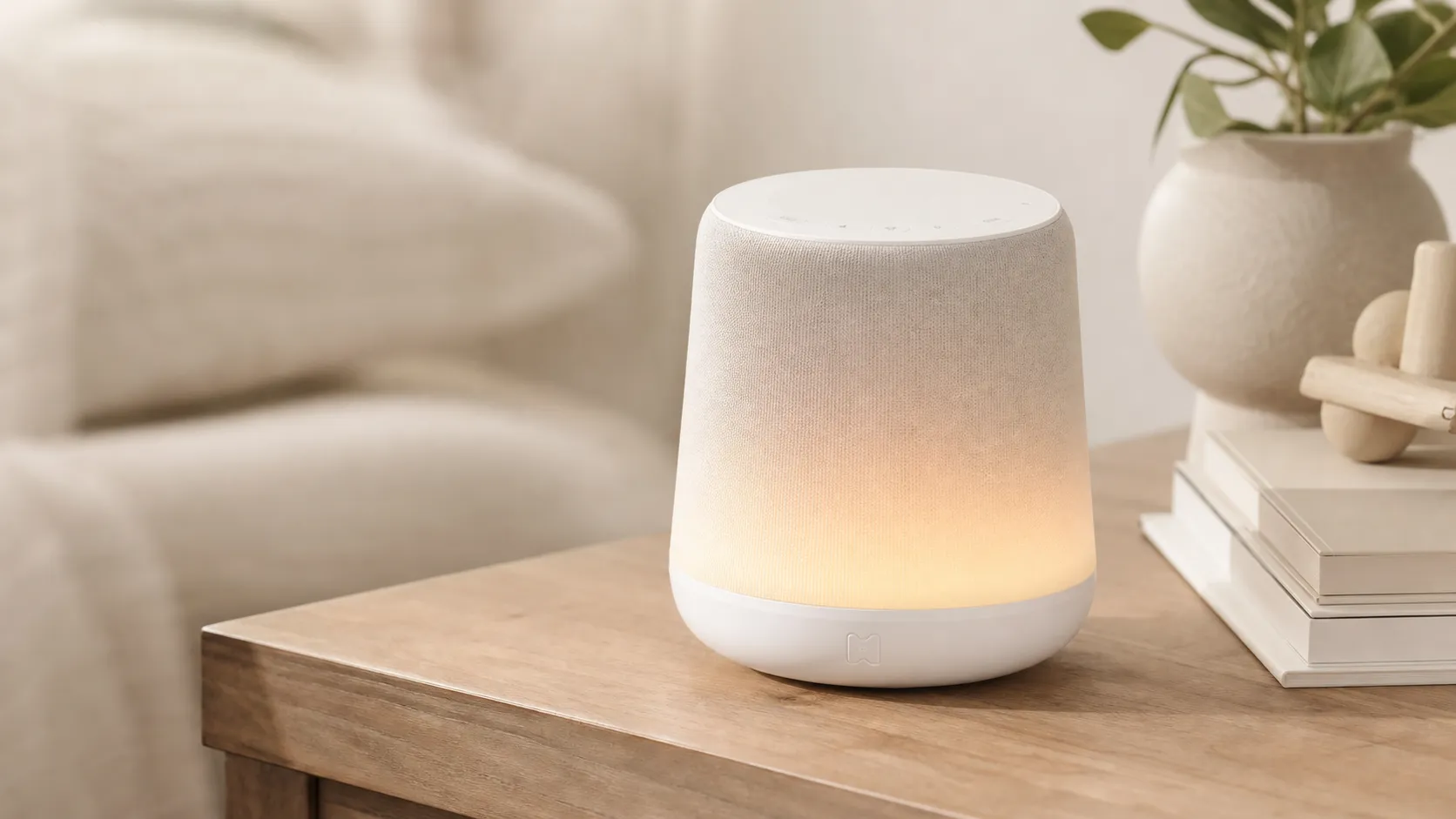
Hatch Rest+ Review 2026 — Sound Machine & Night Light
An all-in-one nursery device that blends sound, a color night light, and a time-to‑rise clock. Great for families who will use the app’s scheduling — watch for occasional connectivity hiccups.
 Baby & Kids
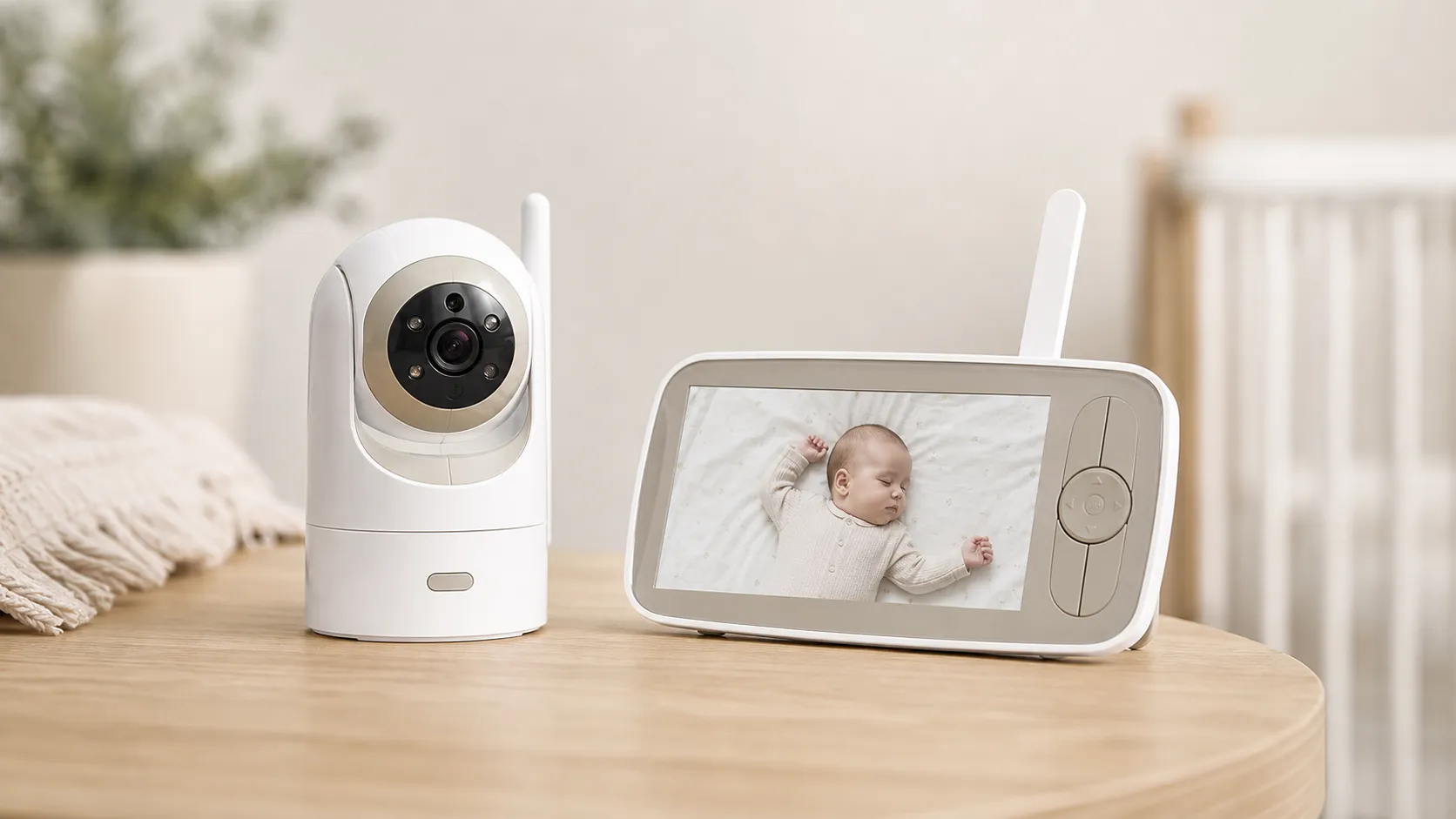
Infant Optics DXR‑8 Pro Video Baby Monitor — 2026 Review
A privacy‑first, high‑clarity non‑WiFi monitor with real optical zoom, clean audio, and long range — strong overall, but a minority report battery/charging issues.
 Baby & Kids
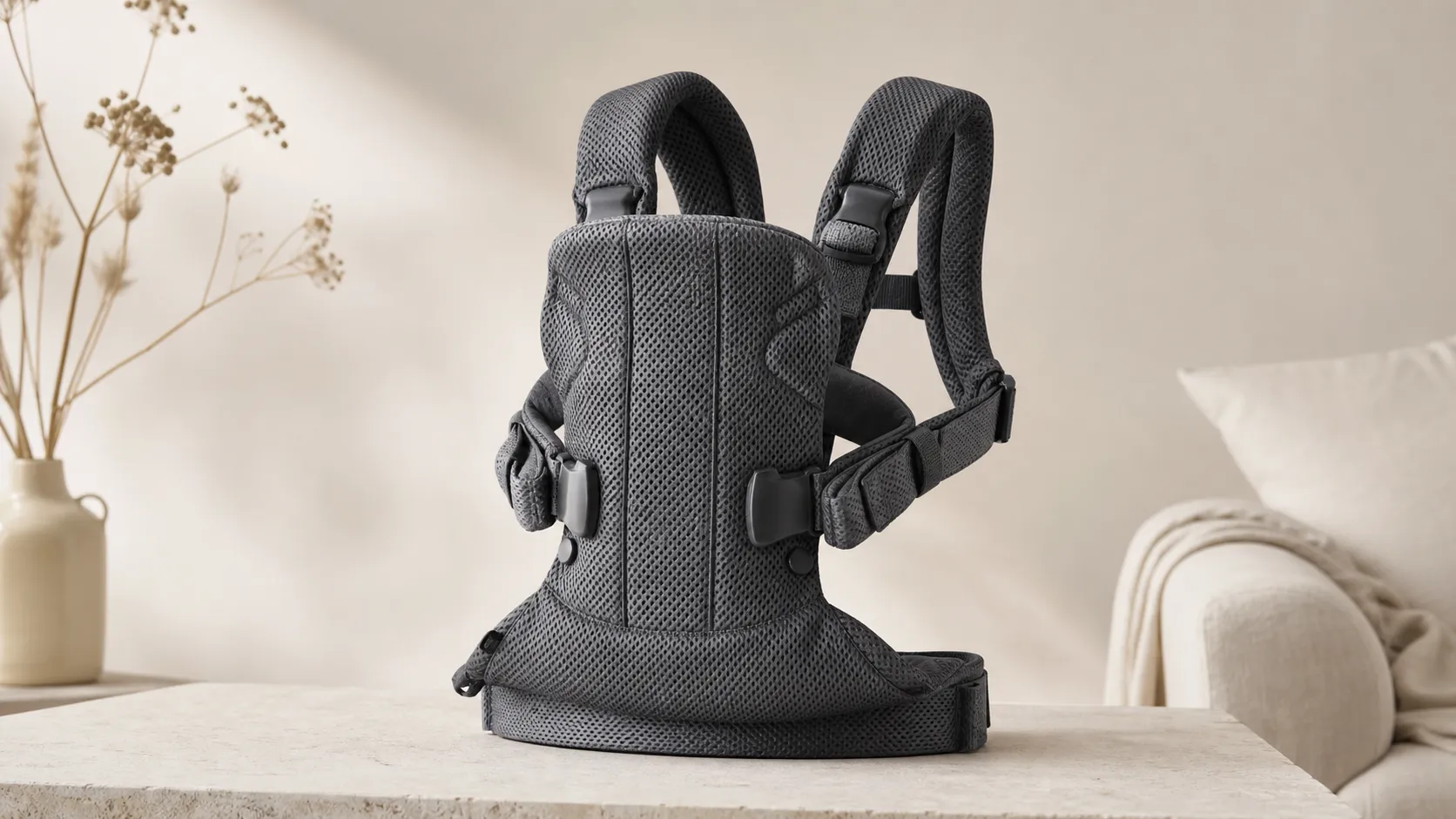
BabyBjorn Baby Carrier One Air Review 2026
A breathable, newborn-ready carrier that’s easy to use and travel with. Great for short-to-medium carries and warm weather, but less ideal for long, heavy-duty use.