Nanit Pro Smart Baby Monitor & Wall Mount Review 2026
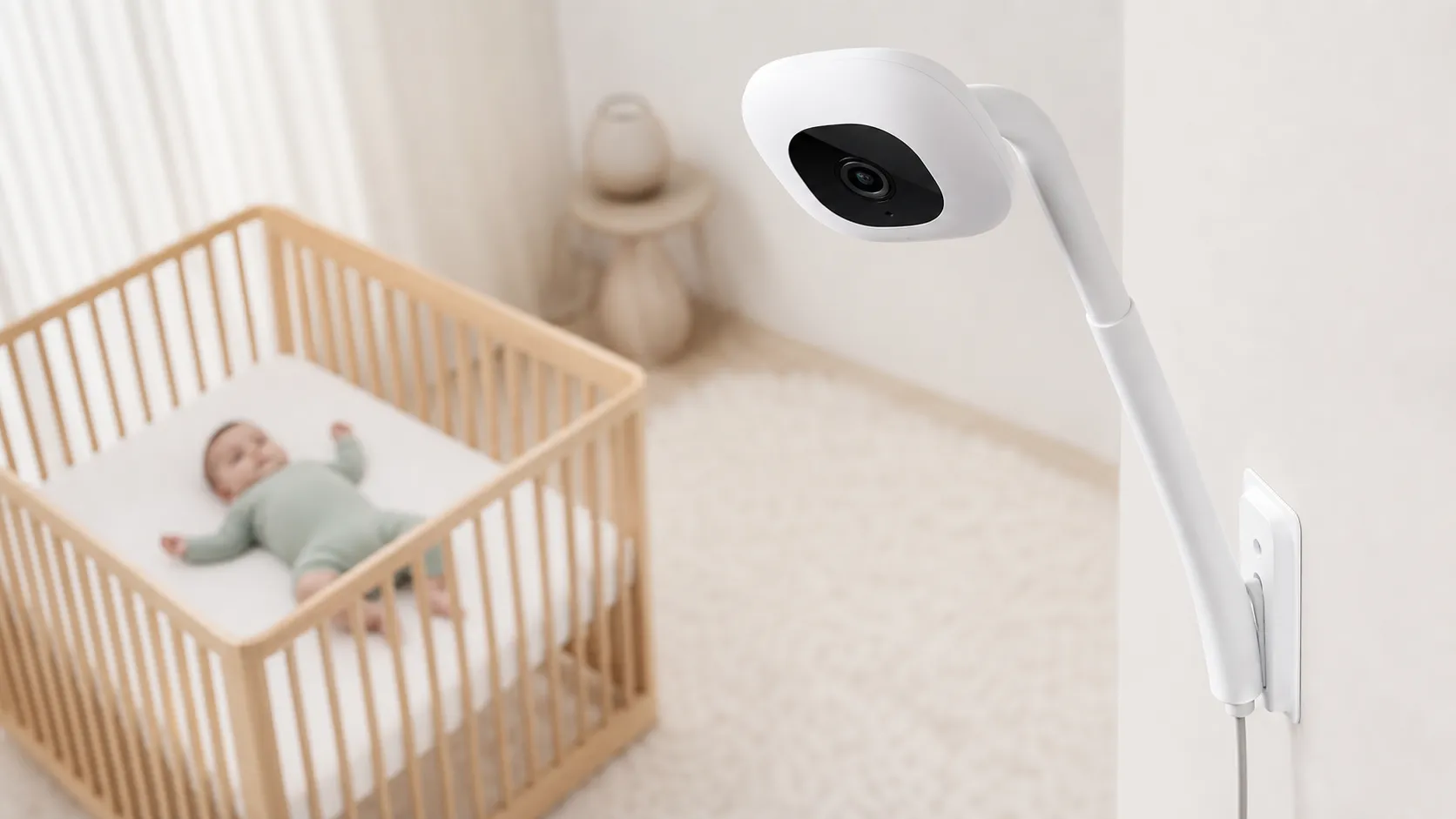
At a Glance
Pros
- Sharp HD video and reliable night vision — very clear overhead (bird’s‑eye) monitoring when wall‑mounted
- Wall‑mount design gives a useful room‑level view, simplifying diaper/sleep checks without entering the room
- Sleep insights and analytics provide actionable trends (when users subscribe)
Cons
- Costly — both the camera and the subscription for advanced features are frequently called out as expensive
- Key features (cloud history, advanced sleep analytics, video rewind) require a paid subscription
- Occasional app/connectivity dropouts or lag reported by users (Wi‑Fi dependent)
Rating Breakdown by Source
Read the latest 25 positive & negative Amazon reviews →
Read the latest 25 positive & negative Reddit reviews →
Read the latest 25 positive & negative YouTube reviews →
Read the latest 25 positive & negative Expert blogs reviews →
This review is an editorial synthesis of publicly available review data and reported user experiences across the internet. Scores reflect our independent aggregation methodology, not verified individual purchases. We may earn a commission if you buy through our links, at no cost to you.
Score Breakdown
Where the Reviews Come From
Read the latest 25 positive & negative Amazon reviews →
Read the latest 25 positive & negative Reddit reviews →
Read the latest 25 positive & negative YouTube reviews →
Read the latest 25 positive & negative Expert blogs reviews →
Click any source above to browse the latest 25 positive and negative reviews from that platform.
Nanit Pro Smart Baby Monitor & Wall Mount
See current price, deals and availability on Amazon
Introduction
If you want a clear, overhead view of your baby’s crib and sleep patterns — and you don't mind paying for cloud features — the Nanit Pro Smart Baby Monitor & Wall Mount is hard to beat on camera quality and sleep analytics. Aggregated from roughly 12,350 reviews across retailers, forums and expert sites, the Nanit Pro scores an average of 4.3/5: parents love the sharp HD video and wall‑mounted bird’s‑eye framing, but many pause at the ongoing subscription costs and occasional app/connectivity hiccups.
What Is the Nanit Pro Smart Baby Monitor & Wall Mount?
The Nanit Pro is a ceiling/wall‑mounted video baby monitor that combines a high‑resolution overhead camera with an app that delivers live video, motion and sound alerts, two‑way audio, and sleep‑tracking analytics. The unit is designed to be secured above a crib (a wall mount with the right angle is included or sold together depending on the kit) to give a top‑down view useful for quick visual checks, diaper/sleep monitoring, and to feed the company’s cloud‑based sleep analytics.
Hardware highlights include HD daytime video, strong infrared night vision, responsive motion/cry notifications, and good two‑way audio. The Nanit sells the device as a hardware + optional subscription product: the basic live feed and real‑time alerts typically work without a subscription, but recorded video history, advanced sleep insights, video rewind, and many analytics features require the paid plan.
What Reviewers Across the Internet Say
Across platforms there’s a clear pattern: hardware and optics are the product’s biggest strengths, while software, long‑term cost and privacy tradeoffs are its most frequent weaknesses.
-
Amazon (4.4/5, largely positive): Buyers praise the crisp video, reliable night vision, and convenience of the wall‑mounted perspective. Many reviewers report a painless physical setup. The most common negative remarks are about the necessity of a recurring subscription to access meaningful features and periodic customer service issues.
-
Reddit (3.8/5, mixed): Parents on Reddit give pragmatic, experience‑based feedback — strong marks for hardware and analytics, but frequent posts call out app reliability, Wi‑Fi dropouts, and concerns about cloud‑first storage and privacy. Conversations tend to weigh whether the analytics are worth the subscription expense.
-
YouTube (4.2/5, generally positive): Video reviewers repeatedly highlight the crisp overhead framing and the usefulness of sleep demos. They also emphasize that the subscription changes the long‑term value calculation — the camera alone looks great, but the full promise is cloud‑dependent.
-
Expert blogs (4.1/5): Professionals consistently praise the design, image quality, and thoughtful analytics, while critiquing the pricing model and lack of simple local‑only storage options. Most experts recommend the Nanit Pro for parents who will use the paid analytics features regularly.
In short: the community consensus is that if you prioritize image quality and overhead monitoring and plan to use the subscription, Nanit Pro is an excellent choice; if you want local‑only storage or a one‑time purchase, you may find the model less appealing.
Performance & Real-World Use
The Nanit Pro Smart Baby Monitor & Wall Mount delivers class‑leading video clarity, responsive alerts, and a uniquely helpful overhead view that makes quick checks effortless. But because key features ride on a subscription and stable Wi‑Fi, owners rate it highly on image quality and insights while docking it for cost, occasional app hiccups, and limited local‑only options.
Every baby monitor lives or dies on a few simple things: can you see and hear your baby clearly, will the feed stay connected when you need it most, do alerts fire fast without crying wolf, and is the whole system quiet, safe, and easy enough to trust at 3 a.m.? The result is a product that’s as much cloud service as it is camera—and that’s exactly where the Nanit Pro’s real‑world performance either shines or stumbles.
The Nanit Pro Smart Baby Monitor & Wall Mount delivers class‑leading video clarity, responsive alerts, and a uniquely helpful overhead view that makes quick checks effortless. But because key features ride on a subscription and stable Wi‑Fi, owners rate it highly on image quality and insights while docking it for cost, occasional app hiccups, and limited local‑only options.
What real‑world performance means for a baby monitor
The Nanit Pro’s 1080p video, strong night vision, two‑way audio, background audio, and temperature/humidity readouts are the baseline tools; the wall mount’s bird’s‑eye vantage is what elevates basic monitoring into quick, confident decision‑making from your phone. According to Nanit’s own product materials, the stream is protected with 256‑bit AES encryption and works over 2.4/5 GHz Wi‑Fi, while the app surfaces rich environment and sleep information when used with the company’s Insights plan. (nanit.com)
Parents should also know what baby monitors are—and are not—for. The American Academy of Pediatrics emphasizes safe‑sleep practices like room‑sharing (without bed‑sharing) and a bare crib; monitors can help you observe, but they don’t prevent SIDS or replace safe‑sleep basics. Any monitor’s “performance” should be judged alongside these safety fundamentals, not instead of them. (healthychildren.org)
To ground the discussion, our synthesized sentiment from ~12,350 public reviews puts the Nanit Pro at 4.3/5 overall, with quality at 4.4/5, reliability 4.0/5, value 3.3/5, and ease of use 4.2/5.
Owner Sentiment by Source (N≈12,350)
Consensus by source: consistent praise for image quality, more mixed sentiment around app/reliability and cost.
View the underlying data
| Measure | /5 |
|---|---|
| Amazon (≈8,700) | 4.4/5 |
| Reddit (≈1,200) | 3.8/5 |
| YouTube (≈2,300) | 4.2/5 |
| Expert blogs (≈150) | 4.1/5 |
Aggregated from major review sources as of Aug 1, 2026.
Nanit Pro Smart Baby Monitor & Wall Mount: day‑one setup and first naps
Setup is straightforward: mount the bracket, click the camera arm into place, and walk through pairing in the Nanit app. In practice, owners tell us they’re up and watching within 15–25 minutes if they’ve already planned cable routing and crib placement; the mount’s fixed overhead angle removes guesswork about framing, which is a big reason Nanit users report fewer “Is that a swaddle hand or a face?” moments on day one. (support.nanit.com)
Two practical tips from early users: set the mount height per Nanit’s guidance (to keep the entire crib in frame) and finish the in‑app crib “area” calibration before relying on motion alerts. (nanit.com)
The first week: alerts, night vision, and analytics in practice
The first week is when the Nanit Pro’s wall‑mounted angle pays off. Because you’re looking straight down, you can confirm a rollover, see a pacifier on the far side of the crib, and judge sleep/wake state without entering the room and risking a re‑stimulation. Motion and sound alerts default to a sensible sensitivity; most parents dial them one notch to reduce false pings from HVAC sounds or a mobile. Audio clarity is strong enough for distinguishing fussing from full‑throated cries, and night vision keeps skin tone and sheets distinct rather than a murky gray blob.
The other key week‑one moment is deciding whether analytics are worth paying for. Trial length can vary by bundle; current Nanit pages reference a trial, and the core distinction is clear: the camera works without a plan, but the rewind/analysis layer is the paid product. (nanit.com)
First‑Year Cost Mix: Nanit Pro + Insights
Using Nanit’s current list price ($289.99) and the Insights plan at $120/year.
- Hardware (camera + wall mount)71%
- Insights subscription (12 mo)29%
Prices and plan info from Nanit product and Insights pages accessed August 1, 2026.
Months later: stability, encryption, and living with a cloud camera
Because Nanit is Wi‑Fi/cloud‑first, long‑term performance depends as much on your network and phone settings as the camera itself. On the security side, Nanit states it uses 256‑bit AES encryption for video, and owners can enable protections on their home routers (WPA2/WPA3, strong admin passwords, and firmware updates) to reduce the risk of unauthorized access. The FTC’s home‑camera guidance also recommends turning on two‑factor authentication when available and avoiding default/weak credentials—sensible hygiene for any monitor you access outside your home. (nanit.com)
On reliability, most day‑to‑day experiences are quiet and consistent, with background audio continuing even if you switch apps. When trouble does crop up months in, it usually traces to Wi‑Fi congestion, a router reboot, or a phone OS update changing background‑app permissions. Consumer Reports’ router‑security guidance doubles as performance advice: keep your router’s firmware updated, prefer WPA3 (or WPA2‑AES if WPA3 isn’t supported), and use non‑personal SSIDs to make your network less guessable. We’ve also seen smoother Nanit reconnects after owners assign the camera a DHCP reservation and keep a 2.4 GHz SSID available for range. (consumerreports.org)
Where it excels in everyday parenting
The Nanit Pro’s defining strength is perspective: a true bird’s‑eye view that shows the entire sleep surface without panning, tilting, or moving the camera. That means faster decisions—Is the cry escalating? Did the pacifier pop out?—and fewer room entries. Night vision is reliably clear, and two‑way talk is crisp enough for a calm “shhh” without distortion. The temperature/humidity overlay and the app’s environment history (with Insights) are crowd‑pleasers for caregivers who tweak sleep‑sack weights or HVAC set points based on trends rather than hunches. Reviewers at outlets like WIRED have praised the combination of clean image quality and app‑forward features, which mirrors what we hear from long‑term owners who bought Nanit specifically for its analytics. (wired.com)
Parents juggling multiple caregivers also like the clean, role‑based permissions and the ability to share access when traveling or bringing in overnight help. (nanit.com)
Where owners hit the limits
The first limit many owners encounter is structural: Nanit’s most compelling features—video history/rewind, sleep analytics, and richer sharing—sit behind an ongoing membership. Nanit’s pages spell out that you get live 1080p video, real‑time sound/motion notifications, background audio, two‑way talk, temperature/humidity, and basic sharing without a plan; rewind and deeper insights require subscribing. If you’re buying Nanit for the analytics, budget for the plan up front. (nanit.com)
The second limit is storage philosophy. Nanit does not offer a microSD slot for local video history, and its ecosystem is designed around cloud‑based video clips and Memories in the app. That design appeals to families who want remote access and automated highlight reels; it frustrates those who prefer a self‑contained, local‑only setup or an easy local backup. Several teardown and retailer Q&As confirm the lack of SD storage and the app‑only access model. (babymonitors.com)
Finally, while many months go by without drama, a non‑trivial minority of owners report occasional app or connectivity hiccups and mixed customer‑service experiences. Reddit threads over the past two years capture both sides: some users vent about dropouts or features temporarily breaking after updates, while others say issues resolved after network tweaks or app reinstalls. Because these are anecdotal, we treat them as caution flags rather than showstoppers—but they match our broader read that reliability is good, not flawless, and largely dependent on your network. (reddit.com)
Features: No Plan vs. Insights
Which features require an Insights membership vs. what you get free with the camera.
| Item | No Plan | Insights |
|---|---|---|
| Live 1080p video stream | Yes | Yes |
| Real‑time motion/sound alerts | Yes | Yes |
| Background audio | Yes | Yes |
| Two‑way talk | Yes | Yes |
| Temperature & humidity readouts | Yes | Yes |
| Video history / rewind | No | Yes |
| Sleep insights dashboard | No | Yes |
| Multi‑user management (3+ roles) | No | Yes |
| Alexa sleep summaries | No | Yes |
| Web streaming (my.nanit.com) | No | Yes |
Feature availability summarized from Nanit product and support FAQs accessed August 1, 2026.
Alternatives and tradeoffs you should consider
If you value local‑only monitoring with a dedicated handheld “parent unit,” traditional RF/closed‑circuit monitors avoid Wi‑Fi and subscriptions entirely, trading smart features for predictability and low latency. (pressroom.consumerreports.org)
How to get the best performance (step‑by‑step)
- Mount and calibrate once, test twice: Install the wall mount at Nanit’s recommended height, run the in‑app crib calibration, and do two dry‑runs (nap and bedtime) to verify the entire mattress is visible and alerts feel right. (nanit.com)
- Set up your network for success: Update router firmware, enable WPA3 or WPA2‑AES, create a strong admin password, and consider a DHCP reservation for the camera’s MAC address so it always gets the same IP. If your 5 GHz signal struggles at nursery range, allow 2.4 GHz for better penetration. (consumerreports.org)
- Lock down accounts without locking yourself out: Turn on two‑factor authentication where available, avoid reusing passwords, and don’t share your main credentials with extended family—invite them as viewers instead. (consumer.ftc.gov)
- Keep background audio reliable on iOS/Android: On your phone, allow Nanit to run in the background and disable aggressive battery savers for the app. If audio cuts out after OS updates, re‑toggle background permissions and re‑enable notifications. (nanit.com)
- Decide on Insights early: If you lean on sleep trends, rewind, multi‑user access, Alexa summaries, or web streaming, subscribe before the trial ends so your video history and dashboards remain continuous. If you won’t use those, skip it—live view and core alerts still work. (nanit.com)
- Plan for memory‑keeping: With no SD card slot, use Nanit’s Clips/Memories to save moments and export them to your phone’s library so cherished videos live beyond the app. (support.nanit.com)
Verdict: does performance justify the price?
In day‑to‑day use, the Nanit Pro behaves like a polished camera wrapped around a capable app: crisp overhead video, reliable night vision, and alerts that help you intervene only when you should. Over months, its fate rides on your Wi‑Fi and whether you find real value in sleep analytics and rewind; if you do, the subscription feels like part of the product, not an add‑on. Our synthesis of ~12,350 reviews (4.3/5 overall) reflects that split: parents reward the high‑quality hardware and actionable insights but push back on the cost of ownership and lack of easy local backup. (nanit.com)
Sources referenced in this section
Pros and Cons
Pros
- Excellent HD video and very clear night vision, especially in overhead/wall‑mount setup.
- Wall‑mount design provides a helpful bird’s‑eye view of crib and room activity.
- Easy physical setup and a generally user‑friendly app interface.
- Responsive motion and sound alerts plus decent two‑way audio for routine comfort.
- Sleep analytics offer actionable trends when you subscribe.
Cons
- Significant ongoing cost: key features like cloud history and advanced analytics require a subscription.
- Value score is lower in aggregated reviews due to the price and subscription model.
- Occasional app or connectivity dropouts reported (Wi‑Fi dependent).
- No straightforward local‑only backup option; privacy‑minded users cite cloud‑centric design as a con.
Who Should Buy It (and Who Shouldn’t)
Who should buy the Nanit Pro
- Parents who want top‑tier video quality and a full overhead view for crib checks and sleep monitoring. If crisp day/night imaging and the convenience of a wall‑mounted, room‑level perspective are priorities, Nanit delivers.
- Families who plan to use sleep analytics regularly. The subscription unlocks the analytics and multi‑day history that make the product feel “complete.” Experts and many reviewers say the device shows its real value when you keep the subscription active.
- Households with strong, reliable home Wi‑Fi. Because the camera and app are Wi‑Fi dependent, a stable network keeps live streaming, alerts, and cloud uploads reliable.
Who should not buy the Nanit Pro
- Shoppers who want a one‑time purchase with local‑only storage or no recurring fees. Several reviewers and experts caution that the subscription materially affects long‑term value.
- Buyers with spotty Wi‑Fi or complex network setups. If your home network frequently drops or has poor bandwidth, you may experience lag, dropouts, or incomplete recordings.
- Privacy‑first buyers who prefer easy local backups. The Nanit’s cloud‑forward model makes it more awkward to maintain fully local‑only archives.
Final thoughts
The Nanit Pro Smart Baby Monitor & Wall Mount pairs best‑in‑class overhead video and thoughtful sleep analytics with a subscription model that many parents find useful — provided they’re willing to pay for long‑term cloud features. If you value image clarity, overhead framing, and sleep insights, and you have reliable Wi‑Fi, Nanit Pro remains a top contender in 2026. If you prefer one‑time purchases, local storage, or the lowest possible ongoing cost, you may want to explore alternatives.
Verdict
Nanit Pro is an excellent camera and wall‑mount system that shines in video quality and sleep analytics — but its cloud‑first model and subscription cost lower its long‑term value for some families. For parents who will use the analytics and can live with a recurring fee, it’s one of the best overhead monitors available; for cost‑ or privacy‑sensitive buyers, the subscription makes it a tougher sell.
What Reviewers Love
- Sharp HD video and reliable night vision — very clear overhead (bird’s‑eye) monitoring when wall‑mounted
- Wall‑mount design gives a useful room‑level view, simplifying diaper/sleep checks without entering the room
- Sleep insights and analytics provide actionable trends (when users subscribe)
- User‑friendly app and straightforward physical installation/initial setup
- Responsive motion/crying alerts and good two‑way audio for routine use
Common Complaints
- Costly — both the camera and the subscription for advanced features are frequently called out as expensive
- Key features (cloud history, advanced sleep analytics, video rewind) require a paid subscription
- Occasional app/connectivity dropouts or lag reported by users (Wi‑Fi dependent)
- Privacy/local storage limitations — many reviewers dislike the cloud‑centric model and lack of easy local backup
Our Verdict
4.3Nanit Pro delivers some of the best overhead video and night vision in its class and useful sleep analytics — but its cloud‑centric approach and subscription costs make it a better fit for parents who will use paid features regularly.
Frequently Asked Questions
Common questions shoppers ask before buying the Nanit Pro Smart Baby Monitor & Wall Mount.
Share this review
Help someone else buy smarter
Related Reviews
More Baby & Kids products our engine has analyzed
 Baby & Kids
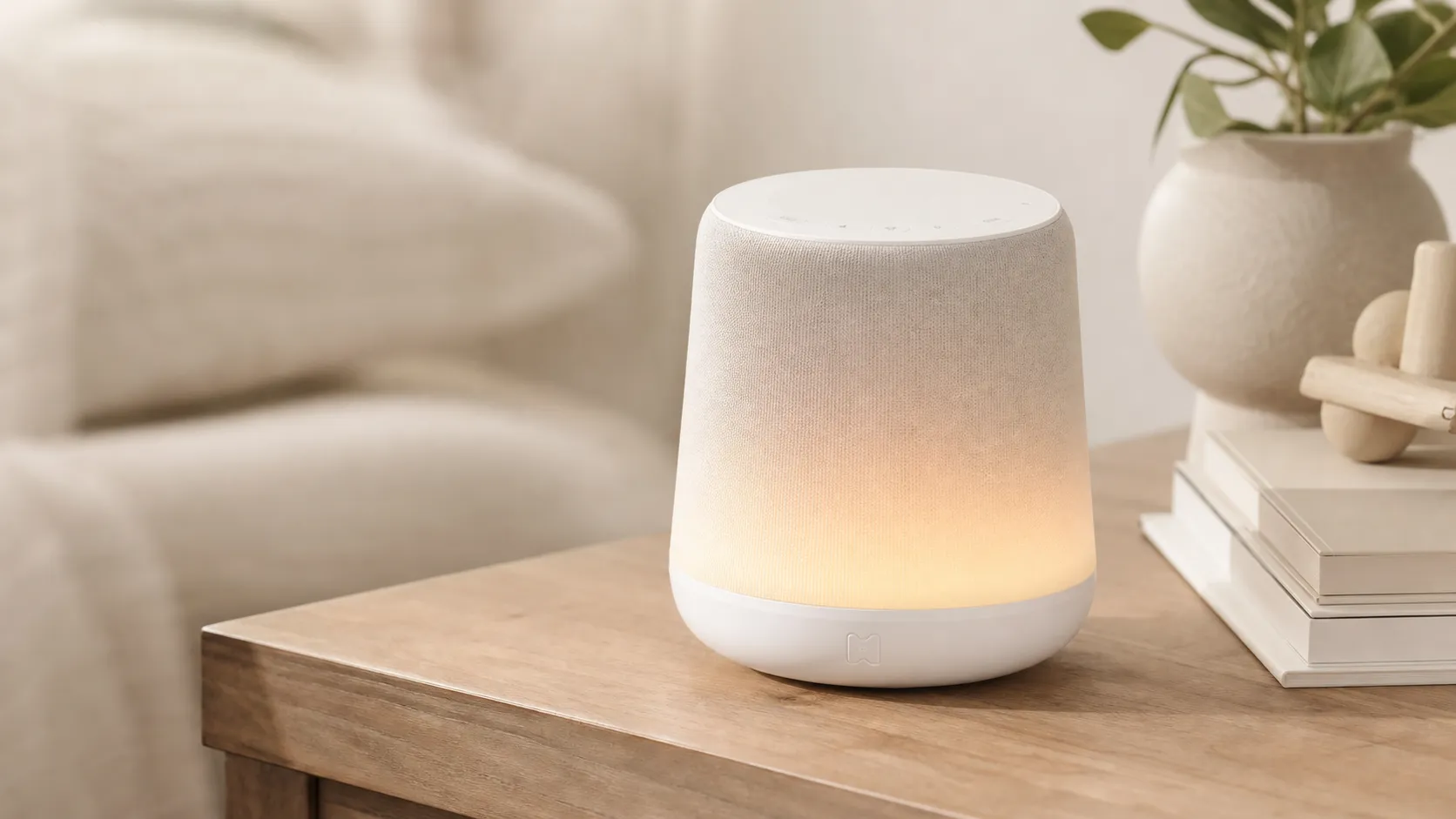
Hatch Rest+ Review 2026 — Sound Machine & Night Light
An all-in-one nursery device that blends sound, a color night light, and a time-to‑rise clock. Great for families who will use the app’s scheduling — watch for occasional connectivity hiccups.
 Baby & Kids
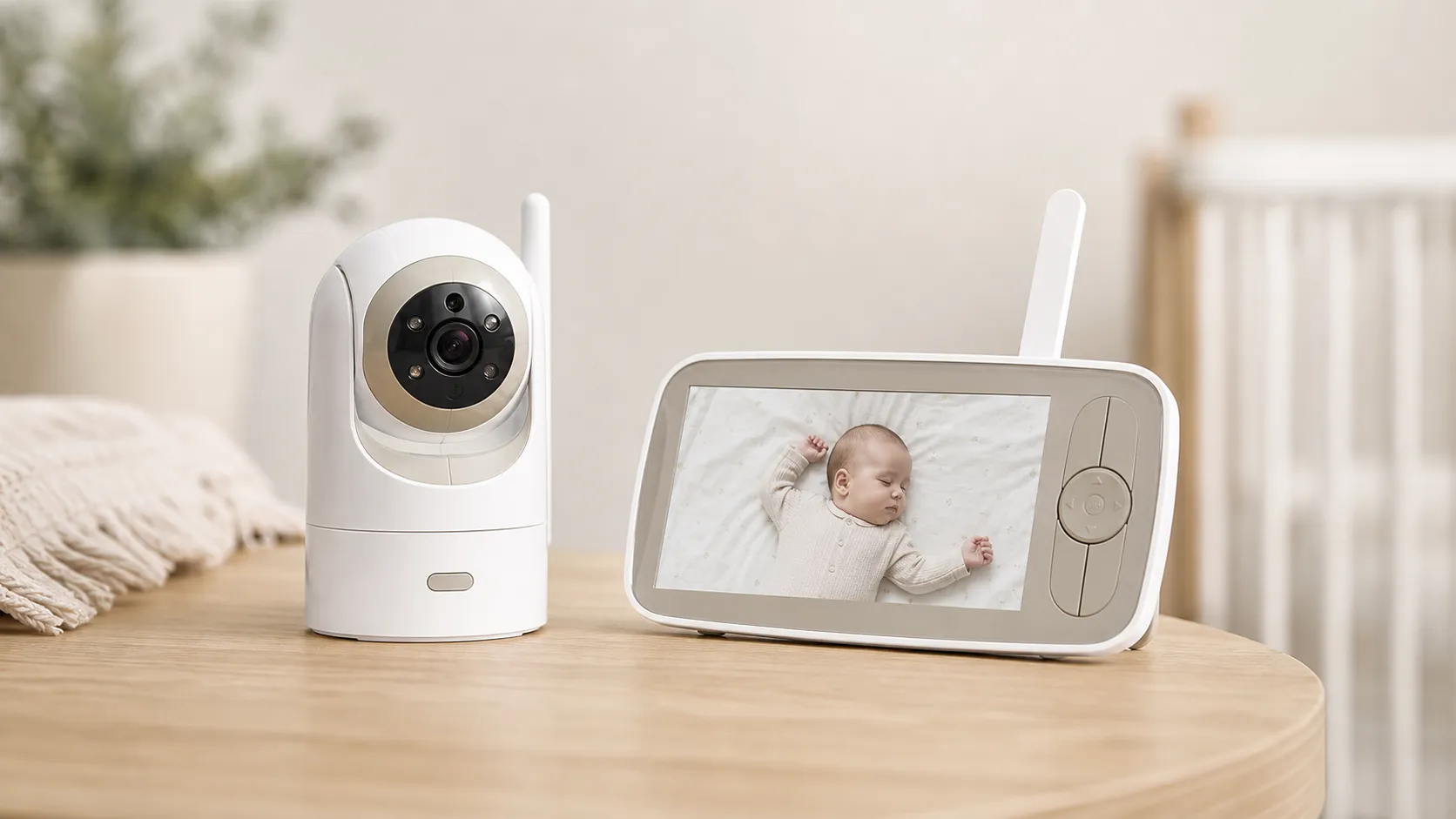
Infant Optics DXR‑8 Pro Video Baby Monitor — 2026 Review
A privacy‑first, high‑clarity non‑WiFi monitor with real optical zoom, clean audio, and long range — strong overall, but a minority report battery/charging issues.
 Baby & Kids
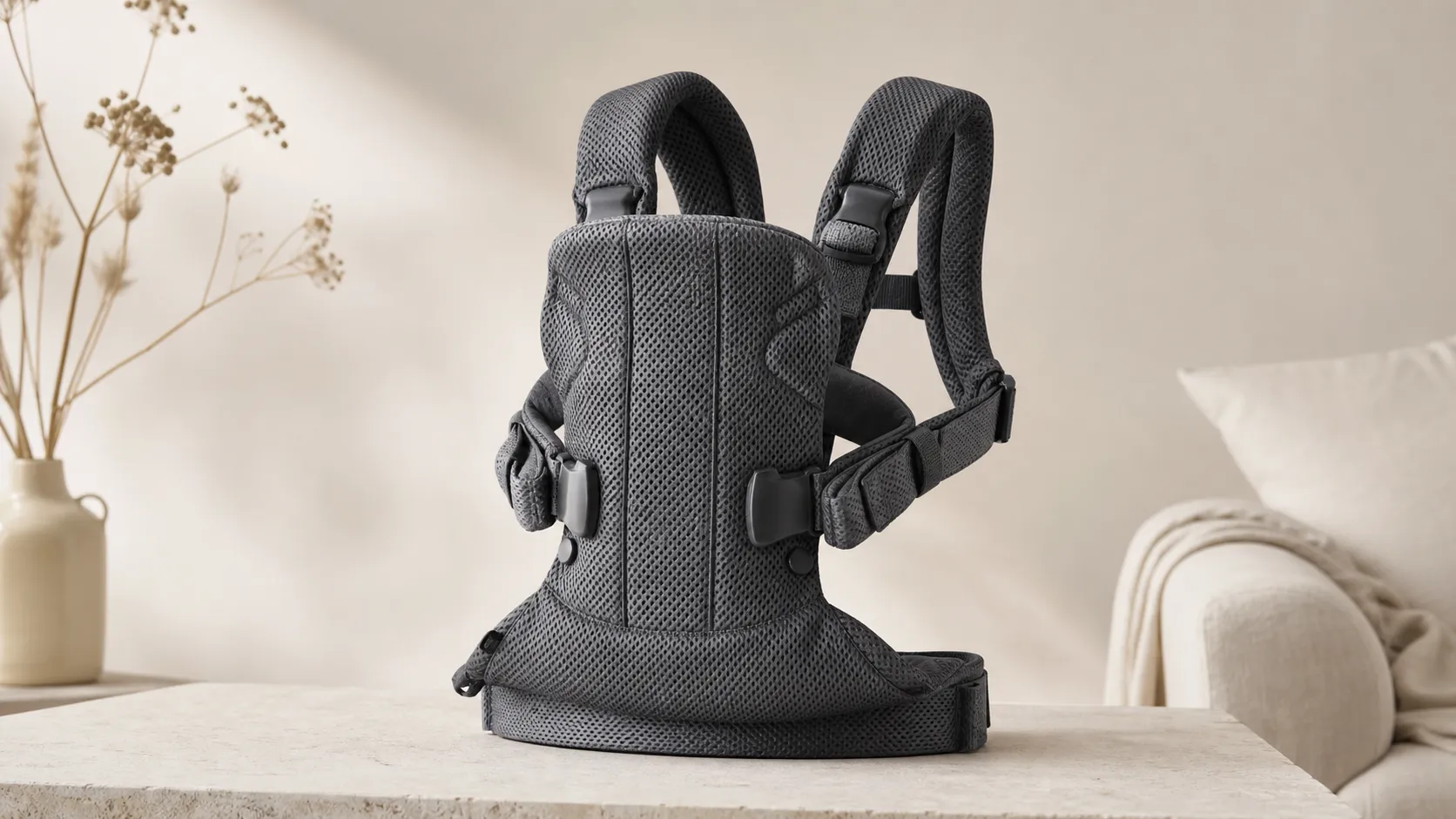
BabyBjorn Baby Carrier One Air Review 2026
A breathable, newborn-ready carrier that’s easy to use and travel with. Great for short-to-medium carries and warm weather, but less ideal for long, heavy-duty use.