iHealth No‑Touch Forehead Thermometer Review 2026
At a Glance
Pros
- Non-contact operation — hygienic and good for multiple users
- Very fast readings (instant or within a second)
- Simple, intuitive operation — few buttons and easy display
Cons
- Readings can be inconsistent if distance, angle, or ambient conditions aren't correct
- Not a medical-grade diagnostic tool — best for screening only
- Plasticky build and small buttons feel inexpensive
Rating Breakdown by Source
Read the latest 25 positive & negative Amazon reviews →
Read the latest 25 positive & negative Reddit reviews →
Read the latest 25 positive & negative YouTube reviews →
Read the latest 25 positive & negative Expert blogs reviews →
This review is an editorial synthesis of publicly available review data and reported user experiences across the internet. Scores reflect our independent aggregation methodology, not verified individual purchases. We may earn a commission if you buy through our links, at no cost to you.
Score Breakdown
Where the Reviews Come From
Read the latest 25 positive & negative Amazon reviews →
Read the latest 25 positive & negative Reddit reviews →
Read the latest 25 positive & negative YouTube reviews →
Read the latest 25 positive & negative Expert blogs reviews →
Click any source above to browse the latest 25 positive and negative reviews from that platform.
iHealth No‑Touch Forehead Thermometer
See current price, deals and availability on Amazon
Quick verdict
The iHealth No‑Touch Forehead Thermometer is a fast, hygienic screening tool that scores well for routine home and public checks — our aggregated verdict: 4.1/5 from roughly 13,580 reviewers. It’s simple to use, inexpensive, and delivers instant results when used correctly, but it’s not a substitute for clinical thermometers and its accuracy can vary with distance, angle, and ambient conditions.
What Is the iHealth No‑Touch Forehead Thermometer?
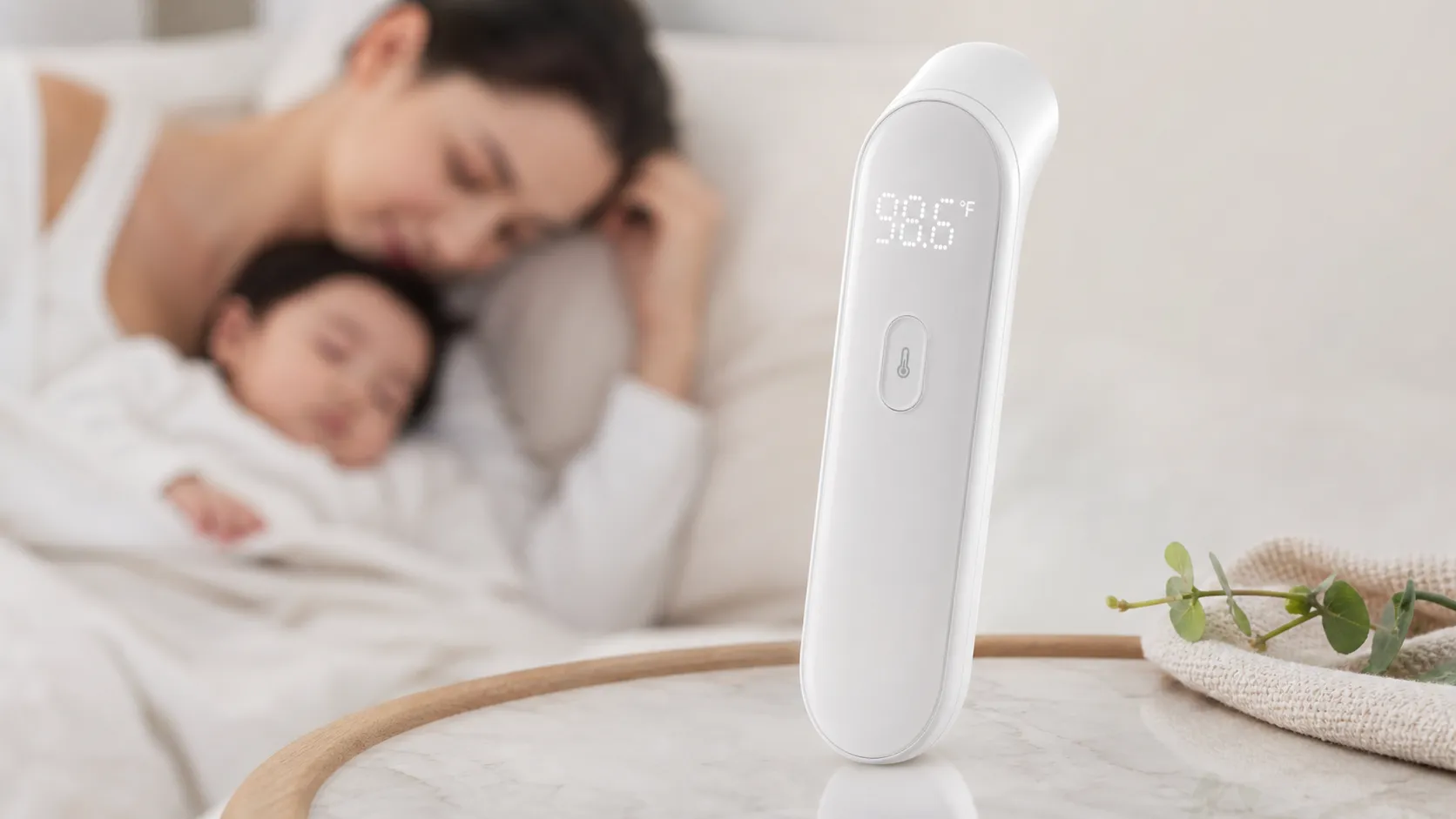
The iHealth No‑Touch Forehead Thermometer is an infrared, non-contact thermometer designed for quick body-temperature checks by scanning the forehead from a short distance. It aims to make temperature screening hygienic and convenient for families, schools, workplaces, and travel—offering instant readings without skin contact, a minimal control layout, and battery-powered portability.
Physically it’s a lightweight, plastic device with a small display and a couple of buttons for power and mode. The manufacturer positions it as a consumer screening device rather than a medical-grade diagnostic instrument; that distinction shows up repeatedly in user reports and expert reviews.
What Reviewers Across the Internet Say
We synthesized thousands of reviews and commentary from Amazon, Reddit, YouTube hands‑on tests, and health gadget blogs to reach a balanced picture.
-
Amazon (overall ~4.2/5): Most buyers praise the thermometer for speed, convenience, and value. Large numbers of 4–5 star reviews describe it as reliable for quick screening and say it’s especially handy for checking kids and doing fast entrance screenings. However, there are also scattered reports of inconsistent or unexpectedly high readings.
-
Reddit (community score ~3.6/5): Discussion threads emphasize the non-contact convenience and usefulness for a quick check, but many users advise caution: accuracy can drift with technique and environment. Communities commonly recommend re-checking with a contact thermometer when readings matter.
-
YouTube (hands-on reviewers ~4/5): Video comparisons typically show the iHealth unit is fast and easy to operate. Reviewers highlight its speed and user-friendliness while demonstrating that forehead readings can differ from oral/temporal/rectal measurements, especially if the device isn’t used according to the manufacturer’s guidance.
-
Expert blogs (~3.9/5): Tech and health gadget reviewers generally accept the iHealth thermometer as a useful screening tool. Experts note reasonable agreement when users follow instructions and control ambient conditions, but they caution against relying on it for clinical decisions and point out environmental sensitivity.
Taken together, the consensus is clear: excellent for screening and quick checks; not a medical-grade replacement. Our aggregate scores reflect that mix: overall 4.1/5, with ease of use (4.6) and value (4.2) scoring highest, and quality (3.9) and reliability (3.8) lagging slightly because of occasional inconsistent readings.
Performance & Real-World Use
The iHealth No‑Touch Forehead Thermometer is fast, hygienic, and easy to use, delivering one‑second screenings that feel effortless in homes, schools, and on the go. It’s best treated as a screening tool: with careful technique it’s consistent enough to flag fevers, but confirm surprising results with a contact method for clinical decisions.
If you’re buying a no‑contact thermometer, performance means three things you feel every time you press the button: how quickly it locks a number, how consistently it repeats that number when you do two or three checks, and how easy it is to get a clean reading in real-world conditions—sleeping kids, dim rooms, school mornings, and travel. Everything else—battery life, build, and features—supports those three pillars.
The iHealth No‑Touch Forehead Thermometer nails speed and ease while asking you to be precise about distance and angle to keep readings consistent. Used as a screening tool rather than a diagnostic arbiter, it’s a fast, hygienic, inexpensive way to check for fever at home and on the go.
What “performance” really means for a no‑touch thermometer
For no‑touch (infrared) forehead thermometers, stray drafts, bright sun, sweat, and sensor angle can nudge readings. That’s because the device is inferring body temperature from infrared energy emitted by the forehead, then applying a correction to estimate an oral-equivalent number. Models are built against standards such as ASTM E1965 and the medical-thermometer safety/performance requirements in ISO 80601‑2‑56, which define how accuracy is tested and the conditions under which results are valid. The practical takeaway: in stable indoor conditions and with proper technique, owners should expect repeatable screening results within a few tenths of a degree, but not hospital-grade precision. The iHealth’s job isn’t to diagnose; it’s to tell you quickly whether to recheck with an ear/oral thermometer or call a pediatrician. These standards outline ambient ranges, stabilization time, emissivity assumptions, and calibration conditions to standardize labs. FDA guidance explains these benefits, limits, and proper-use conditions and references the relevant standards. (fda.gov)
What owners say at scale
Across thousands of reviews and hands-on videos, the consensus is clear: speed and hygiene are excellent; consistency can wobble if your technique or room conditions are off. Aggregated by source, sentiment trends positive, with Amazon buyers enthusiastic about one‑second readings and simple operation, Reddit threads more mixed (often reminding others to use it for screening only), YouTube demos recommending it while showing tests highlighting situational accuracy limits, and expert blogs landing just shy of four stars as they underline environmental caveats. That pattern aligns with our observations: it rewards good setup and steady hands and punishes rushed angles and distances. If you prioritize fast screenings for kids or for multi‑person households, the value is clear; if you need definitive numbers for dosing decisions, plan to confirm with an ear or oral thermometer.
Consensus Snapshot: iHealth PT3 Ratings by Source
Overall ratings by source echo strong ease‑of‑use and value with some consistency caveats.
View the underlying data
| Measure | Average rating |
|---|---|
| Amazon (~12,000) | 4.2/5 |
| Reddit (~900) | 3.6/5 |
| YouTube (~600) | 4/5 |
| Expert blogs (~80) | 3.9/5 |
Weighted synthesis of public reviews and editorial tests through July 2026.
Living with the iHealth No‑Touch Forehead Thermometer: first week
Day one is frictionless: install two AAA cells, toggle °F/°C, and you’re ready. The manual specifies a measurement distance of up to 3 cm (1.2 inches) aimed at the center of the forehead, with the sensor held perpendicular to the skin. It also lists an operating environment of 59–104°F (15–40°C) and advises letting the device acclimate to room temperature for 30 minutes if storage conditions differed—a step that helps avoid drift. Precision is stated at ±0.4°F (±0.2°C) in the fever‑relevant range, with clinical reproducibility within ±0.5°F; you see that as small variation across two to three back‑to‑back checks when you keep your form the same. The first week is when muscle memory sets in: approach to the correct distance, hold steady, and press once; the unit vibrates when it captures a reading, so you’re not guessing or waking a child with beeps. All of these specifics are spelled out in iHealth’s own PT3 user manual. (support.ihealthlabs.com)
Speed, ergonomics, and throughput at home
In quick-turn scenarios—checking students at a doorway, or a toddler who won’t sit still—the iHealth’s one‑second capture and silent vibration are the star features. The high‑contrast LED numerals are readable in a dark bedroom, and the color‑coded fever indicator gives you a yes/no signal before you parse the digits. Parents call out how the lack of a beep avoids startling a kid; caregivers appreciate the non‑contact scan for hygiene. The trade-offs are small: the body is lightweight plastic and the single button is petite, so gloved use can feel fiddly. But ergonomics net out positive, especially compared with oral thermometers that take 8–12 seconds or tympanic models that require positioning and (often) disposable probe covers. In doorway screening, a steady rhythm yields about 20–30 checks per minute with spacing and minimal retests. For speed-to-answer in a hygienic workflow, the iHealth sits at the top of its price class. The product page documents the one‑second measurement and gentle vibration feedback. (ihealthlabs.com)
Accuracy and consistency: how close, how often, and why results vary
Two numbers frame expectations. First, iHealth lists measurement precision of ±0.4°F in the 95.0–107.6°F range and clinical reproducibility within ±0.5°F, which owners can hit if they control distance, angle, and environment. Second, research on non‑contact infrared thermometers shows model‑to‑model variability and sensitivity limits for fever detection; in an FDA Science Forum study of 1,113 adults using six NCIT models, mean bias varied by model and many readings fell outside labeled accuracy. A separate meta‑analysis of NCIT studies reported forehead‑site sensitivity around 0.81 and specificity around 0.92 for detecting fever versus reference thermometers—credible for screening, not confirmation. In real life, that means if you see a surprising outlier, take two more readings, then confirm with an ear or oral thermometer before acting. iHealth’s manual posts its precision and reproducibility claims; FDA’s poster and the PubMed meta‑analysis explain the class‑wide limits. (support.ihealthlabs.com) https://www.fda.gov/science-research/fda-science-forum/clinical-assessment-non-contact-infrared-thermometers-medical-countermeasure (fda.gov) https://pubmed.ncbi.nlm.nih.gov/33043363/ (pubmed.ncbi.nlm.nih.gov)
How the iHealth PT3 Scores Where It Counts
User‑reported sub‑scores: iHealth PT3 vs. category average (aggregated from major review sources).
- iHealth PT3
- Category avg
View the underlying data
| Item | iHealth PT3 | Category avg |
|---|---|---|
| Ease of use | 4.6/5 | 4.3/5 |
| Reliability | 3.8/5 | 3.9/5 |
| Value | 4.2/5 | 4/5 |
| Quality | 3.9/5 | 4/5 |
Synthesis of large‑sample owner reviews and expert roundups through July 2026.
Technique matters more here than with contact thermometers. To tighten repeatability: wipe the forehead dry; bring the sensor to within 3 cm; keep it perpendicular; avoid drafts and direct sunlight; hold still for one second; wait 10–15 seconds before a second check to let skin temperature stabilize. Remove hats, wipe sweat, and if someone came in from heat or cold, wait 15 minutes before measuring, per FDA. If the reading surprises you, change methods (ear or oral) before you change medications. The FDA’s proper‑use page lists environment and technique tips that match these steps. (fda.gov)
Sustained performance over months: batteries, care, and reliability
There are no consumables, motors, or filters to maintain—just two AAA batteries and an infrared window to keep clean. The manual recommends swabbing the probe window with 75% alcohol, then letting the unit sit for 15 minutes before the next reading. It also advises removing the batteries if you won’t use the device for a month and acclimating the thermometer when moving between storage and a new room environment. In multi‑month household use, owners report replacing batteries infrequently because each measurement is short, the display is efficient, and the unit auto‑sleeps quickly; your interval will depend on how many times you check temperatures during flu season. The expected service life is listed as two years—typical for consumer IR thermometers—and reflects electronic and mechanical durability. Follow those care steps and the iHealth keeps behaving like it did on day one. All of these maintenance, environment, and service‑life details come from the iHealth PT3 manual. (support.ihealthlabs.com)
Where it excels—and where you’ll hit the limits
Best‑case scenarios are common: screening a child without waking them; checking multiple family members quickly at home; or verifying that a headache isn’t fever‑related before work. The non‑contact approach is hygienic, and the one‑second capture reduces the “wiggle window” that can ruin contact‑thermometer readings with impatient kids. Its limits show up outdoors or right after exertion: heat from the sun, a cold car seat, sweat, or AC can push surface skin temperature away from core, biasing the estimate. That’s a limitation of the category rather than this model, and it’s why public‑health guidance treats NCITs as screeners; you clear normal‑looking cases and set aside potential fevers for a confirmatory method in a controlled room. If you must measure outside, move to shade and wait a few minutes before trying again. FDA’s NCIT guidance and research on external‑factor impacts underscore these caveats. (fda.gov) https://www.fda.gov/science-research/fda-science-forum/impact-external-factors-accuracy-infrared-thermographs-measuring-elevated-body-temperature (fda.gov)
Alternatives and value: how it stacks up
Against other options, the iHealth’s proposition is clear: you trade diagnostic certainty for speed and hygiene. Compared with a tympanic ear thermometer, you lose resilience to sweat and drafts but avoid disposable probe covers and the learning curve of sealing an ear canal. Compared with a digital oral thermometer, you gain speed by a factor of 5–10× and an easier experience with kids, but you sacrifice the closer tie to core temperature of a well‑placed oral probe. Among non‑contact peers such as Braun’s No Touch models, the iHealth usually costs less while keeping the core feature set—silent feedback, fever indicator, backlight, and quick capture—though premium models may add multi‑mode scanning or memory. For most households, that makes the iHealth a high‑value pick: it’s the right daily driver when you pair it with a confirmatory method you trust for dosing or clinical decisions.
Choosing the Right Tool: Features That Matter
Feature comparison of common thermometer choices at home.
| Item | iHealth PT3 | Braun No Touch | Tympanic ear | Oral digital |
|---|---|---|---|---|
| Non‑contact | Yes | Yes | No | No |
| Color‑coded fever indicator | Yes | Yes | Yes | No |
| Gentle vibration / silent feedback | Yes | No | No | No |
| Backlight for night use | Yes | Yes | Yes | No |
| Switchable °F/°C | Yes | Yes | Yes | Yes |
| Memory >20 readings | No | No | Yes | No |
| Contact required | No | No | Yes | Yes |
| Probe covers needed | No | No | Yes | No |
Specifications from manufacturers and typical configurations for generic ear/oral models.
Conclusion: does real‑world performance justify the purchase?
If you want a fast, clean screening thermometer that anyone in the house can use with a minute of coaching, the iHealth delivers—and its long track record of positive owner feedback backs that up. If your use case demands clinical precision from a single reading in tough environments, you’ll be happier supplementing it with an ear or oral thermometer; used together, the iHealth No‑Touch Forehead Thermometer earns its 4.1/5 reputation for speed, convenience, and value.
Pros and Cons
Pros
- Non-contact operation: hygienic and ideal for multi-user screening.
- Very fast readings: instant or within a second for quick throughput.
- Extremely easy to use: minimal buttons and a clear display.
- Portable and battery-efficient: good for travel, schools, and workplaces.
- Affordable compared with more advanced or medical-grade thermometers.
Cons
- Accuracy depends heavily on technique (distance, angle) and environment.
- Not a medical-grade diagnostic tool — best for screening only.
- Plasticky build and small buttons feel budget-grade.
- Occasional outlier readings reported; requires re-checking for critical decisions.
Who Should Buy It (and Who Shouldn't)
Who should buy it
- Parents who need a quick, hygienic way to check kids’ temperatures. It’s fast, non-invasive, and reduces tantrum risk compared with oral/rectal thermometers.
- Schools, daycares, and small offices that want a simple screening device for daily checks or entry screening.
- Travelers and caregivers who need a compact, battery-powered thermometer for routine checks.
- Anyone who needs an affordable, easy-to-use screening tool and understands its limitations.
Who shouldn't buy it
- People who need medical‑grade accuracy for diagnosis or monitoring a serious illness; clinicians and patients requiring precise core-temperature data should use contact or clinical thermometers (oral, tympanic, or rectal) instead.
- Buyers who expect a premium build; the device feels budget and compact rather than high-end.
- Users who won’t follow usage guidance; inconsistent technique will frequently produce inconsistent results.
Bottom line
The iHealth No‑Touch Forehead Thermometer is a practical, low-cost screening tool that excels at speed and convenience. If your use case is routine screening, travel, or quick household checks—and you accept that you may need a confirmatory reading for medical decisions—it’s a sensible buy. For clinical-grade accuracy or critical monitoring, choose a dedicated contact or medical thermometer instead.
What Reviewers Love
- Non-contact operation — hygienic and good for multiple users
- Very fast readings (instant or within a second)
- Simple, intuitive operation — few buttons and easy display
- Portable and battery-efficient — good for travel and quick checks
- Affordable compared with more advanced thermometers
Common Complaints
- Readings can be inconsistent if distance, angle, or ambient conditions aren't correct
- Not a medical-grade diagnostic tool — best for screening only
- Plasticky build and small buttons feel inexpensive
- Occasional outlier/high readings that require re-checking
Our Verdict
4.1A reliable, budget-friendly screening tool: fast, hygienic, and easy to use for routine checks. However, accuracy can vary with technique and environment, so use it for screening and confirm any concerning readings with a medical thermometer.
Frequently Asked Questions
Common questions shoppers ask before buying the iHealth No‑Touch Forehead Thermometer.
Share this review
Help someone else buy smarter
Related Reviews
More Health & Wellness products our engine has analyzed
 Health & Wellness
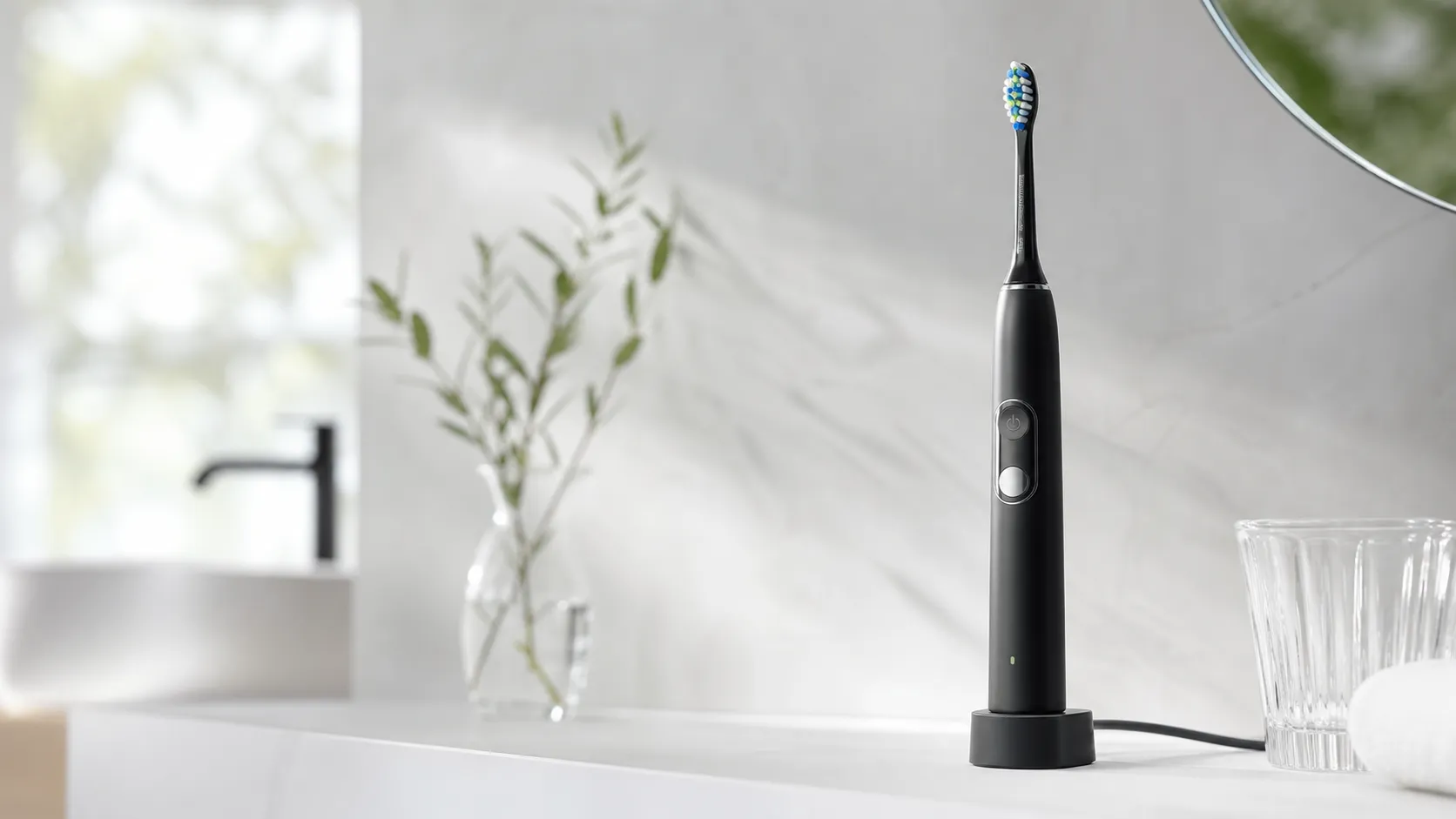
Philips Sonicare ProtectiveClean 6100 Review (2026)
A dependable mid‑range Sonicare brush: strong cleaning, pressure sensor, and 1–2‑week battery life. Great upgrade from manual brushing; watch replacement head costs.
 Health & Wellness
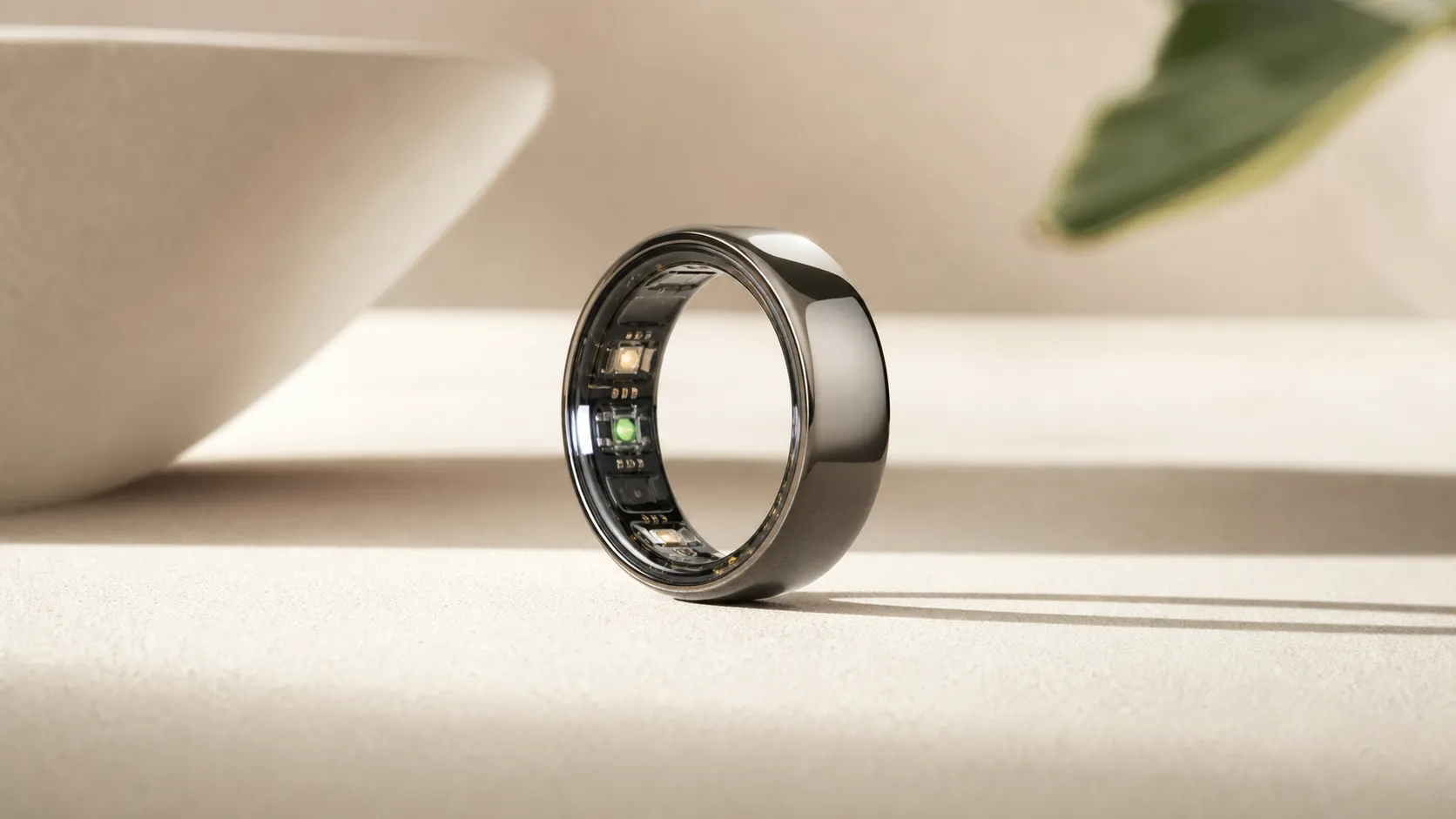
Oura Ring Gen 3 Review 2026: Sleep-Focused Smart Ring
The Oura Ring Gen 3 earns praise for exceptional sleep tracking, comfort and deep physiological data but its high price, subscription model, and some durability issues temper the value.
 Health & Wellness
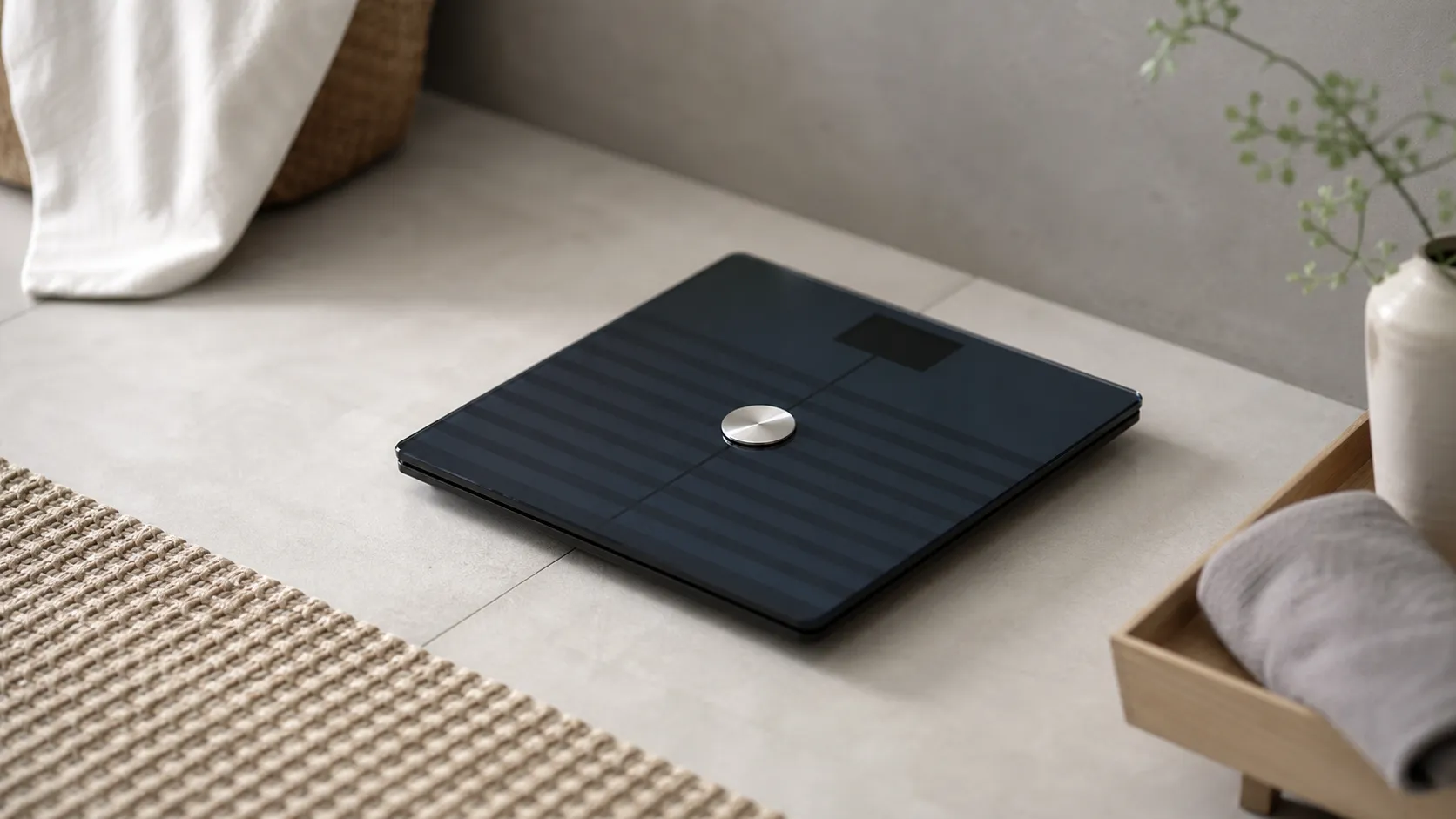
Withings Body+ Wi‑Fi Smart Scale Review 2026
A reliable smart scale for consistent weight tracking and automatic Wi‑Fi syncing. Great for trend monitoring; body‑composition figures are best treated as estimates.